

You’ve hit your search limit
Start your free trial to keep exploring full traffic and performance insights.
Get StartedSuper long time-lapse app analytics for January 7

Super long time-lapse
- HIROFUMI MARUO
- Apple App Store
- Paid
- Photo & Video
This is a video app that allows you to take super-time-lapse photos.
It takes videos of phenomena that move only a few centimeters over the course of a few hours, and plays them back in a compressed time format. You can also store images in iCloud Drive every time you take a photo if you specify.
* iCloud Drive must be turned on in order to share content in iCloud Drive.
* When taking landscape photos, be sure to disable the display rotation lock.
It has the following features:
- You can check the composition on the preview screen before starting shooting.
- Shoots at regular intervals. The shooting interval can be specified in 5-second increments from 5 seconds to 24 hours 59 minutes 55 seconds.
- Shooting time can be specified in 5-second increments from 5 seconds to 998 hours 59 minutes 55 seconds. (About 41 days)
- You can specify the start time and shooting time.
- After shooting starts, the time until the start time is counted down. During this time, the camera will not start and battery consumption will be reduced.
- If the start time is past the current time, shooting will start from the current time.
- You can specify auto focus (AF) and auto exposure (AE). (If the camera supports it)
- The frame rate and playback time are automatically set by setting the playback magnification (1x to 300x).
- Video quality can be specified in three levels: high, medium, and low. The following resolutions will be used depending on the device.
Models capable of 4K video recording: 3264 x 2448, 1280 x 720, 640 x 480
iPhone 6 and later: 1920 x 1080, 1280 x 720, 640 x 480
- Whether the video is portrait or landscape will depend on the orientation of the device.
- Photos taken can be stored in iCloud Drive (when specified).
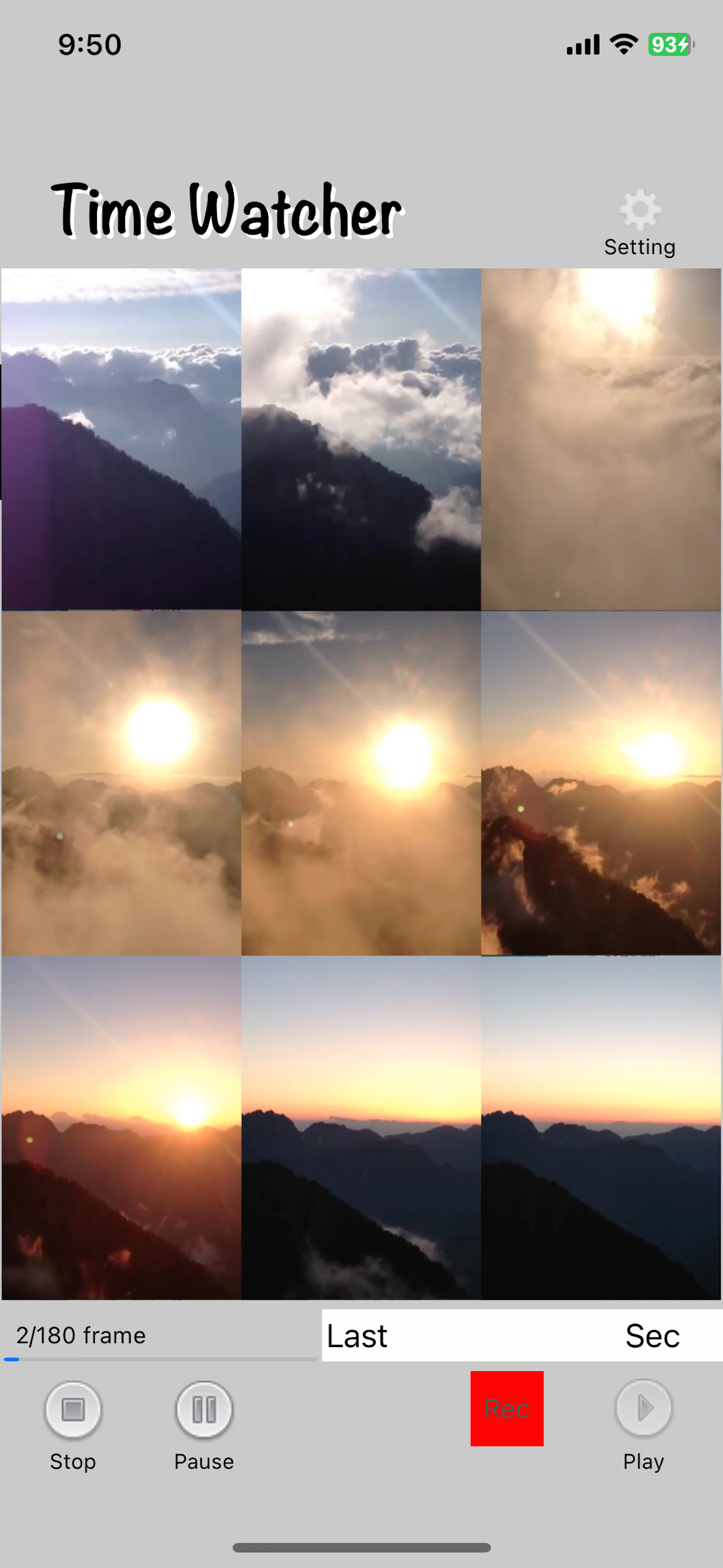
- Each photo taken is made into a thumbnail and pasted on the screen.
- A countdown is displayed until the next shutter release.
- The number of shots taken is counted up as the number of video frames.
- When you exit, the images you have taken are converted to video and saved in the app and in the camera roll.
- Videos in the app are overwritten each time.
- Videos in the app can be played.
[Note]
- We cannot guarantee that images will be taken at the specified time under any circumstances.
- If the time limit for sending emails or autofocusing is exceeded, images may not be taken.
- We cannot compensate customers for any damages for any reason.
Store Rank
The Store Rank is based on multiple parameters set by Google and Apple.
All Categories in
United States--
Photo & Video in
United States--
Top Competitors & Alternative Apps
Apps with a high probability of being used by the same users, from the same store.

Time Lapse Plus

インターバルカメラ - 自動撮影&フィルター

Auto Cam Photo Standard

Slow repeat camera
 Super long time-lapse VS.
 January 7, 2026