

You’ve hit your search limit
Start your free trial to keep exploring full traffic and performance insights.
Get StartedAnálisis de la app CAD Import - For PDF to DWG para 10 de octubre

CAD Import - For PDF to DWG
- 沦 彭
- App Store de Apple
- Gratis
- Artes gráficas y diseño
CAD Import is a tool for converting vector graphics to CAD files, including various vector formats to various versions of CAD. Easily converting various graphics on iPhone, iPad, and Mac.
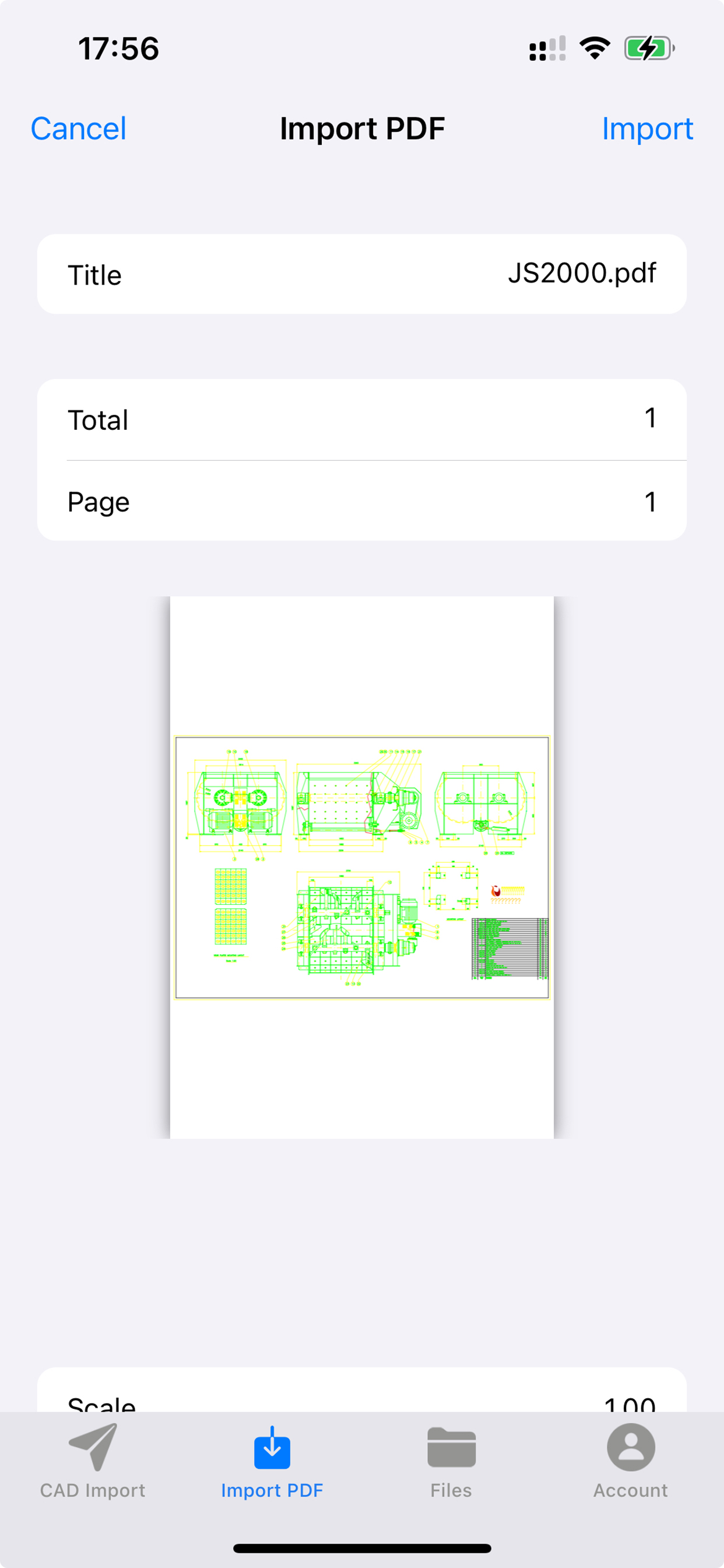
Sometimes you receive a PDF file or other vector graphics that you want to convert it to a .dwg file or a .dxf file, but you do not have a good way to do this and you have to draw each pattern in the CAD tool. Now you do not have to do that, with CAD Import, you can easily complete this thing, just need to press a few buttons, it will save you a lot of time, let you put your attention on other things.
Supported formats:
1. PDF: PDF files must contain vector graphics.(Free of PDF files within 100k)
2. DWF: Drawing Web Format(Autodesk).(in app purchase)
3. DAE: COLLAborative Design Activity(Collada).(in app purchase)
4. DGN: MicroStation and Interactive Graphics Design System (IGDS) CAD supported CAD format.(in app purchase)
5. DXF: AutoCAD format.(in app purchase)
6. DWG: AutoCAD format.(in app purchase)
Main Feature:
1. Multiple vector graphics to CAD:
- Convert PDF to dxf, dwg and dwf,
- Convert DWF to dxf, dwg,
- Convert DAE to dxf, dwg and dwf,
- Convert DGN to dxf, dwg and dwf,
- Convert SVG to dxf, dwg and dwf,
- Convert DXF and DWG to diffrent version of dwg and dxf,
- Convert DXF and DWG to dwf.
2. Vector Graphics (PDF) to CAD:
Convert all entities: Convert all entities in the PDF file, including lines and text. The conversion parameters can be modified in "More parameter settings".
Set PDF import data, including vector, entity, TrueType text, and more.
Set the import method, such as import as a block, apply line weight characteristics, import TrueType text into geometry, and so on.
3. Output Format: The default output format is DWG. If you need to convert to other versions of dwg and dxf, you can choose according to your needs.
4. Preview: All recognizable conversion formats support preview, including PDF, DWF, DAE, DGN, DXF, and DWG. And allows you to resize the preview window, zoom in and out by scrolling the mouse, double-click to restore preview. If your vector graphics are large, loading the preview will take a lot of time, you can choose not to load, just check the "Disable loading preview" button. When you need to view the preview, you can load it through "Load Preview" and "Load All Preview" in the PopupMenu of the file list.
5. User-friendly Interface: Click on the header to sort column, open the source file directory with "Show in Finder", open the output directory, batch conversion of different types of files to CAD, etc.
Note: This tool only supports vector graphics, when you convert PDF files, you need to pay attention to whether your PDF file is a vector graphics. When your vector graphic file size is large(size>10M), the conversion may take a long time, the tool will not respond to your operation(appears color wheel), please be patient. In the test, there is a PDF vector file, the size is 28.6M, the output dxf file is 39M, conversion takes about 4 minutes, you can use this time to estimate your own conversion time.
We regularly update the product, if you have any questions or suggestions, please send a message to the mailbox(moonlight_beauty@yeah.net), or leave a message on our website.
If you are enjoying the app, please consider leaving a review or rating.
Clasificación de tiendas
El Store Rank se basa en múltiples parámetros establecidos por Google y Apple.
Todas las categorías en
Estados Unidos--
Artes gráficas y diseño en
Estados Unidos--
Principales competidores & aplicaciones alternativas
Aplicaciones con una alta probabilidad de ser utilizadas por los mismos usuarios, desde la misma tienda.

Image&PDF to CAD-CAD Converter

CadAuto: DWG DXF CAD Viewer 3D

CAD Viewer Editor

DrafterPro 2D CAD & DWG Editor
 CAD Import - For PDF to DWG VS.
 octubre 10, 2026