

You’ve hit your search limit
Start your free trial to keep exploring full traffic and performance insights.
Get StartedAnálisis de la app ClipFlow: Video Editor para 5 de octubre

ClipFlow: Video Editor
- 辉 周
- App Store de Apple
- Gratis
- Foto y vídeo
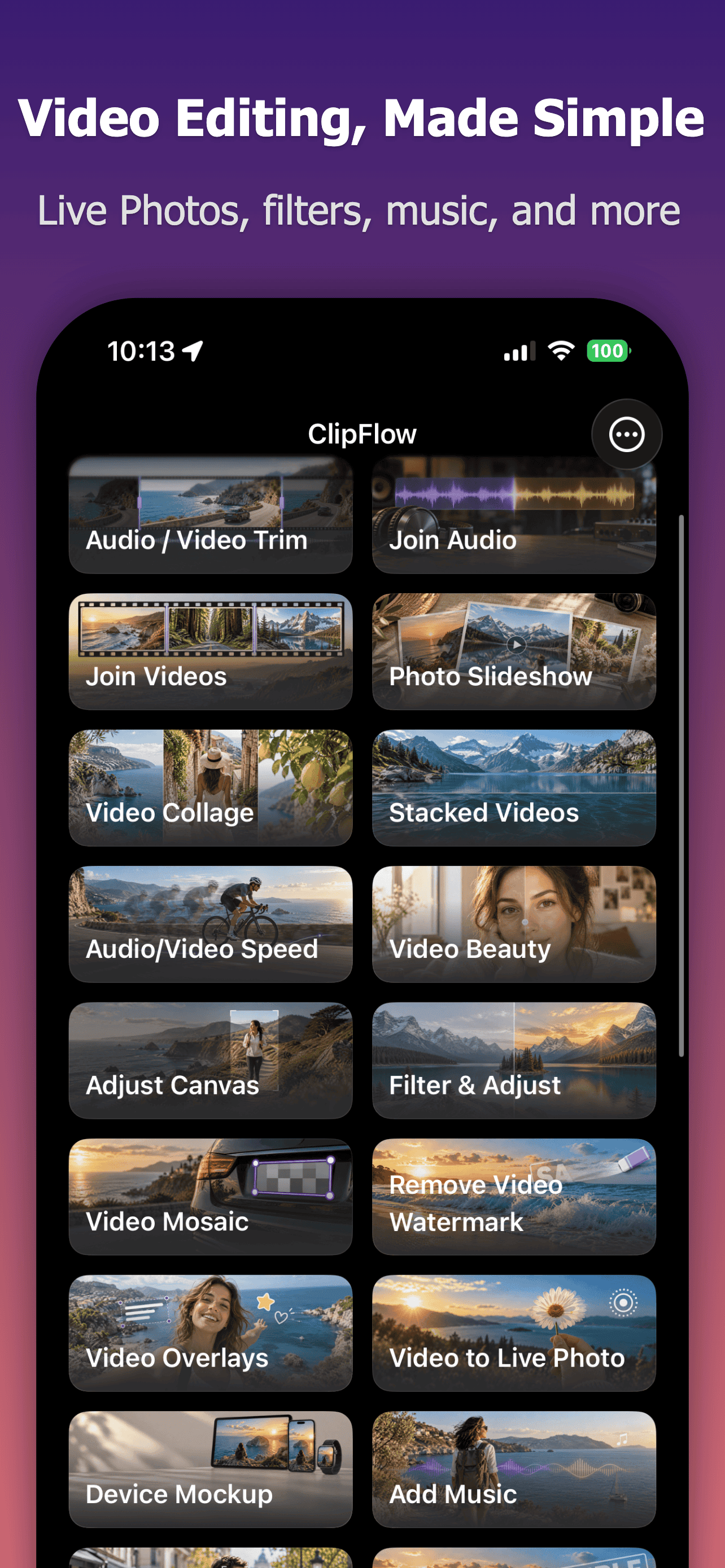
ClipFlow is a video and audio editor and converter. Turn video clips into Live Photos, compress videos, or convert videos to MP3. You can also trim and join media, change speed, add subtitles and filters, edit audio, and preview your work before exporting.
Key features:
- Trim, split, and join videos, or trim and join audio, with multiple ranges to remove
- Create slideshows from photos, GIFs, or Live Photos, and combine videos or images in a video collage
- Extract photos from video, turn video into a GIF, Live Photo, or Live Wallpaper, or convert a GIF to video or Live Photo
- Change the speed of a full video or audio file or selected parts, use video speed curves, slow-motion interpolation and fast-motion blur, reverse video, and add silent pauses to audio
- Crop, rotate, flip, adjust the canvas, add device frames, apply filters, color adjustments, video beauty, temporal noise reduction and low-resolution video enhancement, and add fades
- Add text, images, built-in stickers, text masks, timers, chapter progress bars, and text watermarks
- Cover fixed video watermarks, add mosaics, or automatically detect and track faces to obscure the ones you select
- Transcribe, import, or write subtitles, use a personal subtitle dictionary and AI translation, and burn subtitles into video
- Extract or remove original audio, add multiple music tracks, apply voice denoising and sound filters, or beep or mute selected parts
- Turn text into spoken audio with system voices or AI
- Compress video while keeping resolution, optionally reduce the frame rate, convert common media formats, and preserve HDR when compatible
- View video and audio details such as format, duration, dimensions, and audio tracks
Privacy and permissions:
Video, audio, sound filters, and speech-to-subtitles are processed mainly on device. Photo, file, and system speech-recognition permissions are requested only when you use the related feature; microphone access is requested only when you start recording for sound filters.
Local speech models and Apple video-enhancement resources are downloaded after your confirmation. Download requests do not include your media or subtitles. Your personal subtitle dictionary stays on the device and is not uploaded as a separate dataset.
When you choose AI mode in Text to Speech, your text and selected voice are sent to ClipFlow's service. When you choose AI subtitle translation, subtitle text and the target language are sent. Both services use necessary request identifiers and pseudonymous purchase-entitlement identifiers for generation and verification. These requests do not include video, audio, timecodes, or subtitle styling.
Terms of Use (EULA): https://www.apple.com/legal/internet-services/itunes/dev/stdeula/
Clasificación de tiendas
El Store Rank se basa en múltiples parámetros establecidos por Google y Apple.
Todas las categorías en
Estados Unidos--
Foto y vídeo en
Estados Unidos--
Principales competidores & aplicaciones alternativas
Aplicaciones con una alta probabilidad de ser utilizadas por los mismos usuarios, desde la misma tienda.

PopNow - Instant Film Camera

PhotoDateStamp - EXIF & Frame

LumaPane - Realistic Album

SplitCam: Dual Recorder
 ClipFlow: Video Editor VS.
 octubre 5, 2026