

You’ve hit your search limit
Start your free trial to keep exploring full traffic and performance insights.
Get StartedBHIM KVB Upay analisi dell'app per 11 gennaio

BHIM KVB Upay
- THE KARUR VYSYA BANK LIMITED
- App Store di Apple
- Gratis
- Finanza
Karur Vysya Bank presents KVB Upay – A Unified Payments Interface (UPI) application that lets you transfer funds from any bank account using a Virtual Payment Address (VPA), IFSC & Aadhaar.
What is UPI?
Unified Payments Interface (UPI) is an instant real-time payment system developed by National Payments Corporation of India facilitating inter-bank transactions. The UPI is regulated by the Reserve Bank of India (RBI) and works instantly by transferring funds between two bank accounts on a mobile platform.
If you operate multiple banks account & use multiple apps for your payments? Switch to KVB Upay for managing all your accounts at one place.
Benefits of using KVB Upay
- No need to remember account number, IFSC for fund transfer
- Send/Collect money using a Virtual Payment Address
- Access all bank accounts linked to your mobile number in one app
- Pay to friends & relatives using their VPA
- Pay to any user using any UPI application.
- Request money from any UPI user
- Scan a QR and pay on the fly.
- Make Payments by QR Scanning
- Check account balance
- Block unwanted VPA as Spam
What are the requirements for using KVB UPay?
You should have following
- A iPhone with internet services
- An operative bank account
- The mobile number being registered with UPI must be linked to the bank account.
- Active debit card relating to this account for creating mPin.
How to register for KVB Upay?
- Download “BHIM KVBUPay” from iOS App Store
- Click on “Proceed” to verify your mobile number.
- An SMS will be sent from your mobile for verification.
- After your mobile number is verified, the Profile Registration screen is displayed. Fill in the required details.
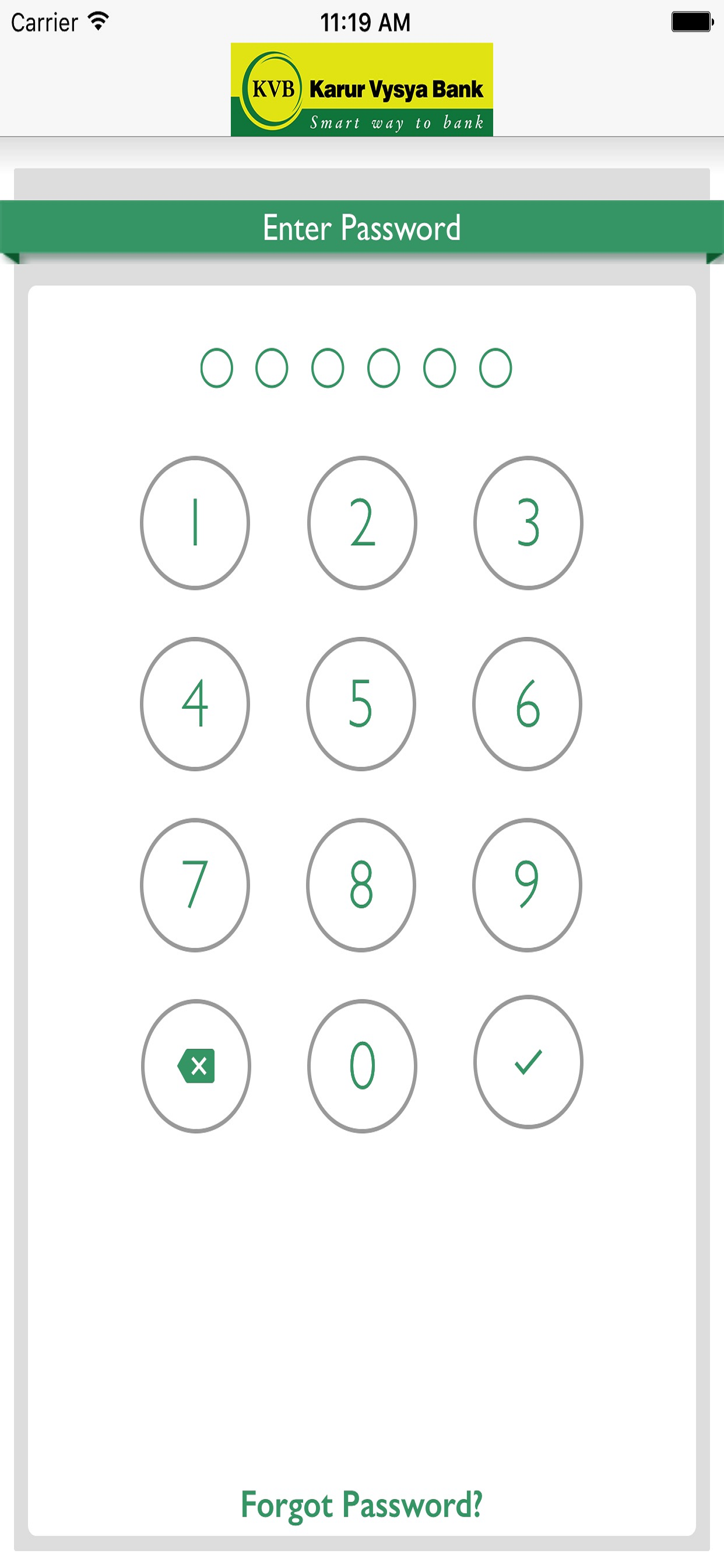
- Create six digits numeric application password for logging in to application and confirm the same.
- Once successfully registered, login to the app and create VPA for the bank account linked.
- Select the Bank & create VPA for the bank.
- Set mPin for the selected bank using debit card
Support 24 X 7:
Email id: customersupport@kvbmail.com
Toll Free Number: 18602001916
Supported Banks: Visit our website https://www.npci.org.in/bhim-live-members to find out if your bank is live on BHIM
Permissions for App and reasons
SMS - As per NPCI guidelines, we will be sending a background SMS to verify the customer and mobile number linked to it.
Location – As per NPCI guidelines, we will capture location details
Storage – We need this permission to store the scanned QR Code.
Calls – We need this permission to detect SIM present or not
Go ahead and download BHIM KVBUPay application to experience the unique way of making payments using a Virtual Payment Address (VPA).
Classifica degli store
La classifica del store si basa su diversi parametri stabiliti da Google e Apple.
Tutte le categorie in
Stati Uniti--
Finanza in
Stati Uniti--
Principali concorrenti e app alternative
App con un'alta probabilità di essere utilizzate dagli stessi utenti, provenienti dallo stesso store.

BHIM DLB UPI

BHIM KBL UPI

RBL Diplomat

DrukPay
 BHIM KVB Upay VS.
 gennaio 11, 2026