

You’ve hit your search limit
Start your free trial to keep exploring full traffic and performance insights.
Get StartedCreate a Car app analytics for July 2
Create a Car
- Curiosity Media, Inc.
- Apple App Store
- Paid
- Education
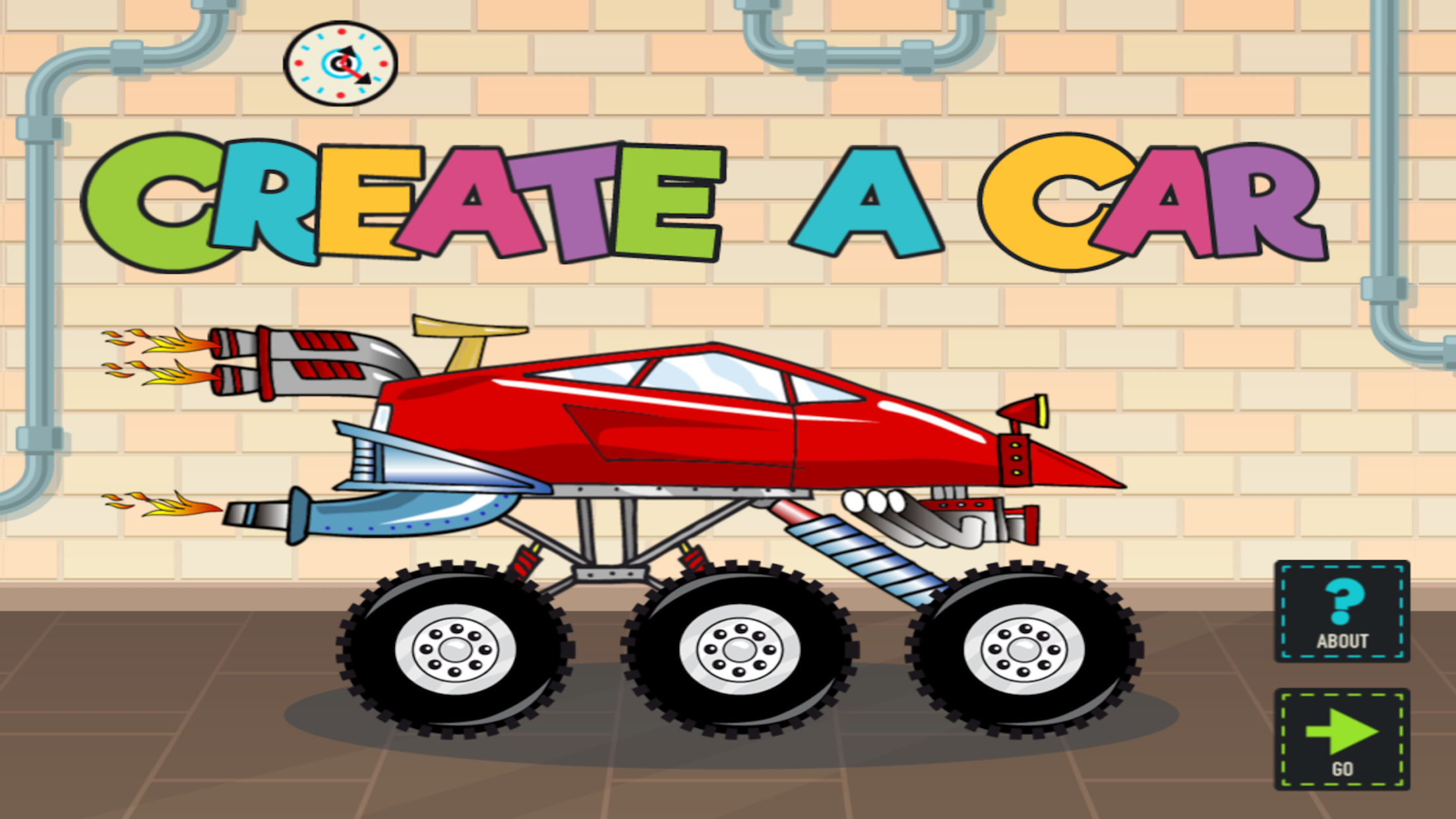
Create a car and drive it! Create a Car is a top-selling creativity app for children ages 3 to 6. The app has been featured in numerous print publications and is an Apple "Staff Favorite."
Create a Car is developed specifically for young children.
Features:
-Five player profiles
-Over 70 parts
-30 fun car styles
-Save creations to the garage
-Drive creations on the road
-Higher order questions based on Bloom’s Taxonomy
Education:
Sample lesson idea
Students use their imagination to invent vehicles to do specific tasks. Once the vehicle has been designed, students can save the vehicle in the garage. Next students can type information to describe the vehicle by following an instructional objective or by using the guidance questions provided. Finally, students can share the vehicle and their description with the class or teacher for feedback. All this can be done without leaving the Create a Car application!
Sample Bloom’s Taxonomy questions for the vehicle description feature
1. Knowledge: List and describe some of the vehicle parts.
2. Comprehension: Explain what this vehicle can do.
3. Application: Where can this vehicle be driven?
4. Analysis: Identify the most important vehicle parts and explain why they are important.
5. Synthesis: If you could create a part that is not in the game, what would it be?
6. Evaluation: How could your vehicle be improved?
How to create a car
-View parts by swiping left of right on the parts bin
-Select a part by dragging it from the parts bin to the work area
-Move a part around the work area by touching and dragging it
-Select a part in the work area by tapping it
-Deselect a part in the work area by touching the white background or another part
-Delete a part by dragging it to the parts bin
*Move the vehicle and all parts used together by touching the vehicle body and dragging it
-Scale a part by pressing and holding
-Flip a part by tapping once
-Rotate a part by pressing and holding
-Save vehicle to your garage
-Exit the work area and return to your profile
How to use My Garage
-View vehicles in the garage by swiping left or right on a vehicle
-Start your vehicle
-Add or edit vehicle information (name, description, features)
-Edit your vehicle’s appearance
-Delete your vehicle
-Exit the garage
How to drive (as far as you can)
-Touch anyplace on the screen to accelerate and steer
-Avoid skulls
-Collect suns
Game Settings (found in information)
Delete player profiles
-----------------------------
PRIVACY DISCLOSURE
Create a Car:
- Does not contain third-party ads.
- Does not contain in-app purchases.
- Does not contain integration with social networks.
- Does not use analytics/data collection tools.
- Does include links to apps by ABCya.com in the iTunes App Store.
For more information on our privacy policy please visit:
http://www.abcya.com/mobile_app_privacy_policy.htm
Create a Car is kidSAFE Certified.
---------------------------
Store Rank
The Store Rank is based on multiple parameters set by Google and Apple.
All Categories in
United States--
Education in
United States--
Top Competitors & Alternative Apps
Apps with a high probability of being used by the same users, from the same store.

Build A Truck: Duck Duck Moose

Dirt Bike Games Kids

Dinosaur Digger Excavator Game

Thomas & Friends™: Let's Roll
 Create a Car VS.
 July 2, 2026