

You’ve hit your search limit
Start your free trial to keep exploring full traffic and performance insights.
Get StartedVO Calendar analisi dell'app per 12 gennaio

VO Calendar
- Tom van Zummeren
- App Store di Apple
- A pagamento
- Produttività
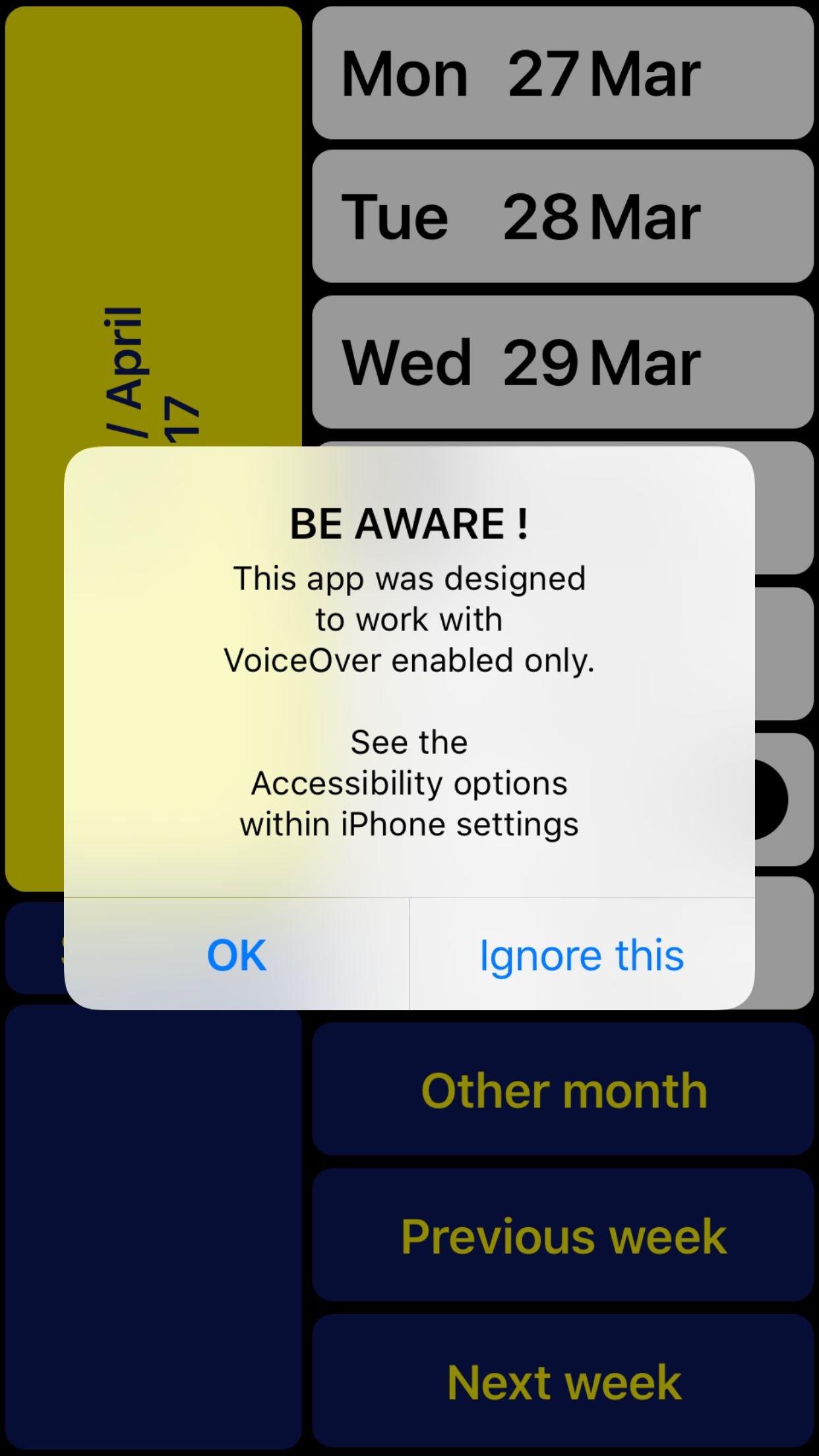
NOTE: Can only be used together with VoiceOver (for blind and partially sighted people).
VO Calendar is a weekly calendar specifically designed to be used with VoiceOver.
The result of this VoiceOver-only design is not only a smoother navigation through the app. It also makes it possible for the VoiceOver speech to give smart summaries depending on the context. This prevents you from having to go through each event
Individually.
Existing events are automatically synchronized. If you prefer not to type, you can record voice memos instead.
You can use VO Calendar with the VoiceOver gestures you are used to.
However, there is an even faster way. With the screen being split into two halves you can scan the right half of the screen with your right thumb. A single tap with your left thumb then is enough to activate the concerning function. After getting used to you will find out this helps you to browse through your calendar even quicker.
The left bottom always contains the ‘Return’ button so you can still reach it with your right thumb (being an L-shaped layout). At the top left you can always find a summary of the current screen content. In case you are left-handed you can swap left and right.
Note: If you have multiple calendars configured, VO Calendar will show all concerning events. New events will be assigned to your iPhone’s default calendar. Change the default calendar in: Settings > Mail, Contacts, Calendars > Default Calendar.
VO Calendar is developed in cooperation with Royal Dutch Visio, Centre of Expertise for blind and partially sighted people (www.visio.org).
We appreciate your opinion and are always interested in hearing from you. Feel free to leave your feedback in the form of a review or contact us at: support@vo-calendar.com
In case you have problems recording a memo:
- Hold one finger on 'Record memo' button
- Use other finger to tap on screen
(instead of first focussing on the button and then double tap)
Classifica degli store
La classifica del store si basa su diversi parametri stabiliti da Google e Apple.
Tutte le categorie in
Stati Uniti--
Produttività in
Stati Uniti--
Principali concorrenti e app alternative
App con un'alta probabilità di essere utilizzate dagli stessi utenti, provenienti dallo stesso store.

Emvi.ai
TCWP - Talking Calendar

OneStep Reader

ScribeMe
 VO Calendar VS.
 gennaio 12, 2026