

You’ve hit your search limit
Start your free trial to keep exploring full traffic and performance insights.
Get StartedRealMandelRender analisi dell'app per 18 gennaio

RealMandelRender
- Fumitake Kume
- App Store di Apple
- A pagamento
- Istruzione
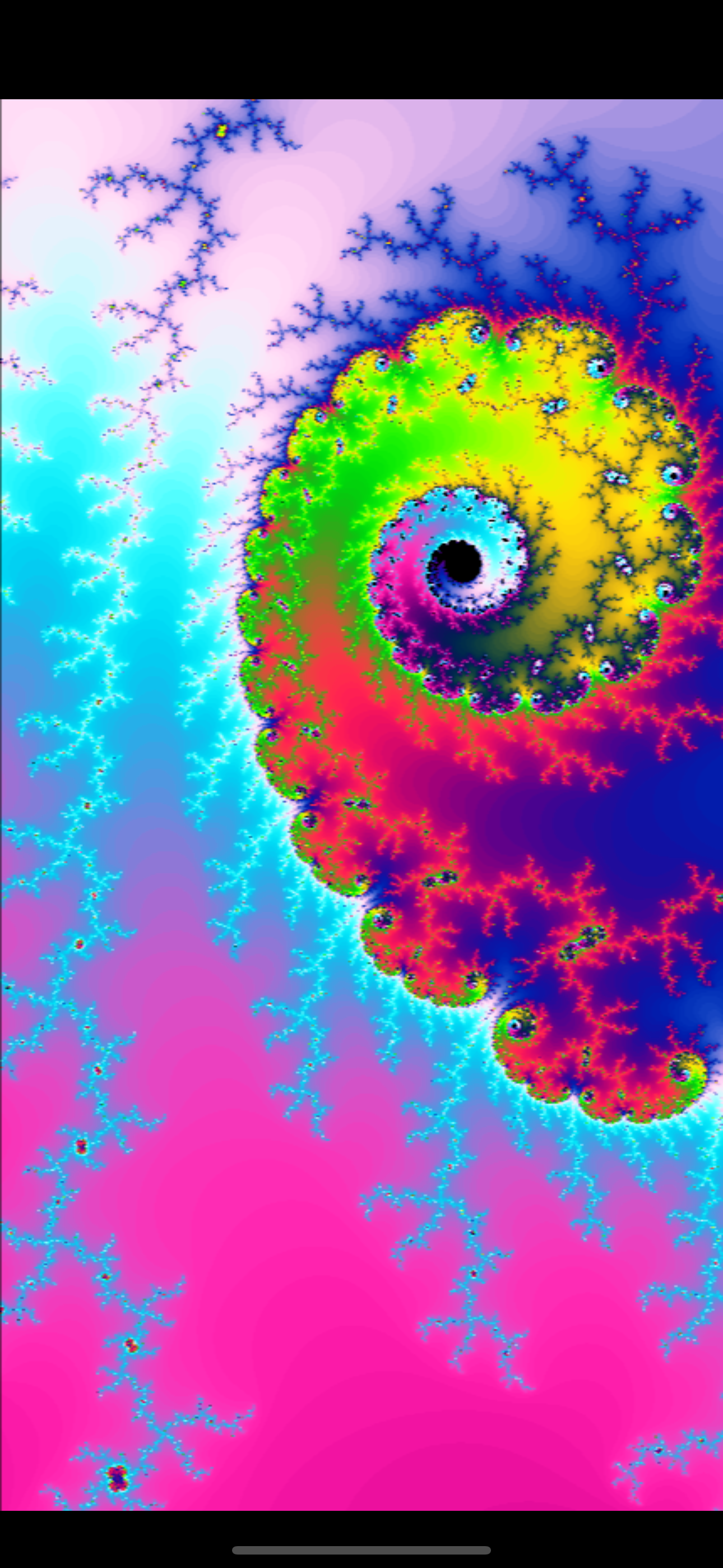
This "RealMandelRender" is an iOS app that utilizes WebGL 2.0's transform feedback to render Mandelbrot sets in real-time. It allows high-precision rendering up to quad float (128-bit) with a variety of color options.
You can draw the Mandelbrot set using various parameters, but if you're not sure, simply press the "RANDOM" button to enjoy a variety of images!
You can use drag and pinch gestures to move and zoom the image. Tapping the arrow in the lower right corner toggles the menu on/off. You can adjust various parameters to freely draw Mandelbrot sets.
Instructions with images on how to use the app are available at the following URL:
https://minnano.app/support/realmandelrender/how-to-operate/
① ITERATION
The Mandelbrot set is drawn by repeatedly calculating the following equation. In section ①, you control the number of iterations.
Zn+1 = Zn * Zn + C
CALCS/FRAME
Specifies the number of calculations per frame. If the app feels heavy, try reducing this value to lessen the rendering load. However, setting this value too low can result in flickering of the shape during drag/pinch operations.
CALCS/LIMIT
Sets the upper limit for the number of calculations. Increasing this value allows detailed rendering of intricate parts of the shape. Conversely, lowering this value results in a rougher representation, but it might reveal interesting shapes during the rendering process.
② PRECISION
Selects the rendering precision. Higher precision allows accurate rendering even when zoomed in but increases rendering load. You can choose from 32-bit, 64-bit, and 128-bit. Larger values result in higher rendering accuracy. Enabling the "AUTO" option automatically adjusts the rendering precision based on the zoom level of the shape.
(To select 128-bit, you need to turn on the "SHOW PREC 128 BIT" option in the following ⑥ HIGH LOAD section.)
③ CENTER
FIX
Fixes the center coordinates of the image, preventing the shape from moving when dragged.
SHOW
Displays a crosshair to indicate the center coordinates of the image.
④ DATA
COLOR
Changes the color pattern used for rendering the shape.
TOUR
Allows selection and display of over 100 recommended scenic points for viewing.
⑤ OTHER
INFO
Displays coordinates, zoom level, and iteration count at the top of the screen. Tapping the displayed coordinates or zoom level opens a pop-up for editing. You can directly specify coordinates and zoom level by editing this text and selecting "UPDATE." Additionally, saving this text in a note-taking app allows you to easily access your favorite points.
The meanings of each symbol are as follows:
RE: Real Axis
IM: Imaginary Axis
SC: Scale
IT: Iteration Count
FPS
Displays the frames per second (FPS) on the bottom left corner of the screen. Useful for monitoring rendering load.
RANDOM
Randomly selects and displays one of the recommended scenic points. If you're not sure how to adjust the parameters, simply press this button to enjoy various images.
⑥ HIGH LOAD
In this section, settings for options that demand high rendering load are configured. The option values in this section are not saved and will be turned off every time the application is launched for safety reasons. If you have the latest iPhone/iPad, use the options in this section to fully enjoy beautiful images.
HIGH DPI
Displays images with higher dot density.
LIMIT × 10
Sets the calculation limit to ten times the value displayed in "CALCS/LIMIT."
NO LIMIT
Calculates indefinitely without an upper limit for iterations.
SHOW PREC 128 BIT
Adds the option to select 128-bit precision alongside 32-bit and 64-bit in rendering accuracy.
*Note: Enabling the "SHOW PREC 128 BIT" option alone does not enable rendering in 128-bit precision. After enabling it, you also need to select 128-bit precision in the ② PRECISION section.
Classifica degli store
La classifica del store si basa su diversi parametri stabiliti da Google e Apple.
Tutte le categorie in
Stati Uniti--
Istruzione in
Stati Uniti--
Principali concorrenti e app alternative
App con un'alta probabilità di essere utilizzate dagli stessi utenti, provenienti dallo stesso store.

Painty Fingers

容易(Easy)英会話-スピーク英語勉強練習学習Speak

Chaos Lab

Universe palm
 RealMandelRender VS.
 gennaio 18, 2026