

Labide - Remote Dev Studio app analytics for February 7

Labide - Remote Dev Studio
- Maxim Merkurev
- Apple App Store
- Free
- Developer Tools
Labide transforms your iPhone and iPad into a powerful remote development workstation. Connect to any server via SSH and leverage AI assistance to write, debug, and deploy code directly from your mobile device.
Core Features
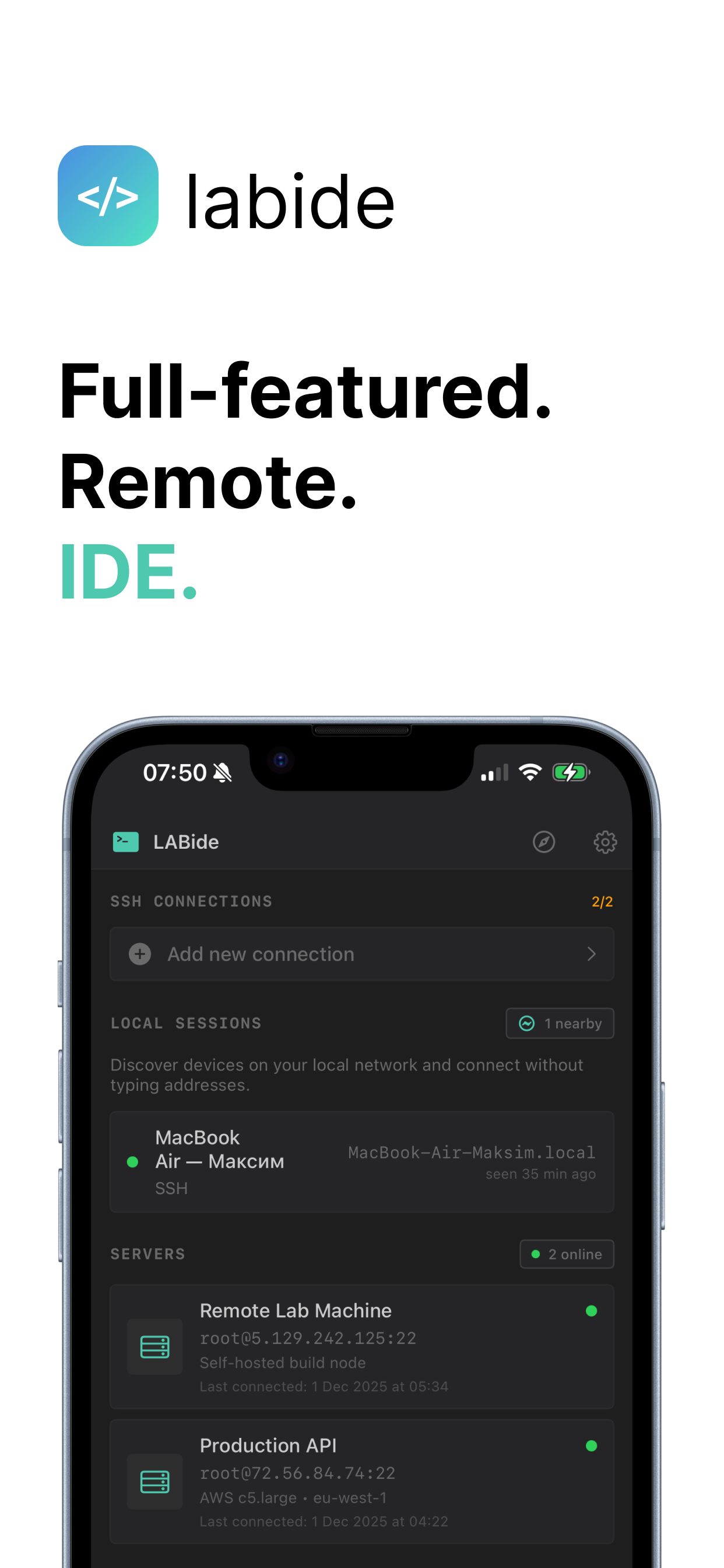
SSH Connections
Securely connect to remote servers with password or key-based authentication. Manage multiple connections with custom titles and working directories. Your credentials are stored safely in the iOS Keychain.
AI-Powered Coding Assistant
Integrated AI assistant helps you write, review, and debug code in real-time. Ask questions about your codebase, generate code snippets, fix bugs, and get intelligent suggestions — all within the context of your project files.
Full-Featured Terminal
Access a complete terminal emulator with support for interactive sessions. Execute commands, run scripts, and manage your server directly from your device with a responsive and intuitive interface.
Built-in Browser with Port Tunneling
Preview your web applications instantly with the integrated browser. Create SSH port tunnels to access services running on remote ports. Manage multiple browser tabs and enjoy full-screen mode for immersive testing.
Git Integration
Complete source control at your fingertips:
• View repository status, branches, and commit history
• Stage, unstage, and discard changes
• Create commits with custom messages
• Pull and push to remote repositories
• Create and switch between branches
• Resolve merge conflicts
• Configure GitHub access with personal access tokens
Project File Browser
Navigate your project structure with an intuitive file browser. View and edit files, create new directories, and save frequently accessed folders for quick access.
Quick Commands
Create shortcuts for your most-used terminal commands. Save time by executing common operations with a single tap.
Use Cases
• Debug production issues from anywhere
• Review and merge pull requests on the go
• Deploy updates without your laptop
• Monitor server logs in real-time
• Write code with AI assistance
• Test web applications via port tunneling
• Manage multiple development environments
Security First
• Credentials stored securely in iOS Keychain
• SSH key authentication support
• No data stored on external servers
• Local session management
Labide brings the power of a full development environment to your mobile device. Whether you’re fixing a critical bug from the airport or reviewing code during your commute, Labide keeps you connected to your projects.
Store Rank
The Store Rank is based on multiple parameters set by Google and Apple.
All Categories in
United States--
Developer Tools in
United States#134
Labide - Remote Dev StudioFebruary 7, 2026