

You’ve hit your search limit
Start your free trial to keep exploring full traffic and performance insights.
Get StartedSync - File Backup and Restore analisi dell'app per 12 gennaio

Sync - File Backup and Restore
- Miciniti Technologies Limited
- App Store di Apple
- Gratis
- Produttività
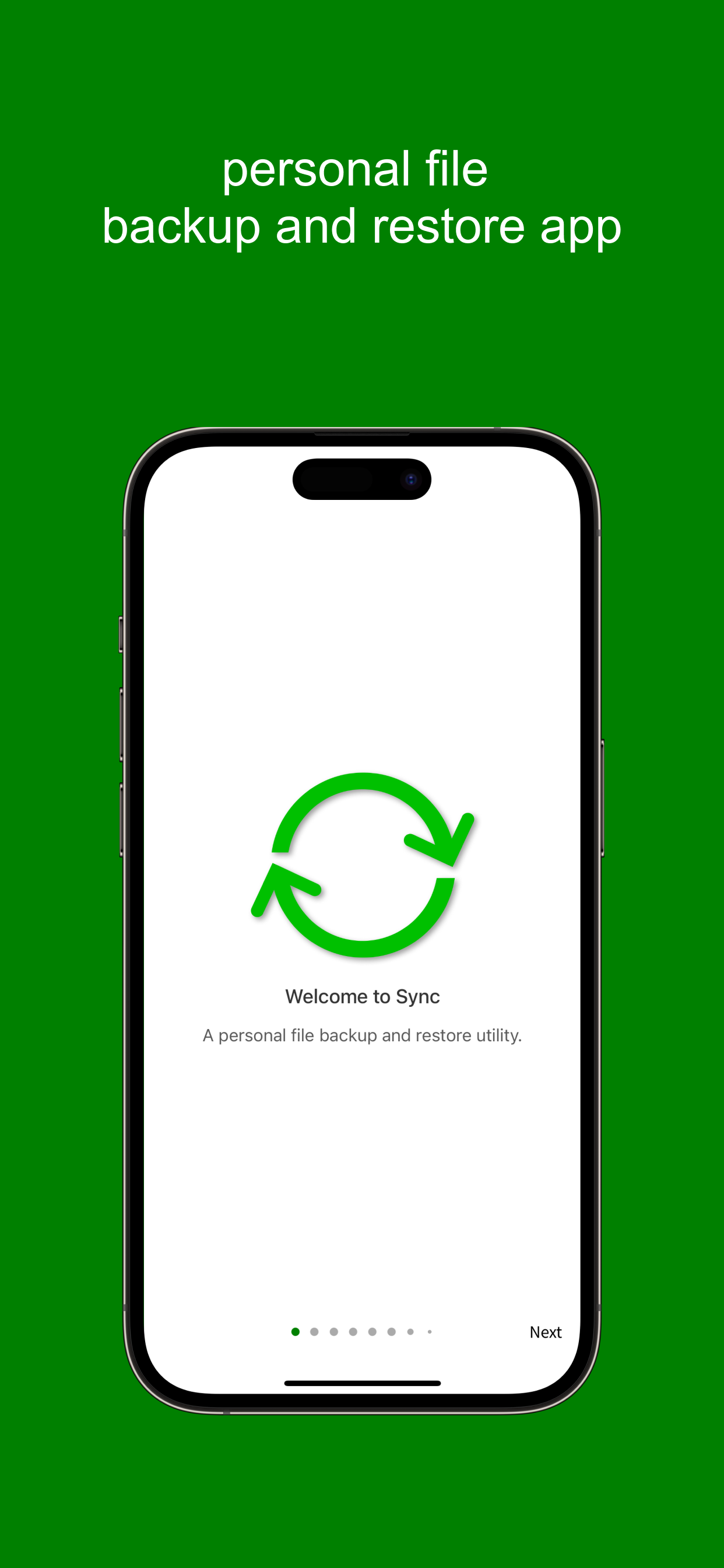
Sync is a personal file sync app with built-in file manager and web server. With Sync, you can sync, backup, and restore your files to/from local drives and several cloud storage drives like Amazon S3, Dropbox, Box , OneDrive, and Google Drive.
1. Drives
A drive is either a local storage unit or a cloud storage service where your files and data are stored.
Sync supports the following drives:
- Private Drive: In-app storage drive
- Public Drive: File Sharing folder accessible via Finder/iTunes
- External Drive: USB drives
- Amazon S3
- Dropbox
- Box
- Microsoft OneDrive
- Google Drive
2. Source:
A source is a local storage unit that supplies files for upload to other drives and also receives files downloaded from them.
Sync supports the following sources:
- Private Drive: In-app storage drive
- Public Drive: File Sharing folder accessible via Finder/iTunes
- External Drive: USB drives
3. Tasks:
File transfers are organised into tasks. Each task consists of one or more sources and a target drive, allowing you to run sync, backup, or restore operations. You can create multiple tasks, and each task can include multiple sources.
4. File Transfer Operations
A task can perform the following operations:
- Full Sync: Compares and synchronises files between two locations. Deleted files in one location are removed from the other, while new files are copied across.
- Backup: Uploads files from local storage to a cloud storage drive.
- Restore: Downloads files from a cloud storage drive to a local drive.
- Backup Sync: Uploads only changed files from sources to the destination drive.
- Restore Sync: Downloads only changed files from a drive to the target sources.
5. File Manager
Sync includes a built-in file manager that lets you browse, upload, download, rename, and delete files and folders on your drives.
6. Web Server
Share local files and folders over Wi-Fi. Web server features include selectable files and folders, folder listing, automatic serving of index.html, custom document root, partial content support, and auto-start on launch.
7. Pricing
Start with any drive for free (with ads).
Unlock additional drives and features—including Local Drive, Public Drive (file sharing via Finder/iTunes), External Drive (USB disks), Amazon S3, Google Drive, Dropbox, Box, OneDrive, and a built-in Web Server—through in-app purchases.
For additional help and guides, please visit
https://syncdrive.cloud/manual/
Classifica degli store
La classifica del store si basa su diversi parametri stabiliti da Google e Apple.
Tutte le categorie in
Stati Uniti--
Produttività in
Stati Uniti--
Principali concorrenti e app alternative
App con un'alta probabilità di essere utilizzate dagli stessi utenti, provenienti dallo stesso store.

Sync with Google Drive

G Cloud Backup
FileCentral for iPhone

Sync with OneDrive
 Sync - File Backup and Restore VS.
 gennaio 12, 2026