

Traffic Blinker - Bicycle Tool のアプリ分析 1月16日

Traffic Blinker - Bicycle Tool
- Stefan Van Damme
- Apple App ストア
- 有料
- ナビゲーション
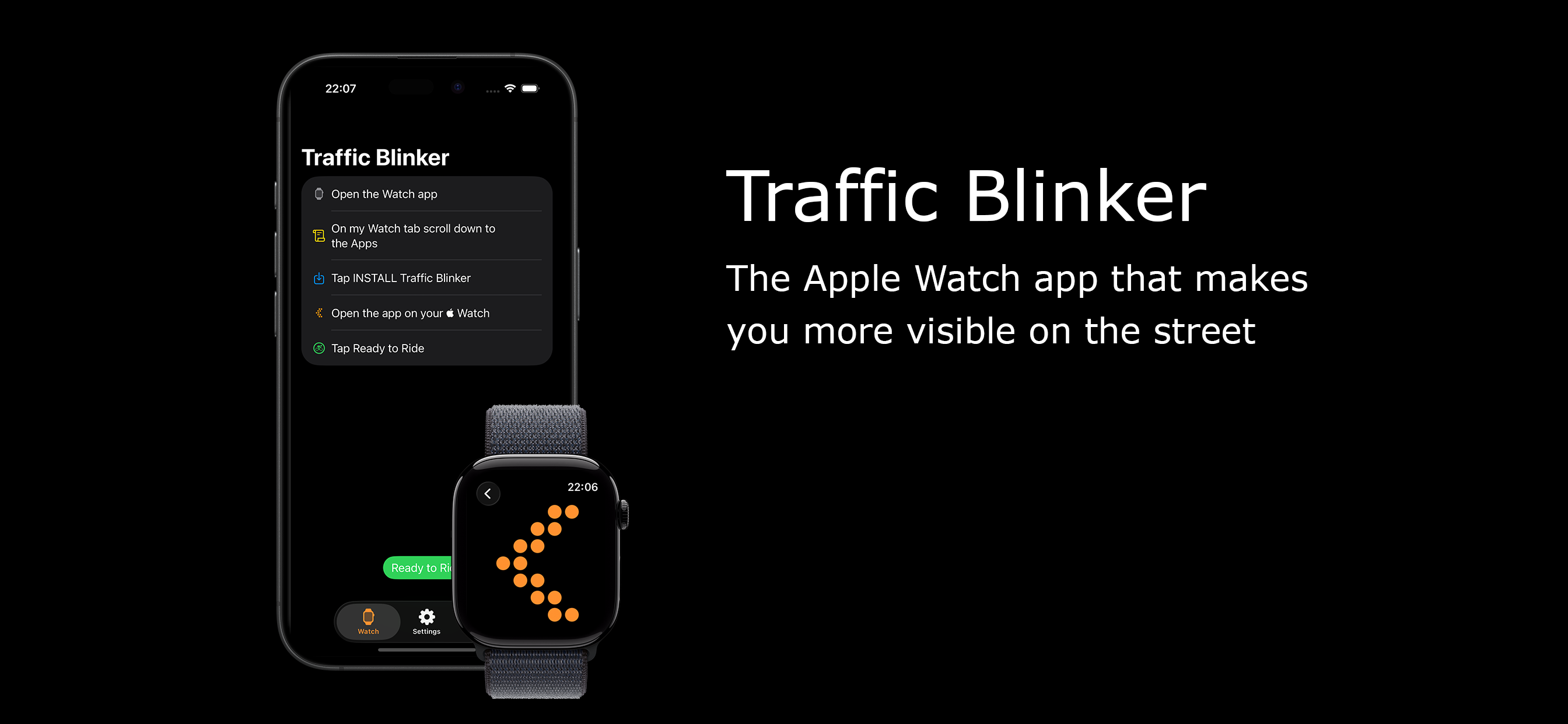
When you turn onto a street, you want to warn other drivers. This Apple Watch app displays a warning sign on your screen when you are about to turn left. The Traffic Blinker app helps you be more visible on the road! It is a great safety tool for bikers, cyclists, scooters, electric scooters, e-bikes, skateboarders, hoverboards, three-wheelers, or even one-wheelers.
Bicycle Story:
When I ride from home to work (or school) on my bike, I want to be seen on the route, especially in the dark, and I want other drivers to know what I am about to do. One of the most dangerous traffic moments is always turning into a street. This unique utility app helps you warn other drivers. Before the intersection, I extend my hand or arm, and the Apple Watch automatically activates the screen. It displays a blinking orange arrow to alert other drivers on the road.
The Apple Watch is the ideal tool to stay visible, stay safe, and be seen. Today, there are more than 9 million bicycle routes and around 1 billion bicycles worldwide. That is a huge number. The Traffic Blinker app can help you be seen and stay safe, especially at night. It is designed and engineered as a simple concept—and it works. The Traffic Blinker app is a flashing safety light that makes you more noticeable. It is perfect if you are riding your bike after dark. When the screen is activated, the Retina LTPO OLED display at 1000 nits flashes the arrow pointer or your selected visualization on the screen.
It also includes an option to hear and feel it when the screen activates. Gentle taps from the Taptic Engine let you know the screen is active, pulsing in rhythm with the blinking arrow.
In addition, this is the ultimate fitness app for your Apple Watch. It tracks your health data, such as heart rate, active calories, time, and cycling distance, and syncs it with your Apple Health app. This useful and premium Apple Watch app works on both iOS and watchOS. So what are you waiting for? Get it now!
How does this app work?
1. Open the Traffic Blinker app on your Apple Watch
2. Press the green button to start riding
3. When you want to switch from the right to the left lane, stretch your left arm out
4. The Apple Watch activates the screen and displays the warning sign to other drivers
5. Once you are in the left lane, return your hand to the handlebars
6. To stop the app, tap on the back button
Recommended action:
* For the best experience, you are required to enable the Always On feature must be enabled on your Apple Watch. That is available for Apple Watch Series 5 and higher.
Apple Watch Features:
◆ Choose between Full Screen, Blinking Arrow, Moving Arrow, Stop Sign, or Animated Blocks (from right to left)
◆ Instantly track your workout in the Apple Health app as an outdoor cycling activity
◆ View real-time workout data, including current time, heart rate, distance, and calories
◆ Customize the blinker color and blinking speed
◆ Enable or disable sound and vibration for gentle taps during each blinking pulse
Project information:
https://www.stefanvd.net/project/traffic-blinker
ストアランキング
ストアランキングは、GoogleとAppleが設定した複数のパラメータに基づいています。
業界別 ウェブサイトカテゴリーで
米国--
ナビゲーションで
米国--


 Traffic Blinker - Bicycle Tool VS.
 1月 16, 2026