

PDF Scanner - Edit & Scan Docs のアプリ分析 12月7日
PDF Scanner - Edit & Scan Docs
- CW Lee
- Apple App ストア
- 無料
- ユーティリティ
• HOW IT WORKS
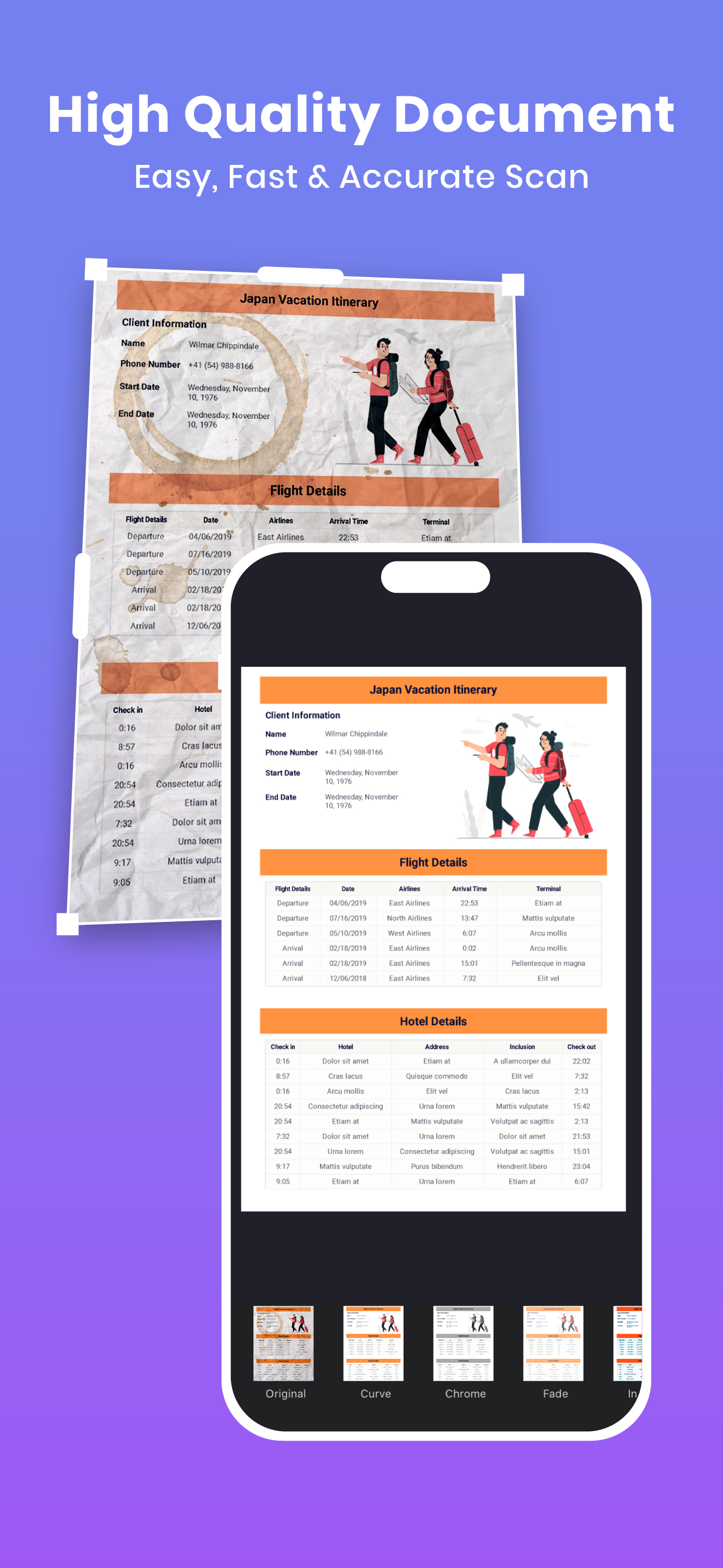
Upon opening PDF Scanner, you can scan your documents by placing them within the camera frame, with auto/manual capture adjustment options at the top of the screen. The app will scan your document within seconds once it is properly aligned.
• OUR AWESOME FEATURES
– Export documents to PDF & JPEG
– Merge PDF files
– PDF editing and annotations
– Password-protected documents
– Encrypt documents for safety
– Document organizer
– OCR scanning
– Extract document contents
– Translate document contents
• WORK WITH DOCUMENTS
– All scanned documents in JPEG and PDF can be stored in the same folder for better organization.
– Adding your own signature in PDFs is easier and faster than ever.
– The PDF Scanner editing tool allows you to conveniently highlight, add notes, and draw on documents.
– Existing PDF documents can be modified easily — delete, add, or reorder pages with convenience.
• OUR GOAL
PDF Scanner aims to continuously improve usability and deliver more value than users expect from a PDF scanner — providing a seamless and convenient document management experience.
• TALK TO US
We at PDF Scanner are always open to suggestions, opinions, and any issues you face while managing your daily documents. Feel free to contact us through the app’s CONTACT US section.
• PERMISSIONS
PDF Scanner requires your permission to fully enable its features:
– Camera access to perform scanning actions.
– Photos/Gallery access to save, export, and import documents and images.
– Face ID or Touch ID access to enable the app lock security feature.
• MEMBERSHIP
The PDF Scanner app operates on a subscription-based membership model with a free trial. Download the app for free and try it out for 3 days without registration or restrictions. After the trial period ends, a weekly or monthly subscription fee will apply for full access to all Pro features.
Pro subscription includes:
– No advertisements
– Encrypt and decrypt PDF files
– Edit and annotate documents
– No watermark on documents
– Unlimited document scanning
Subscription prices may vary by region and currency. Subscriptions will be charged to your iTunes Account upon purchase confirmation. Your subscription will automatically renew unless auto-renew is turned off at least 24 hours before the current period ends. Your account will be charged for renewal within 24 hours prior to the end of the current period. You can manage your subscriptions and auto-renewal in Account Settings after purchase. Any unused portion of the free trial will be forfeited when you purchase a subscription.
Privacy Policy & EULA: https://pdfscanner.kruso.app/privacy
Terms of Use: https://pdfscanner.kruso.app/terms
Contact Us: silverapp19@gmail.com
ストアランキング
ストアランキングは、GoogleとAppleが設定した複数のパラメータに基づいています。
業界別 ウェブサイトカテゴリーで
米国--
ユーティリティで
米国--


 PDF Scanner - Edit & Scan Docs VS.
 12月 7, 2025