

Scanner App - PDF Scan Pro のアプリ分析 1月18日

Scanner App - PDF Scan Pro
- Digitap Inc.
- Apple App ストア
- 無料
- ビジネス
Scanner App turns your iPhone into a powerful pocket scanner and help you increase productivity at work. With scanner app, you can scan any paper document into clear PDF or PNG, and sign, enhance, organize and share it to email, iCloud, Dropbox, Box......
SCANNER APP FEATURES
Scan:
√ Accurately detect edges of documents.
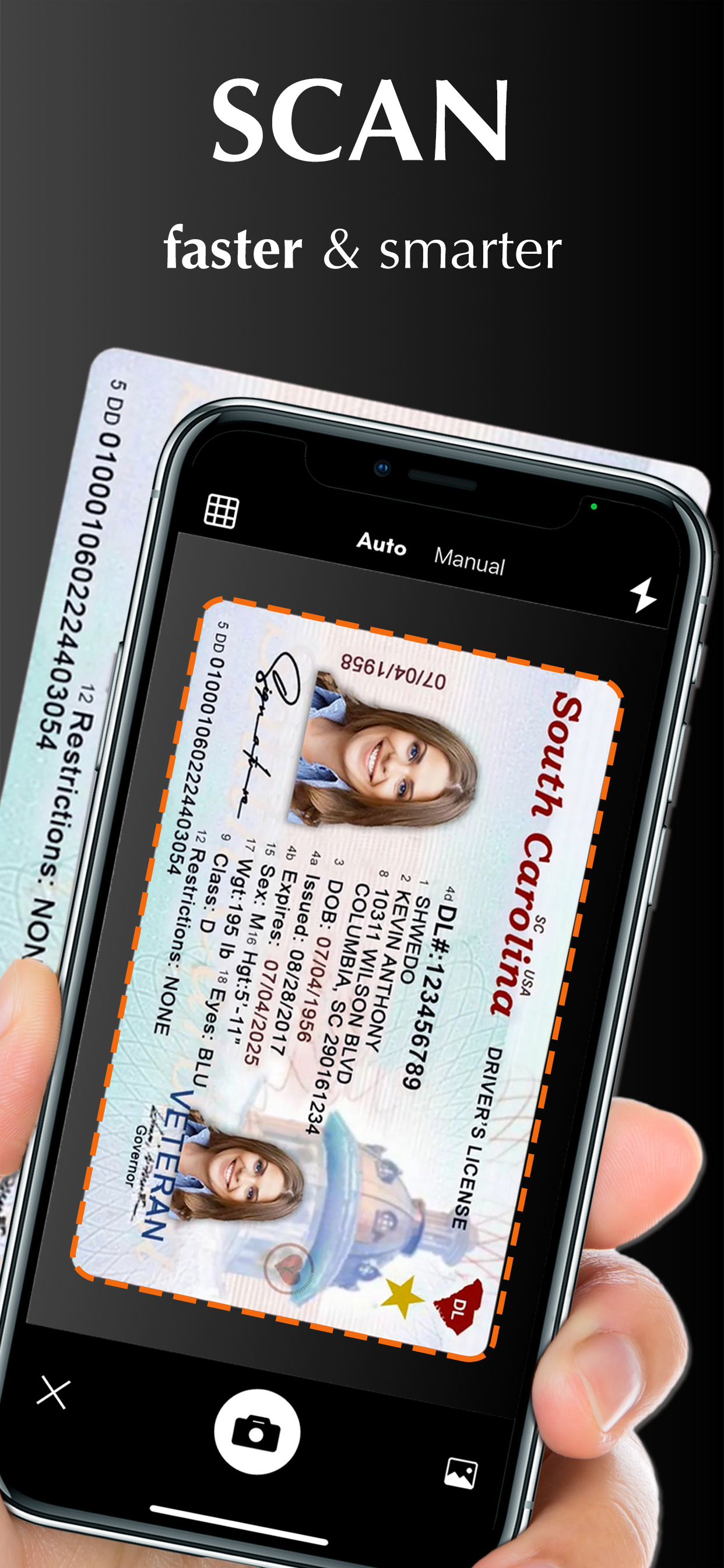
√ Automatically scan without tapping.
√ Scan multiple pages of files into one single PDF or long image.
√ Unlimited scan business documents, receipts, ID cards, written notes, agreements, paper sketches, books, printed photos, rentals, or any other printed documents...
√ Add pictures for scanning from camera roll.
√ Batch scanning mode automates multiple pages scanning tasks.
Edit:
√ Create and add signature to electronic documents.
√ Apply magic color effect to scanned files, or change filter to grayscale, black & white, threshold.
√ Adjust contrast or brightness to enhance scan quality.
√ Convert PDF document to PNG, JPG, TXT.
Share:
√ Share through Text, Email, WhatsApp, Facebook, LinkedIn, Messenger……
√ Save scanned files to cloud services (including OneDrive, Google Drive, Dropbox, Box, iCloud) in one tap.
OCR:
√ Use text recognition to extract or grab texts from scanned image.
√ Select, copy, cut, edit and share text.
√ Support 10+ languages.
Translate:
√ Translate Text to different languages.
Organize:
√ Import files from iPhone or cloud services.
√ Create, move and manage files and folders.
√ Rename and share files with friends or colleagues.
√ Protect everything with a Password.
Sync:
√ Sync and access your files from cloud space in seconds.
√ Sync files across multiple devices.
HOW TO USE
Open your scanner app. Place your document in view of the camera. Tap the Camera button. If your scanner app is in Auto mode, your document will automatically scan. Tap “Manual” if you need manually capture a scan. Then drag the corners to adjust the scan to fit the page, then tap the Camera button. Tap “continue” and “done” to save your scans.
UNLIMITED ACCESS MEMBERSHIP SUBSCRIPTION
- You can subscribe for premium account with all premium features and no ads and watermark
- Subscription is from $9.99 monthly, $4.99 weekly, $39.99 yearly
- Subscription automatically renews for the same price and duration period as the original "one week"/"one month"/"one year" package unless auto-renew is turned off at least 24-hours before the end of the current period
- Payment will be charged to iTunes Account at confirmation of purchase
- Subscriptions may be managed by the user and auto-renewal may be turned off by going to the user's Account Settings after purchase
- Any unused portion of a free trial period, if offered, will be forfeited when the user purchases a subscription to that publication, where applicable
Privacy Policy: https://scannerocr.com/privacy.html
Terms of Use: https://scannerocr.com/terms.html
ストアランキング
ストアランキングは、GoogleとAppleが設定した複数のパラメータに基づいています。
業界別 ウェブサイトカテゴリーで
米国--
ビジネスで
米国--


 Scanner App - PDF Scan Pro VS.
 1月 18, 2026