

ScanGrader のアプリ分析 1月11日

ScanGrader
- Zanido Software Ltda.
- Apple App ストア
- 無料
- 教育
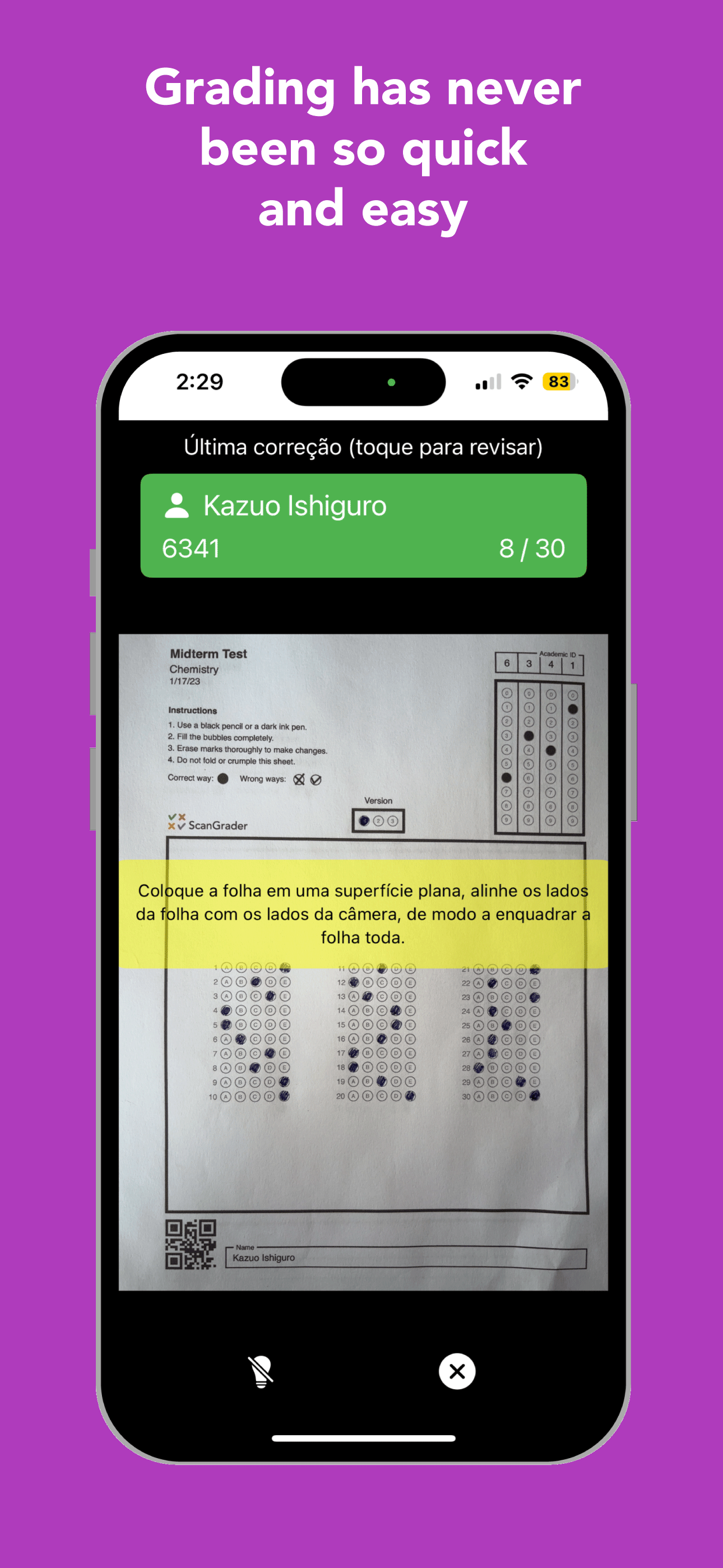
ScanGrader is a complete solution for teachers to prepare and mark multiple choice tests using the device camera as a scanner.
MAIN FEATURES
-------------
ADVANCED IMAGE PROCESSING
ScanGrader has developed an image-processing algorithm that consistently delivers precise results.
COSTUMIZABLE ANSWER SHEETS
Build personalized answer sheets directly from your iPhone or iPad, from 1 to 100 questions, with one or two answer sheets per page (in this case, you need to cut the page in half to distribute to students). You can define up to four labels, which will be printed on the answer sheets (name of school, name of class, teacher's name, data, etc.). You can also choose whether the answer sheets should contain a field for the students' signatures.
VISUALIZE AND ANALYSE THE RESULT
ScanGrader provides an Item Analysis tool, presenting, for each question, the difficulty level, the discriminant factor, and the frequency distribution of alternatives.
You can see the results grouped by class, test, or students. All results can be seen using any of the groups: they are only grouped differently. If a test is applied to only one class, there is no difference if you choose to see the results by class or test. But if a test is applied to more than one class, choosing the class grouping will show the results for students in that class, while choosing the test grouping will show the results for all classes in which the test was applied.
For class and test groupings, ScanGrader provides information and statistics about the grading: maximum points scored, minimum points scored, average points, standard deviation, median points, and others.
EXPORT THE RESULTS
You can export the results as a spreadsheet file in two formats:
1) Normal (ideal for importing the results of a test into your computer or on the school's server)
2) Complete (to use external tools for Item Analysis).
REPORTS
You can generate two types of reports as a PDF file:
1) Simple (a list of the students and their respective scores to post to the students)
2) Complete (a page for each student, containing a text with the student's choices for each question, the student's score, an image of the scanned answer sheet, and an image showing the result of the grading)
TYPESET YOUT TEST
To streamline the test preparation, keep the test's questions in a spreadsheet file (see the format required inside the app). Then, use the Typeset Questions tool to produce an elegant and professional PDF file to distribute to the students. You can typeset your test in one or two columns, and each question can also have an image, if necessary. You can also choose to set the key automatically for the test, with information kept in the spreadsheet file.
SYNC BETWEEN DEVICES
Sync students, tests, classes and results between your iOS devices using iCloud.
SUBSCRIPTION
Each time you use ScanGrader to grade a student answer sheet, that is counted as one 'grading'. Users without a subscription have access to all functionalities, but with a limit of 50 'gradings' per month (non-cumulative).
Users with an Annual Subscription (the only one available for ScanGrader) enjoy unlimited gradings throughout their subscription period.
PRIVACY POLICY: https://www.scangrader.com/app/privacy
TERMS OF USE: https://www.apple.com/legal/internet-services/itunes/dev/stdeula/
ストアランキング
ストアランキングは、GoogleとAppleが設定した複数のパラメータに基づいています。
業界別 ウェブサイトカテゴリーで
米国--
教育で
米国--


 ScanGrader VS.
 1月 11, 2026