

Frankie by Creativecrap のアプリ分析 1月9日

Frankie by Creativecrap
- Ethan Liu
- Apple App ストア
- 有料
- ユーティリティ
Frankie is about to retire, so please use OkidoKey instead.
Frankie is about to retire, so please use OkidoKey instead.
Frankie is about to retire, so please use OkidoKey instead.
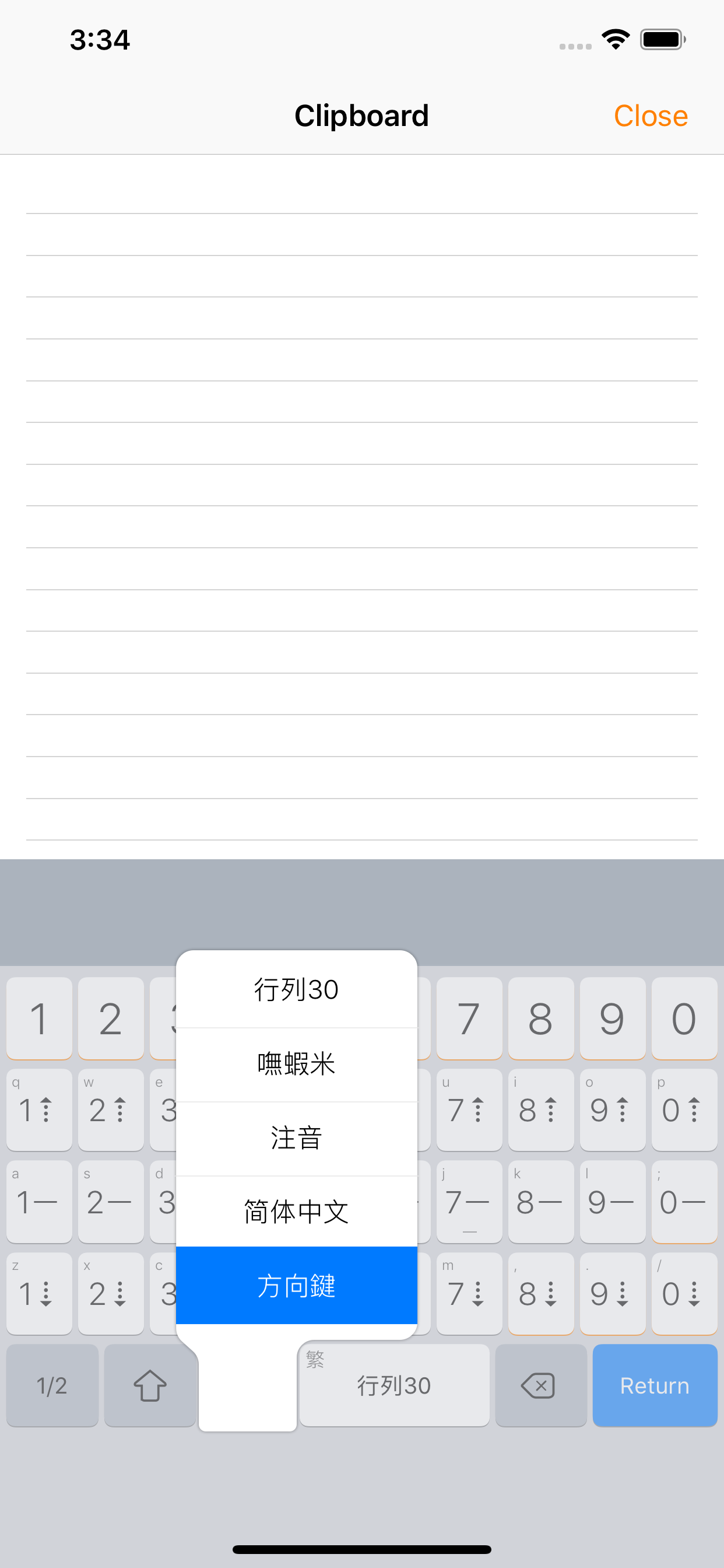
Frankie (formerly OkidoKey) offers an in-app keyboard that includes a plain text editor and a keyboard extension for system-wide usage. Additionally, the Clip Pad editor mode automatically copies text, enabling typing without the need to create or open a document.
A single keyboard extension offers multiple input methods, enabling seamless English typing without the need to switch to another keyboard. It incorporates features such as emoji support, a lexicon, spellcheck, predictive text, and intelligent punctuation, collectively enhancing the efficiency of typing.
- Includes most common and ready-to-use Chinese input methods and keyboards, i.e. Array, Cangjie, Dayi, Pinyin, etc.
- Capable of using custom input methods.
- Capable of using multiple input methods and keyboards.
- Sibling Keyboard and Key Flicks for Half/Full-Width symbols (iPad).
- Composition prompt option.
- Navigation Keyboard.
- Bluetooth keyboard supports (in-app text editor only).
- Auto-copy content feature in Clip Pad editor mode.
- Chinese and English mix-typing (triggered by return key).
- Chinese lexicon and Emoji.
- Smart punctuation.
- Homophones and Phonetics Lookup.
- Traditional and Simplified Chinese output.
Input Methods
- Optimized for Array input method and fully supports special and shortcode mode.
- Zhuyin input method supports the standard, Et26, Et41, Hsu, and IBM keyboard layouts.
- To install custom input methods like Boshiamy, select the CIN table file from the file browser and choose install.
External Keyboard
External keyboards are not supported by keyboard extensions; however, you can use Clip Pad in split-view as a bridge for inputs, with auto-copy content feature in Clip Pad editor mode. All you need is switching to the next app, then tapping the paste icon or cmd-v to paste the content.
ストアランキング
ストアランキングは、GoogleとAppleが設定した複数のパラメータに基づいています。
業界別 ウェブサイトカテゴリーで
米国--
ユーティリティで
米国--


 Frankie by Creativecrap VS.
 1月 9, 2026