

1月16日 的 PicStash - Blur & Mosaic Image 應用程式分析

PicStash - Blur & Mosaic Image
- REAFO CO., LTD.
- Apple App Store
- 免費版
- 照片與影片
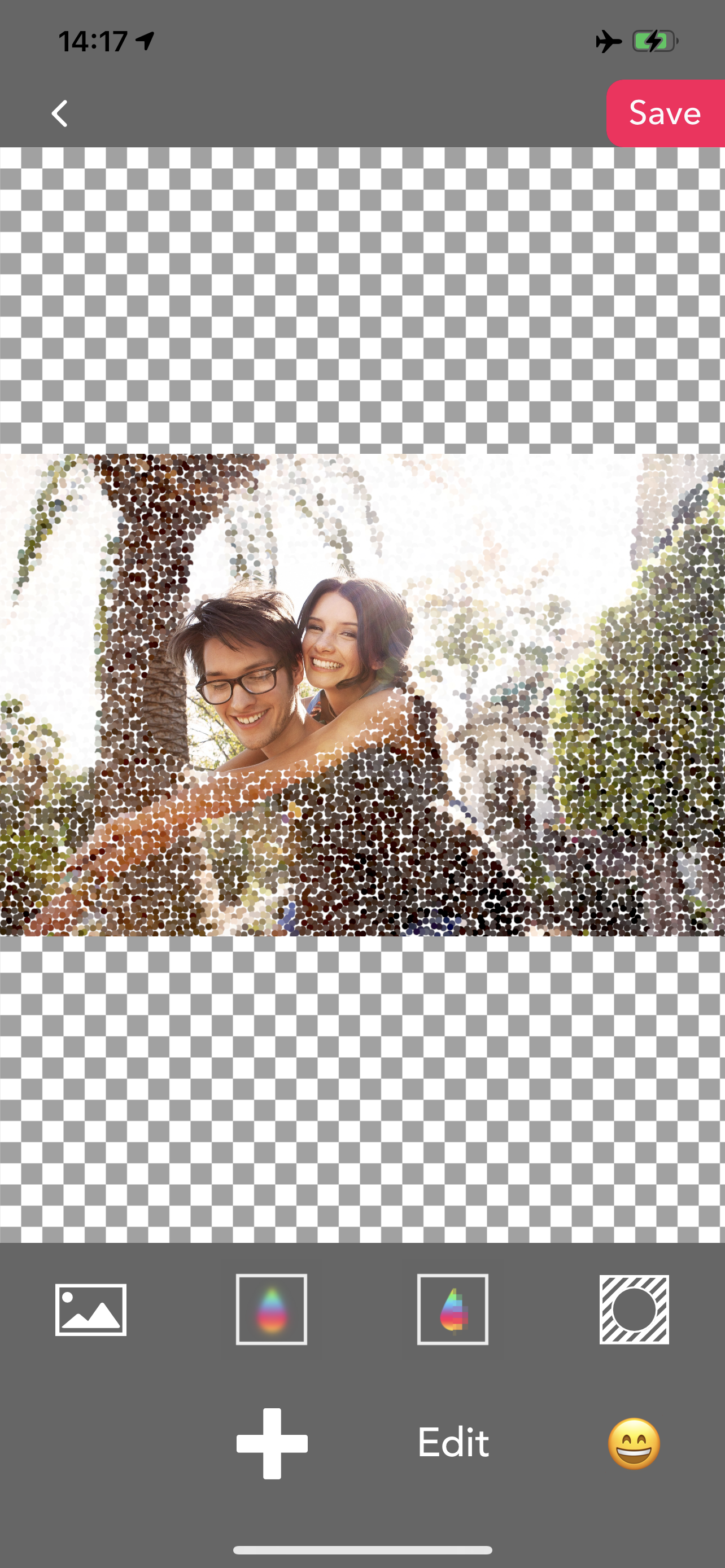
PicStash is a blur photo editor. You can blur your images with multiple features.
-- Cover photo with blur
You can make a photo totally blurred.
1. Select the photo you want to blur.
2. Select blur type (Blur / Dot / Mosaic).
3. Select blur level.
4. Press the "Save" button.
-- Blur by finger
You can make a photo blur with your finger.
1. Select the photo you want to blur.
2. Select blur type (Blur / Dot / Mosaic).
3. Select blur level.
4. Select brush width.
5. Swipe a port of the photo that you want to blur.
6. Press the "Save" button.
— Apply a tilt-shift blur effect
You can add tilt-shift blur to your photo.
1. Select the photo you want to blur.
2. Select blur type (Blur / Dot / Mosaic).
3. Select blur level.
4. Press the "Save" button.
— Blur photo with multi-masks
You can blur a photo with some shapes.
1. Select the photo you want to blur.
2. Add a shape mask for blur.
3. Select blur type (Blur / Dot / Mosaic).
4. Select blur level.
5. Press the "Save" button.
— Face tracking mode.
You can blur faces that are detected.
1. Select the photo you want to blur.
2. Tern on/off blur switches for faces.
2. Select blur type (Blur / Dot / Mosaic).
3. Select blur level.
4. Press the "Save" button.
* Face detection is only run on your device. Therefore this app doesn't send any images to servers for detection.
- Blur background mode.
This mode requires iOS15 or later.
1. Select the image you want to blur.
2. The background will automatically be blurred.
3. You can adjust the blurred area with your finger(blur/eraser).
2. Select blur type (Blur / Dot / Mosaic).
3. Select blur level.
4. Press the "Save" button.
商店排名
商店排名基於Google和Apple設定的多個參數。
所有類別 在
美國--
照片與影片 在
美國--


 PicStash - Blur & Mosaic Image VS.
 1月 16, 2026