

1月10日 的 Klender Pro Calendar 應用程式分析

Klender Pro Calendar
- Toni Granados Martinez
- Apple App Store
- 付費
- 公共設施
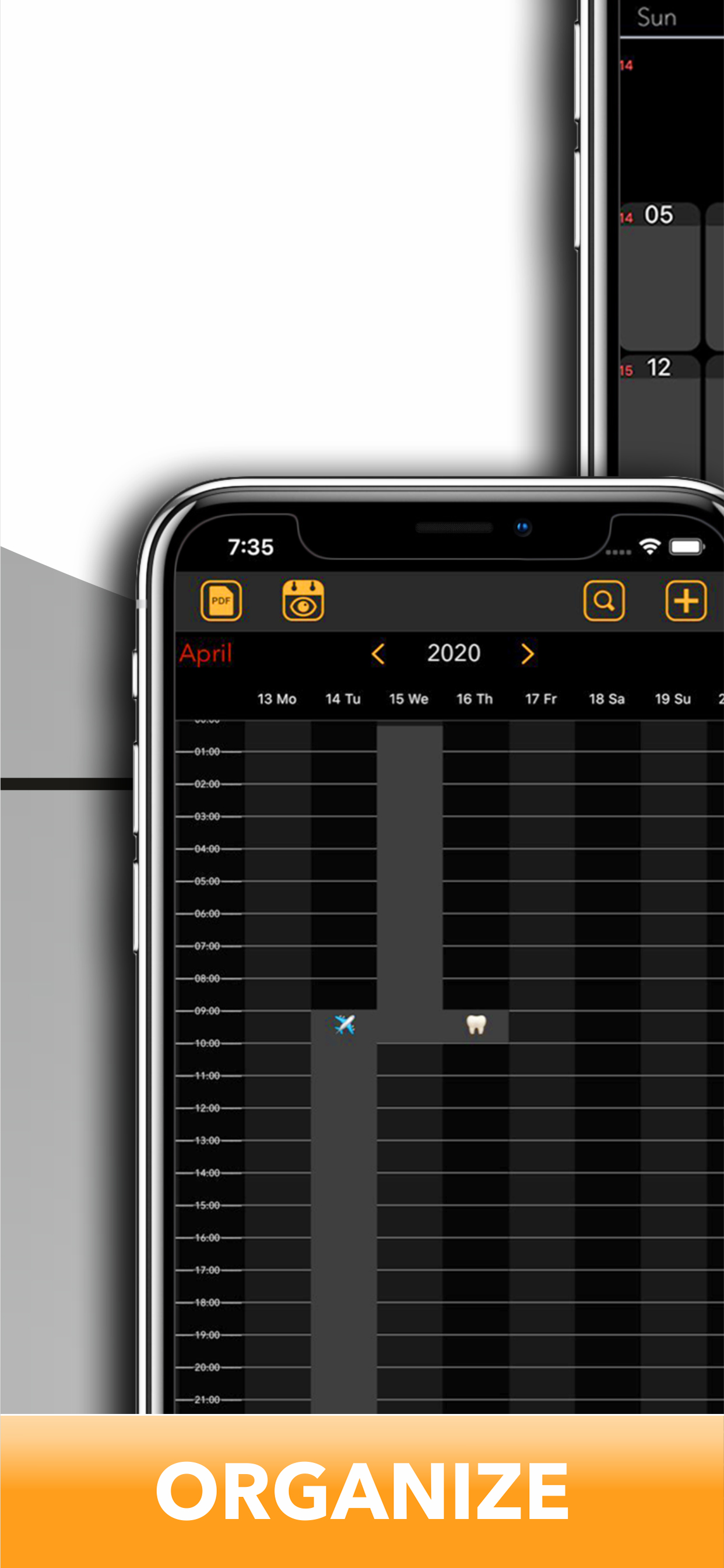
IIt stands out for being dynamic and intuitive and is indicated for both personal and professional use. Another fundamental feature is its visual appeal, thanks to the use of emojis giving it a modern and current look.
Start with the limited free version, to be convinced of buying the Premium version with all the advantages for an unlimited lifetime, such as synchronization with the iOS calendar, compatibility with other platforms that use the iCAL format to share events and calendars, and export to PDF or CSV formats of visual calendars.
GROUPS CALENDARS:
CREATE CALENDAR GROUP: You can create new groups of calendars, in them you can associate the different calendars to group them.
EXPORT CSV: This option will allow you to export a group of calendars to an annual planning model, useful for printing or sharing in csv format (compatible with excel).
CALENDARS:
CREATE CALENDAR: You can create new calendars by configuring different presets.
ICON / EMOJI: You can select an emoji or up to two letters to differentiate your calendar.
EVENT:
NEW EVENT: In the new event view you have the option to create, modify or delete. (this view has scroll)
CALENDAR SELECTION: You can select a group of calendars previously and then select the calendar to choose, or you can directly select the calendar without the previous group filter.
FIELDS: An event has as required fields, the group and calendar and dates, then there are other not required fields such as, patterns, participants, location, notes, alarms (5) and synchronized IO calendar.
REPETITION: This part is where the repetition pattern is configured to create multiple equal events for days, weeks, months and specific days of week and month.
DATE RANGE: Select in which date range you want to create all events (start and end)
PATTERNS: Select the pattern previously created by you. This pattern allows you to configure your shifts with different calendars associated with your work shifts.
FREQUENCY: Indicate the frequency between events, for example, every 2 days, every week, every 2 months, and if you wish, add days of the week, or more specifically, the first Monday of the month or the last Friday of the month.
PARTICIPANTS: Both in events and calendars you can select participants from your device's contact list to share them through emails in iCal format. (compatible with many systems).
SHARE (ICA)L: When you save an event the application will detect if there are new participants, or they have been informed or eliminated to suggest the submissions for update by email, if you add them from a calendar it will also add them to future events of that same calendar and will suggest the update shipment.
SYNC IOS: Select on the iOS calendar to assign it a KLENDER calendar, this way the events will always be synchronized in both apps and you can have them on all your devices.
CSV REPORT: Create your annual calendar report in CSV format to export or print it with all shifts
DATE RANGE: In this part you must select a date range (start and end).
LIST OF RESULTS: Klender will automatically show you a list with the calendar summary of all the events that exist between the selected date range.
CONTENT: The data provided will be: the number of total events, the sum of accounting units per event, and the time sum of the events.
商店排名
商店排名基於Google和Apple設定的多個參數。
所有類別 在
美國--
公共設施 在
美國--


 Klender Pro Calendar VS.
 1月 10, 2026