

2月15日 的 KODAK Photo Printer 應用程式分析

KODAK Photo Printer
- Prinics Co., Ltd
- Apple App Store
- 免費版
- 照片與影片
Thank you for using KODAK photo printer.
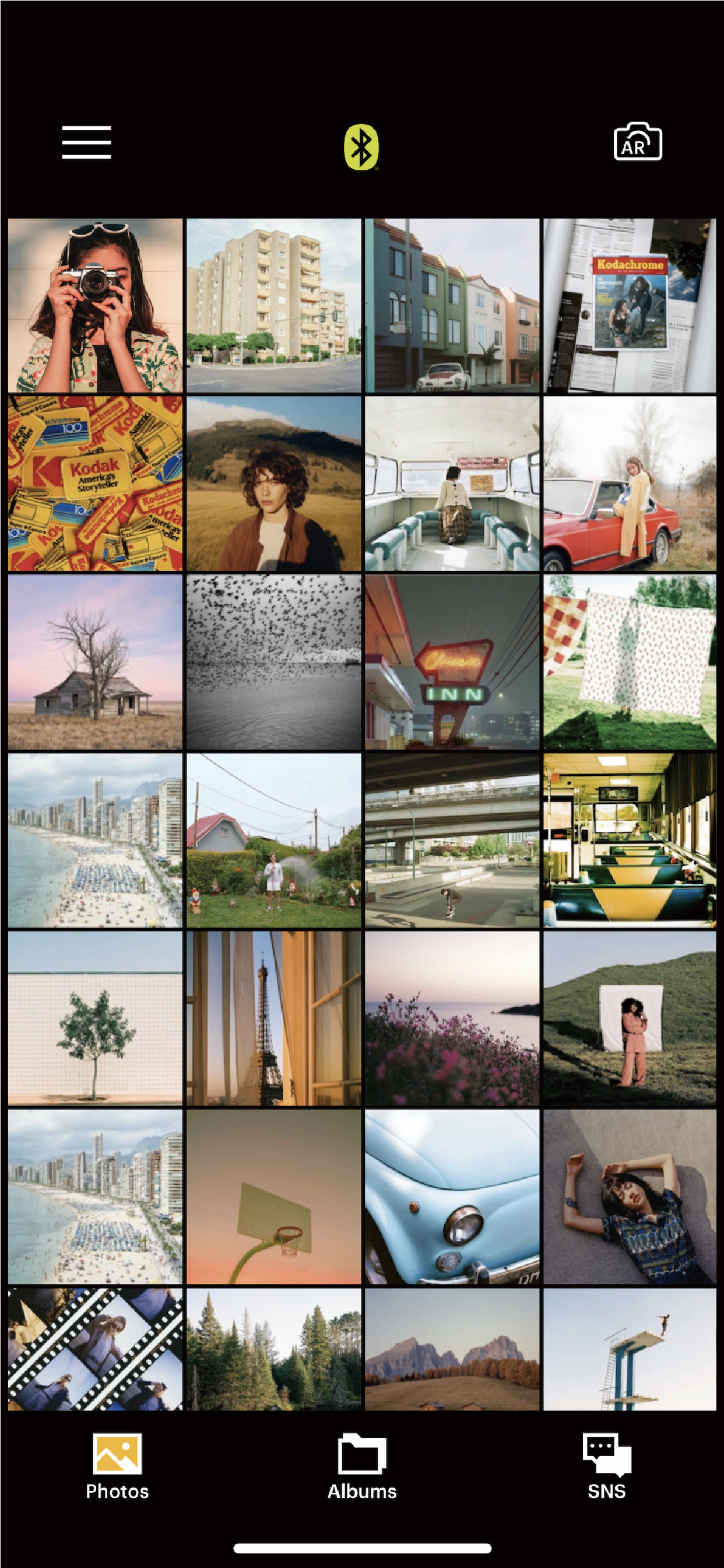
The previous KODAK Instant Printer app will be replaced with the new KODAK Photo Printer app. The new features including the AR and beauty functions will blow you away!
Supported Models :
Kodak 2 inch Printer (P210, M200)
Kodak 2 in 1, 2 inch Camera (C210, MS200)
Kodak 3 inch Square Printer (P300, M300)
Kodak 3 inch Square 2 in 1 Camera (C300, MS300)
Kodak 4inch Square Camera (MS400)
Kodak 6 inch Dock Printer (PD460, D600)
Easily print amazing photos with KODAK Instant Camera and Printer.
The "KODAK" Instant photo printer and camera can be used to print images from smartphones by connecting Bluetooth to the device.
You can take and edit pictures on smartphones or tablets. It will instantly print your precious moments!
[How to Use]
1. Make sure you recharge the printer before you use it.
2. Make sure the Adapter is connected properly.
3. Turn on the printer
4. Go to Bluetooth setting and find the printer’s MAC address.
The MAC address is placed inside the printer’s door
If you purchased Dock Printer, dock your smartphone at the pin on top the of the printer or find the MAC address on the downside of the printer to connect the device to the Bluetooth.
5. Select an image from the Gallery or take a photo with your smartphone.
6. Once image has been selected, edit the image with your personal preference.
7. Now press print button located on top of the printer when editing is completed.
8. When you print for the first time, it may need to update the firmware. Please follow the instruction shown on the screen of your smartphone.
9. It will take about a minute to fully print. Please do not pull the photo until it is completely printed.
商店排名
商店排名基於Google和Apple設定的多個參數。
所有類別 在
美國--
照片與影片 在
美國#95


 KODAK Photo Printer VS.
 2月 15, 2026