

1月10日 的 Scan Document : PDF Scanner 應用程式分析

Scan Document : PDF Scanner
- Keyurbhai Tavethiya
- Apple App Store
- 免費版
- 生產力
Turn your iPhone into a smart scanner.
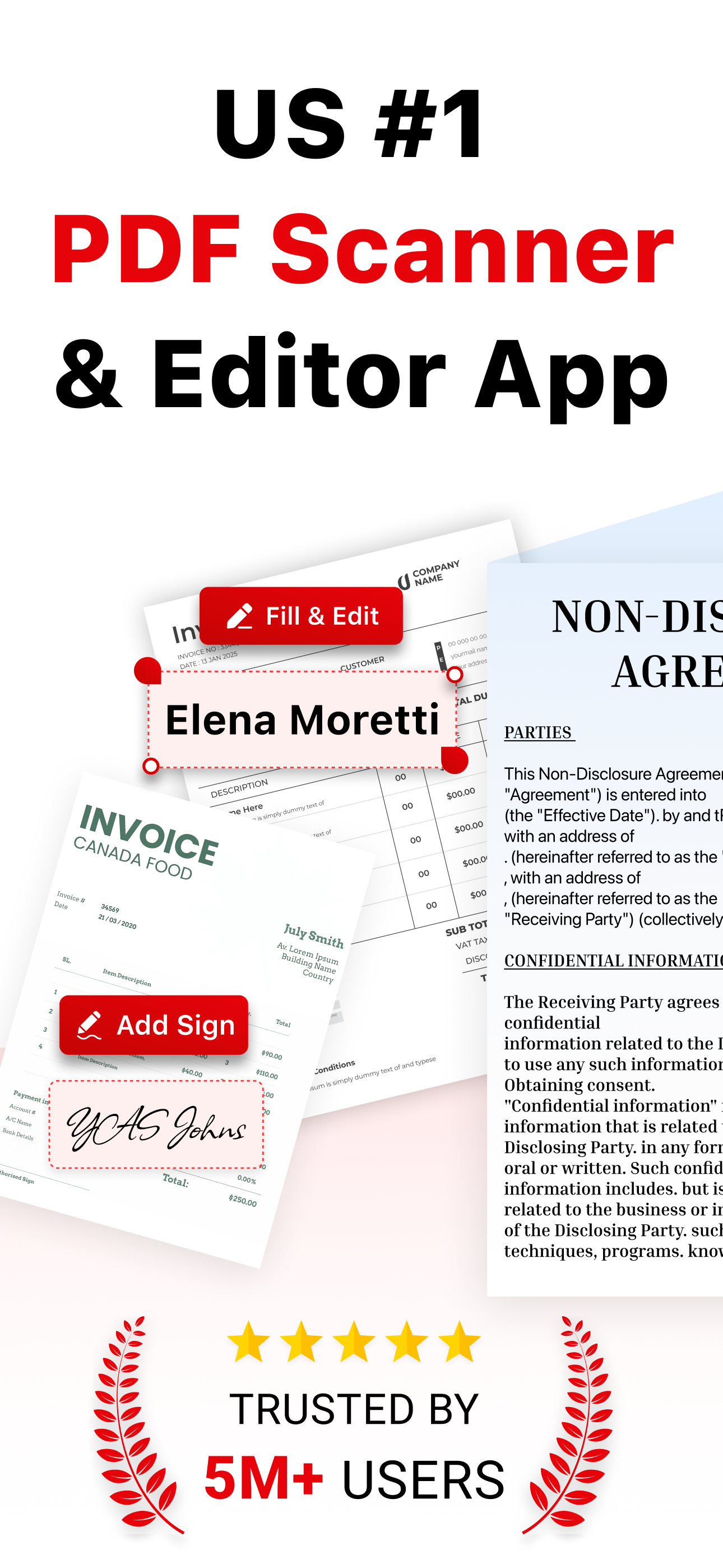
Pdf Scanner helps you scan, edit, and convert any document into professional-quality PDF files in seconds. Save time, storage, and always keep your documents with you.
Whether it’s receipts, ID cards, contracts, books, notes, or photos, this PDF scanner makes your life easier. With powerful editing tools, OCR text recognition, and a fast PDF maker, you get the most complete document management app in one place.
Key Features:
- Photo to PDF: Instantly convert photos and documents into clear PDF files
- Scan to PDF: Fast and easy scan documents, High quality scan & PDF converter
- All-in-One PDF Scanner: Scan receipts, notes, books, ID cards, business documents
- PDF Maker & Editor: Create, edit, merge, delete pages, and manage multi-page PDFs
- PDF Converter Free: Export to PDF, JPG, PNG, and share with one tap
- OCR Text Recognition: Extract and copy text from scans with high accuracy
- Image Processing: Enhance, rotate, crop, sharpen for the best document quality
- Safe & Secure: Protect sensitive documents with passcodes
Supported Formats:
- Images: JPG, JPEG, PNG
- Multi-page Documents: PDF
Why Choose Pdf Scanner?
- Scan to PDF in seconds with crystal-clear quality
- Replace bulky scanners with one lightweight app
- Organize and digitize documents on the go
- Free PDF editor and maker tools included
Premium Features (In-App Subscription):
- Unlimited scans without limits
- Full access to PDF maker, editor, and OCR features
- No ads for a distraction-free experience
SUBSCRIPTION PRICING AND TERMS
In-App Purchase:
USD $ 01.99 One Week Subscription
USD $ 04.99 One Month Subscription
USD $ 39.99 One Year Subscription
The subscription will automatically renew unless turned off in your iTunes Account Settings at least 24 hours before the current period ends. You can go to your iTunes Account settings to manage your subscription and turn off auto-renew. Your iTunes Account will be charged when the purchase is confirmed.
Please read our Terms and Service & Privacy Policy
http://photowork.tech/01_keyutave/Camera_scan/pp
http://photowork.tech/01_keyutave/Camera_scan/tou
We’d love to hear from you! Please leave a review to help us make our PDF Scanner even better. You can also get in touch with us at keyutave@gmail.com.
Thank you so much!
商店排名
商店排名基於Google和Apple設定的多個參數。
所有類別 在
美國--
生產力 在
美國--


 Scan Document : PDF Scanner VS.
 1月 10, 2026