

1月31日 的 Images Crawler 應用程式分析

Images Crawler
- Heng Jia Liang
- Apple App Store
- 付費
- 照片與影片
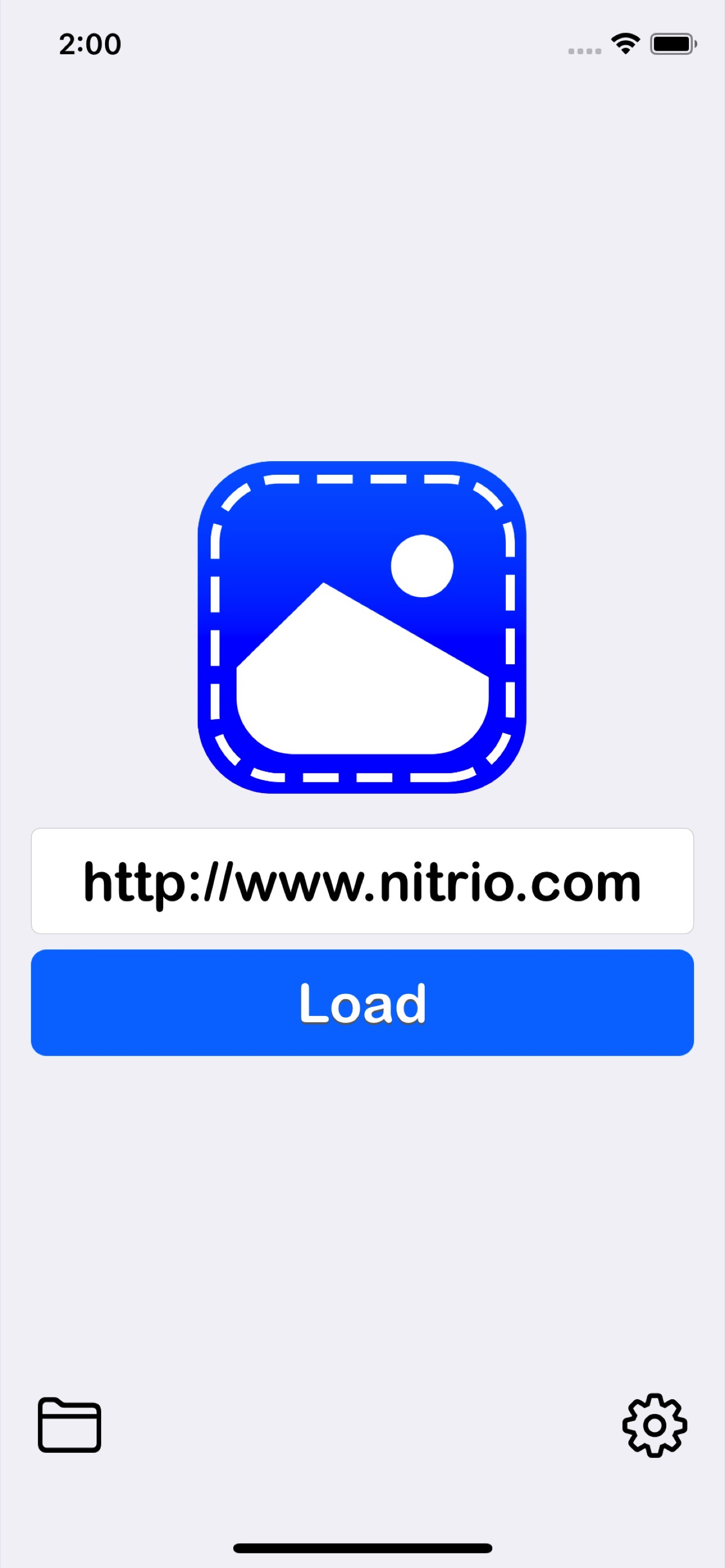
Images Crawler is a simple app that lets you capture all images on any website url given. Just input the website URL and tap on load will crawl the entire images within the website. You can review the URLs before deep crawl are set to grab all the images within the web page.
Features:
• All crawl images are stored on your device so you can access it offline.
• All images are stored in it's own domain folder for easy access.
• You can preview the images on your device or export the image to the camera roll.
• You can also export the entire domain folder to the camera roll.
• Delete any image or folder in your device to save storage space.
• All crawl images can be accessed via Files App.
• Lightweight app with a small size, optimized for everyday use.
Setting:
Able to set maximum crawl pages so it will stop at any given limit.
This will limit the total crawling pages so it hasn't taken forever to crawl a large website.
Filter image size by small, medium, large, X-large or All.
Filter images for display in the library, e.g. show only small images after images crawl to avoid display congestion.
Quick Guide:
1. Input website URL.
2. Tap on Load button and wait to finish.
3. Next Step, Review URLs and remove unwanted URLs.
4. Start Crawl images by Tap on Crawl button.
5. After Finish, exist and go to the Library.
6. Tap on domain name and all images are listed.
7. All images can be saved to the camera roll.
Note: Not all webpages/images can be crawled; for example, webpage/images containing complete code or Ajax may not be successfully crawled.
Thanks for your support and do visit nitrio.com for more apps for your iOS devices.
商店排名
商店排名基於Google和Apple設定的多個參數。
所有類別 在
美國--
照片與影片 在
美國--


 Images Crawler VS.
 1月 31, 2026