

2月11日 的 VisuCaller 應用程式分析

VisuCaller
- iRead Solutions Inc.
- Apple App Store
- 付費
- 生產力
VisuCaller scans and calls printed phone numbers. An inapp purchases allows it to also scan contact information from the viewfinder or from a picture which can be saved to your device's contacts or an app list.
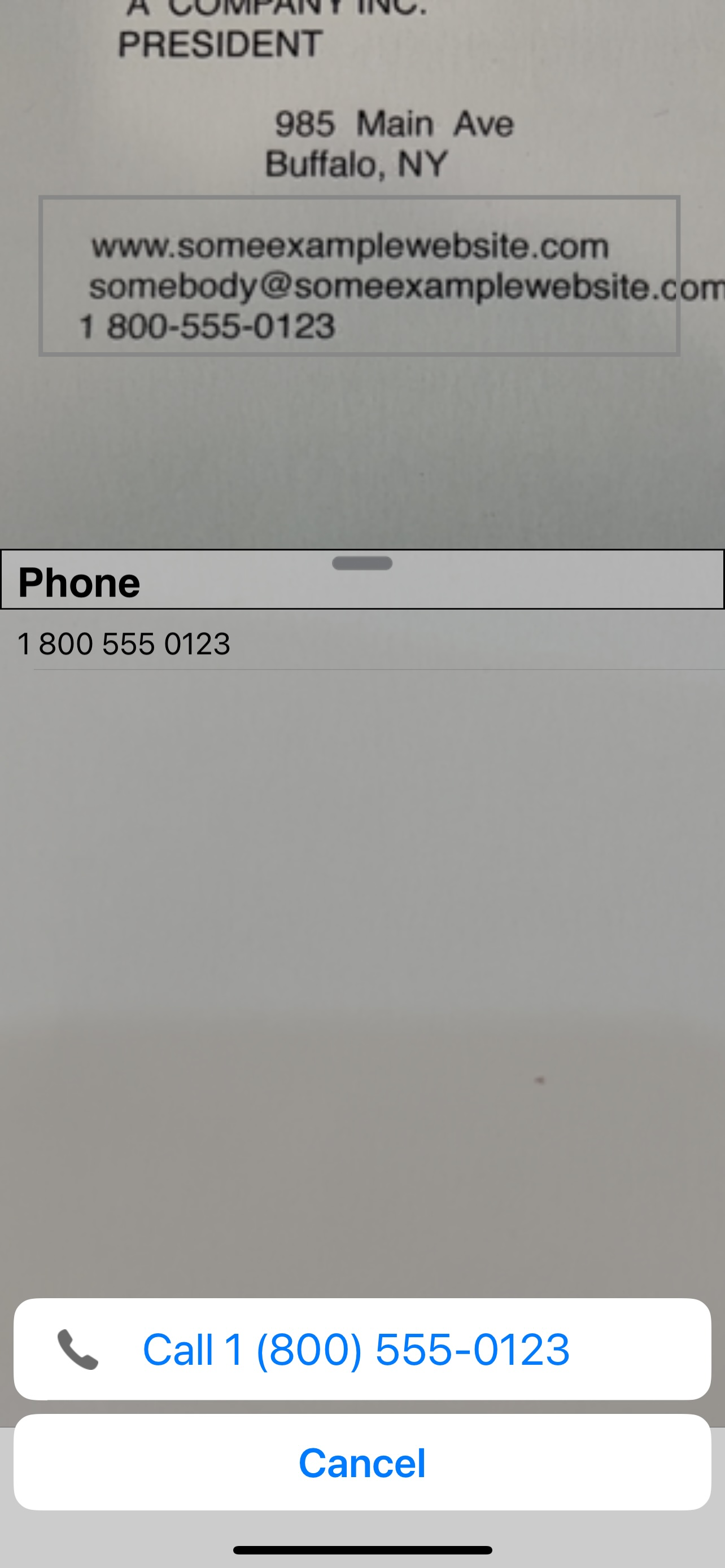
For the phone tab, a viewfinder is used to enclose data to be scanned and phone numbers detected from the data are displayed in a list. If a number is detected multiple times quickly, the App will highlite it in green and can automatically initiate calling it (if enabled in settings). You can edit phone numbers in the list to add prefix codes or correct errors. Zoom control is provided using pinch gestures or double tapping.
For the contacts tab (in app purchase), data can be detected by taking one or more pictures and/or using viewfinder for scanning smaller specific information. With either method, detected information is displayed in a list. The list shows hints of the types of contact information that can be scanned and you scan only the data you desire. If data is detected multiple times in succession, the App will highlite it in green, which is an indication the data has a high probability of being accurate. Specific list rows can be selected which will bias the viewfinder scanner to the particular data expected for the list row, which can improve detection ability. If you simply want to scan data but not save it, you simply tap the item once scanned to get map directions, email or browse a website.
The list tab permits managing personal lists in the app. This is handy for information you may want to note but not necessarily save in your device's contacts to avoid cluttering. For example, you may take a trip once, need various pieces of contact information available but once the trip is finished, you may never need that information again. You can simply delete the list when the trip is done. This is much easier than going through your contacts and deciding what you need to delete.
Common user interactions are :
- tap viewfinder to refocus
- swipe across viewfinder to clear list data and rescan
- tap a camera button to take a photo for data to be processed for contact information
- drag list handle up/down to stop/start camera scanning using the viewfinder
- double tap viewfinder to cycle zoom levels ( 1.0, 1.5, 2.0, 1.0 ...)
- pinch zoom control
- tap a list item to action ( make a call, browse a website, email, get map directions)
- tap a list item to add it to information in a contact row
- hold a list item to edit
Note that this app uses OCR technology and only works with printed English text (not handwritten text) and cannot guarantee information is always scanned without errors. If the printed text is clear, characters are not touching or overlapping, it will very often detect correctly.
商店排名
商店排名基於Google和Apple設定的多個參數。
所有類別 在
美國--
生產力 在
美國--


 VisuCaller VS.
 2月 11, 2026