

12月5日 的 PDF to Word Converter 應用程式分析

PDF to Word Converter
- TechPulseStudio
- Google Play 商店
- 免費版
- 生產力
PDFs are incredibly versatile, yet notoriously challenging to modify. But there's no need to manually copy text from a PDF. With the power of OCR (Optical Character Recognition), even scanned pages become editable.
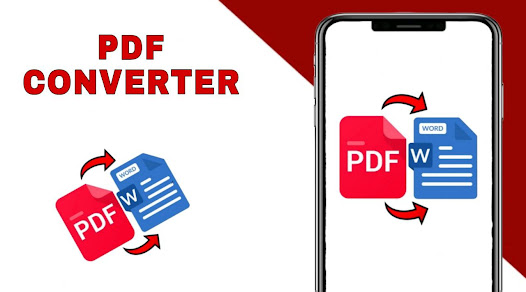
Introducing the premier PDF to Word converter. This tool faithfully reproduces the formatting of your PDFs – think fonts, paragraphs, lists, tables, and columns – right in a Word document. Once converted, you can easily edit, extract content, and even re-export as a new PDF. The best part? No registration, no login, and no need to share your contact details.
Looking to Convert a Scanned PDF to Word?
You're in the right spot. Our PDF converter transforms your PDFs into editable Word documents, converting from PDF to DOCX seamlessly.
Here's a simple guide to converting PDF to Word:
1. Choose your desired PDF file and select Convert.
2. Patiently wait as we work our magic and convert your PDF to Word. And voila!
Your converted files can be found at: Phone/PDF2Word-Converter.
PDF to Word Converter 使用排名
基於 Similarweb 的算法,根據過去 28 天的安裝數和活躍用戶數進行計算。
所有類別 在
美國--
生產力 在
美國--



 PDF to Word Converter VS.
 12月 5, 2025