

2月12日的Shortcut Abbreviation Keyboard应用程序分析

Shortcut Abbreviation Keyboard
- Yannick Rave
- Apple 应用商店
- 付费
- 生产力
Shortcut Keyboard is your new Keyboard!
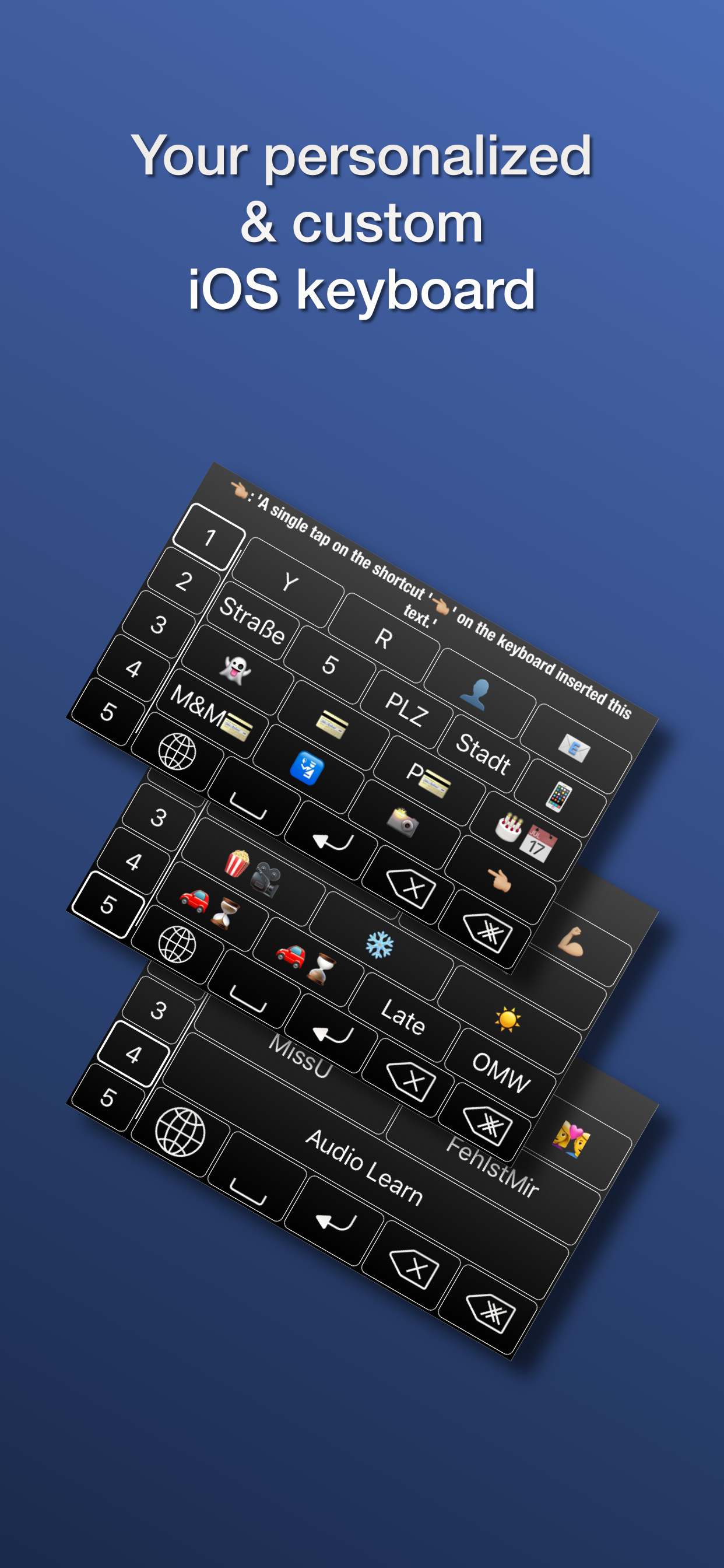
The app creates you a new keyboard. This keyboard is made for you with your personal shortcuts. Insert the shortcut’s text to save a lot of time. Additionally, once you have created a shortcut, the text will not change so you can be sure that you do not insert wrong information. One more benefit is that you are not bugged by typing the same letters over and over again.
Shortcut Keyboard has a lot of functions, including:
- Create new shortcuts with ease and insert the shortcut’s text with a single finger press
- Create new pages and position your shortcuts wherever you want on the keyboard
- Your texts are variable!
- Static texts are inserted without any changes
- It is possible to replace a date variable with the current date and time
- Another feature allows you to insert your current location
- Import and export your shortcuts so they can be used as a backup and to keep your other devices updated
Create shortcuts to fill out forms with just a few finger presses. Until now, you did not know how fast you can insert your name, address, email and phone number.
Send your friends your current location and let them know where the party is at or text your parents that you safely made it to your current location.
You can mark your finished tasks with the current date and even insert the current time quickly.
Shortcuts can be used in all kinds of situations. They are especially useful for texts you often use and are also handy for hashtags, websites, signatures and I bet you already have your individual use in your mind.
How do I use Shortcut Keyboard?
The app shows a keyboard. This represents the actual keyboard you will be using.
Create a new shortcut by simply clicking on the +. Enter the text you want to be inserted and a text that will be shown on the keyboard.
Moving shortcuts is just as easy. Click on the icon in the top right of your screen. A blue border will appear. Click two shortcuts to change places.
Do not forget to add Shortcut to your keyboards. Settings -> General -> Keyboard -> Keyboards -> Add Keyboard. You will see Shortcut Keyboard. Add it to your keyboards. Now you can use the globe on Apple's keyboard to change your active keyboard to Shortcut Keyboard.
On the keyboard, click a shortcut to insert the text. You can also long press a shortcut to see the text that can be inserted.
Every kind of feedback is highly appreciated. Feel free to tell us about your experience with Shortcut Keyboard and what features you want to see in upcoming versions. :)
Facebook: https://www.facebook.com/ShortcutKeyboardApp/
@ShortcutKeyboardApp
Support: shortcut@wrave.de
商店排名
商店排名基于 Google 和 Apple 设置的多个参数。
所有品类在
美国--
生产力在
美国--



 Shortcut Abbreviation Keyboard VS.
 二月 12, 2026