

1月11日的BHIM KVB Upay应用程序分析

BHIM KVB Upay
- THE KARUR VYSYA BANK LIMITED
- Apple 应用商店
- 免费
- 金融
Karur Vysya Bank presents KVB Upay – A Unified Payments Interface (UPI) application that lets you transfer funds from any bank account using a Virtual Payment Address (VPA), IFSC & Aadhaar.
What is UPI?
Unified Payments Interface (UPI) is an instant real-time payment system developed by National Payments Corporation of India facilitating inter-bank transactions. The UPI is regulated by the Reserve Bank of India (RBI) and works instantly by transferring funds between two bank accounts on a mobile platform.
If you operate multiple banks account & use multiple apps for your payments? Switch to KVB Upay for managing all your accounts at one place.
Benefits of using KVB Upay
- No need to remember account number, IFSC for fund transfer
- Send/Collect money using a Virtual Payment Address
- Access all bank accounts linked to your mobile number in one app
- Pay to friends & relatives using their VPA
- Pay to any user using any UPI application.
- Request money from any UPI user
- Scan a QR and pay on the fly.
- Make Payments by QR Scanning
- Check account balance
- Block unwanted VPA as Spam
What are the requirements for using KVB UPay?
You should have following
- A iPhone with internet services
- An operative bank account
- The mobile number being registered with UPI must be linked to the bank account.
- Active debit card relating to this account for creating mPin.
How to register for KVB Upay?
- Download “BHIM KVBUPay” from iOS App Store
- Click on “Proceed” to verify your mobile number.
- An SMS will be sent from your mobile for verification.
- After your mobile number is verified, the Profile Registration screen is displayed. Fill in the required details.
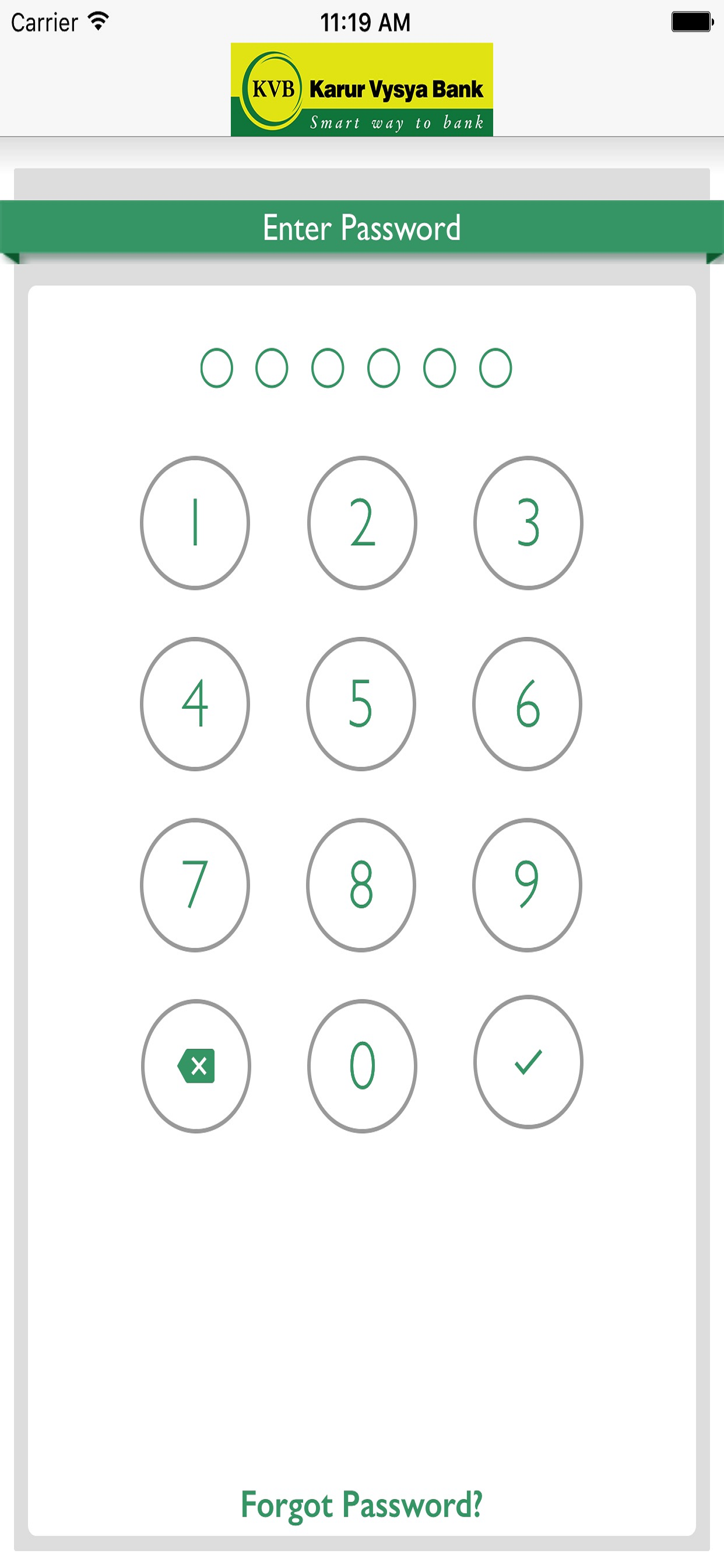
- Create six digits numeric application password for logging in to application and confirm the same.
- Once successfully registered, login to the app and create VPA for the bank account linked.
- Select the Bank & create VPA for the bank.
- Set mPin for the selected bank using debit card
Support 24 X 7:
Email id: customersupport@kvbmail.com
Toll Free Number: 18602001916
Supported Banks: Visit our website https://www.npci.org.in/bhim-live-members to find out if your bank is live on BHIM
Permissions for App and reasons
SMS - As per NPCI guidelines, we will be sending a background SMS to verify the customer and mobile number linked to it.
Location – As per NPCI guidelines, we will capture location details
Storage – We need this permission to store the scanned QR Code.
Calls – We need this permission to detect SIM present or not
Go ahead and download BHIM KVBUPay application to experience the unique way of making payments using a Virtual Payment Address (VPA).
商店排名
商店排名基于 Google 和 Apple 设置的多个参数。
所有品类在
美国--
金融在
美国--


 BHIM KVB Upay VS.
 一月 11, 2026