

1月25日的Compress Files with Zipped应用程序分析

Compress Files with Zipped
- Historycentral.com Inc
- Apple 应用商店
- 付费
- 公共事业
Zipped solves all of your ZIP file needs on iOS. Whether you need to unzip a file from Safari, or create a ZIP on iOS, Zipped has you covered. Zipped Includes:
• Advanced support for Drag & Drop on iPad — Drop a ZIP file to UNZIP, or Drag in any number of files to create a ZIP.
• Ability to Share your ZIP file or UNZIPPED files, or SAVE them to Files.
• Customizable Settings — Choose whether you would like to manually name ZIP files, or have Zipped automatically generate a name for you! Decide if you would like to unzip your ZIP file into a folder, or output simply the files themselves!
• Unarchive a ZIP into a file browser, preview your files, and selectively share or save them.
• Unarchive or Archive ZIP encrypted with a password.
• Open ZIP files from anywhere in iOS in Zipped through the 'Open In' sheet.
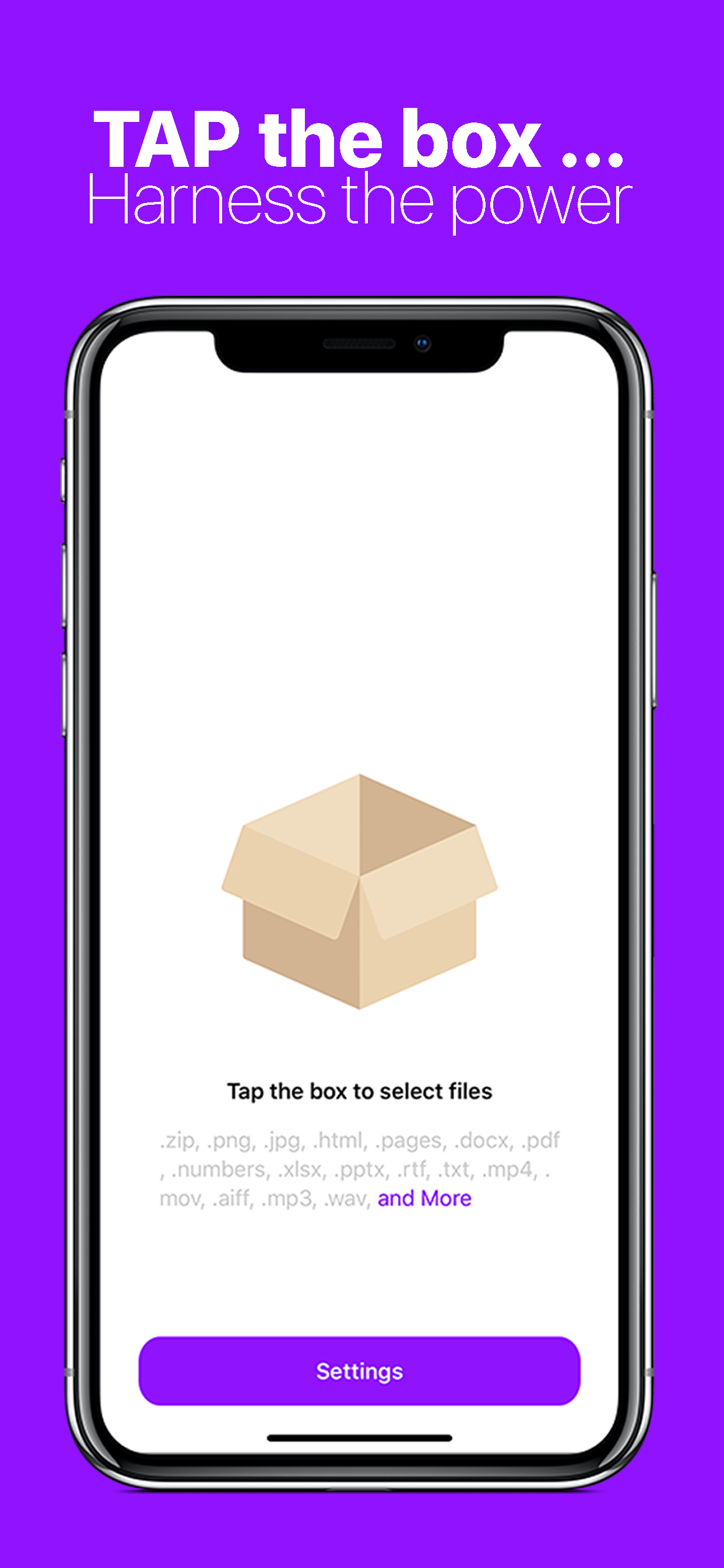
Zipped currently supports the following file types, with more to come: .zip, .png, .jpg, .html, .pages, .docx, .pdf, .numbers, .xlsx, .pptx, .rtf, .txt, .mp4, .mov, .aiff, .mp3, .wav, .psd, .caf, .md, .csv, .json, .js, md, .csv, .json, .gif, .heic, .band, .xml, .ttf, .otf
In addition to the above following types, you can also ZIP folders!
商店排名
商店排名基于 Google 和 Apple 设置的多个参数。
所有品类在
美国--
公共事业在
美国--


 Compress Files with Zipped VS.
 一月 25, 2026