

1月25日的IceWarp Authenticator应用程序分析

IceWarp Authenticator
- IceWarp Technology, s.r.o.
- Apple 应用商店
- 免费
- 商业
IceWarp Authenticator provides ultimate security for your IceWarp account through a Two-Step Verification process. Step one: type your password as usual. Step two: retype the one-time code generated by IceWarp Authenticator. The code changes every 30 seconds and proves your identity through something you always carry with you - your mobile phone.
Why Two-Step Verification?
-------------------------------------
Protects you against password theft
No extra password to remember
Easily accessible through the application
Works without cellular/internet connection
Features
-------------------------------------
Effortless setup by scanning a QR code
Supports multiple accounts
Time-based code generation
Setup Two-Step Verification
-------------------------------------
1. Download the IceWarp Authenticator app.
2. Login to your WebClient account and open Options under your photo.
3. On the screen that opens click the Two-Step Verification button and select the IceWarp Authenticator app.
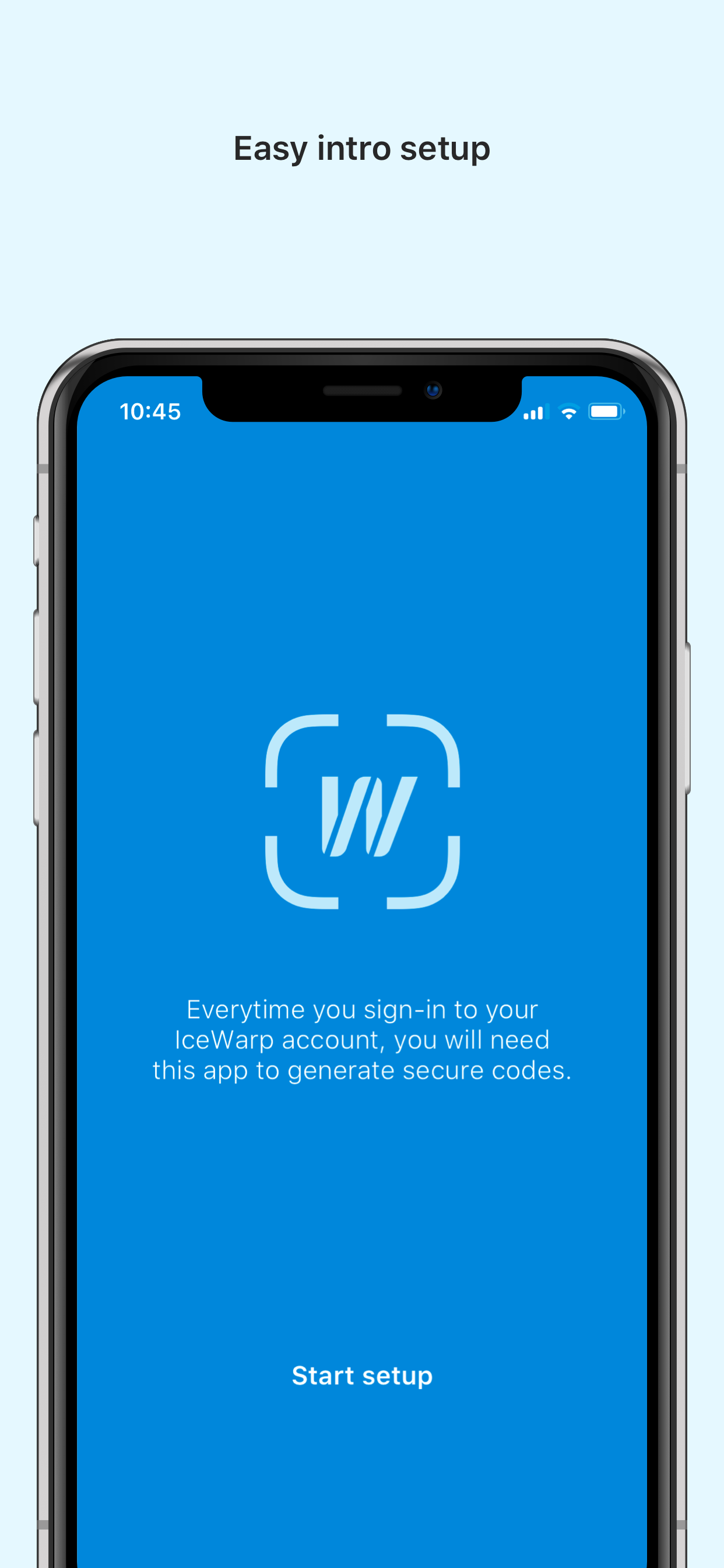
4. Open the IceWarp Authenticator, tap Start Setup, tap the icon to Scan QR Code. Allow the app to access the camera when prompted.
5. Scan the QR code displayed in WebClient, or alternatively retype the Key into the app.
商店排名
商店排名基于 Google 和 Apple 设置的多个参数。
所有品类在
美国--
商业在
美国--


 IceWarp Authenticator VS.
 一月 25, 2026