

2月14日的Canara ai1- Mobile Banking App应用程序分析

Canara ai1- Mobile Banking App
- CANARA BANK
- Apple 应用商店
- 免费
- 金融
Canara Bank launches “Canara ai1” Mobile Banking Super App with more than 250 features integrated with the futuristic vision of “One Bank, One App”.
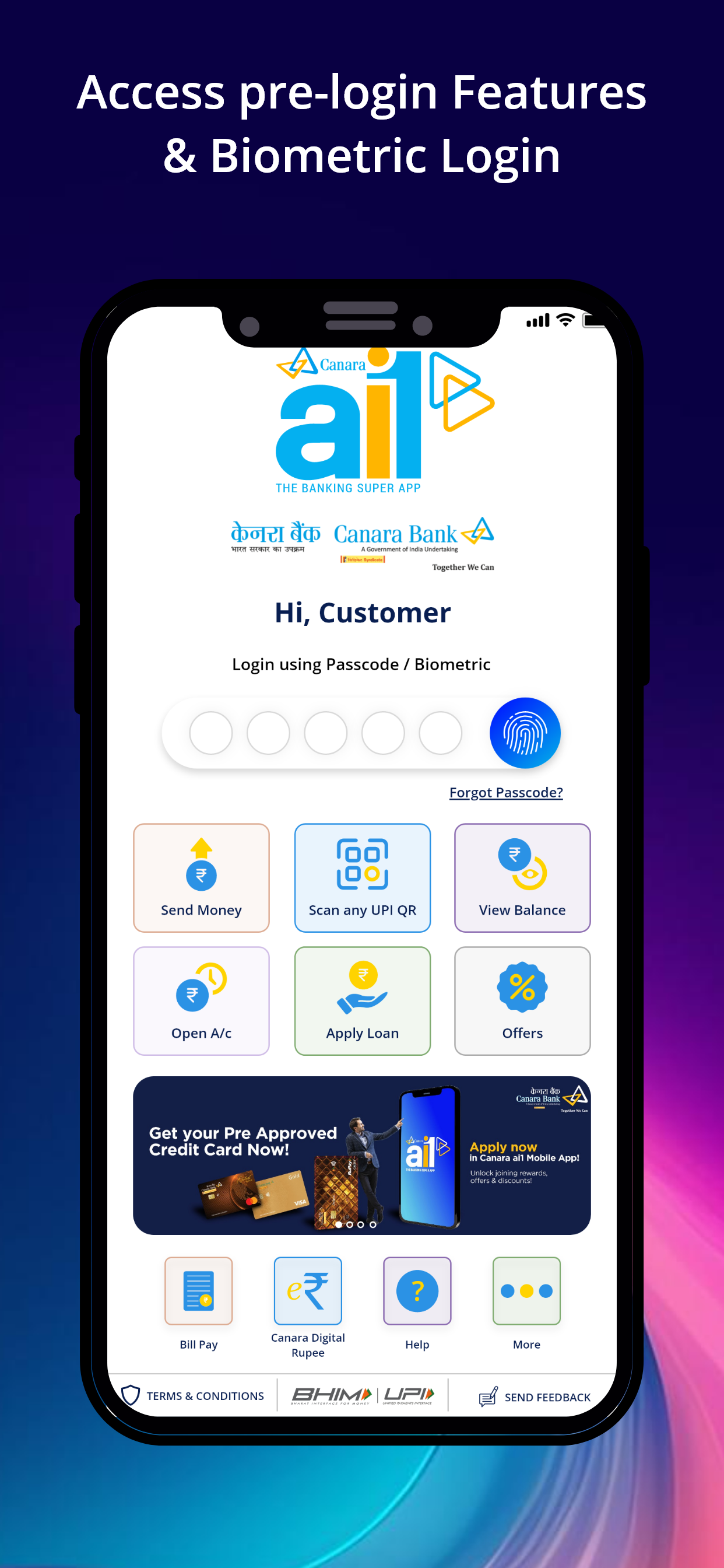
An intuitive app with enhanced User Interface & User Experience, “Canara ai1” Mobile Banking Super App offers a host of customer centric functionalities such as multi-mode funds transfer viz. UPI, RTGS,NEFT & IMPS, Fixed and Recurring Deposit opening, Fastag Recharge, Pay EMI / loans, scheduled payments, Nomination, Integrated Bill Pay, Integrated UPI etc., as additional features.
The app gives unique experience by providing option to customize the dashboard and choose the application theme of user choice (light/dark). App also features SCAN & PAY facility in the pre login screen.
Canara ai1 Features:
1. Fund Transfer using IMPS, UPI, RTGS & NEFT.
2. Invest in Fixed Deposits & build wealth.
3. Start Recurring Deposits & meet your goals.
4. Add Nominee & care for your loved ones.
5. Pay EMIs/Repay Loans.
6. Schedule payments on your own.
7. View Balance in a click & download statement.
8. Compare & Shop.
9. Apply for IPO (ASBA).
10. Insurance & Demat .
11. Public Provident Fund (PPF), Sukanya Samriddhi Yojana, Senior Citizen Saving Scheme.
12. Manage Debit & Credit Cards.
13. Block/Unblock Financial Transaction facility.
14. Bharat Bill Payment.
15. Check Credit Score.
16. UPI
17. Scan & Pay facility in Pre & Post Login.
18. Hotel, Bus, Train, Cab & Flight Booking.
19. Register & track Complaints.
20. Block Internet Banking Usage.
For feedback and suggestions, email us at hoditmb@canarabank.com https://canarabank.com or call us on 1800 1030
Steps to install:
1. Install Canara ai1 mobile app.
2. After successful installation open app by clicking new Canara ai1 icon.
3. Click on next button to continue after selecting the SIM having Registered Mobile Number with the Bank. SMS will be initiated from the selected SIM; Ensure balance is available to send the SMS successfully.
4. After successful Mobile Number validation, an OTP will be sent to your Registered Mobile Number.
5. Enter the OTP received and continue.
6. You will be redirected to create and confirm your 5 digits numeric PASSCODE for login to the application.
7. Accept the Terms & Conditions after successfully creating the PASSCODE.
8. Grant the permissions requested during the registration process to access all application features.
9. Before initiating any mobile Banking transactions, you need to create and confirm new 6 digits numeric MPIN for authenticating transactions.
10. Click on ‘SET NOW’ to activate your Mobile Banking facility using active debit card details/activation code (Visit home branch for generating the activation code).
Welcome, you’re all set to explore the new Canara Bank Mobile Banking Super App, Canara ai1.
"Together We Can"
商店排名
商店排名基于 Google 和 Apple 设置的多个参数。
所有品类在
美国--
金融在
美国--



 Canara ai1- Mobile Banking App VS.
 二月 14, 2026