

You’ve hit your search limit
Start your free trial to keep exploring full traffic and performance insights.
Get StartedEzBlock Studio app analytics for January 27
EzBlock Studio
- Shenzhen Maker Stars Technology Co., Ltd.
- Apple App Store
- Free
- Productivity
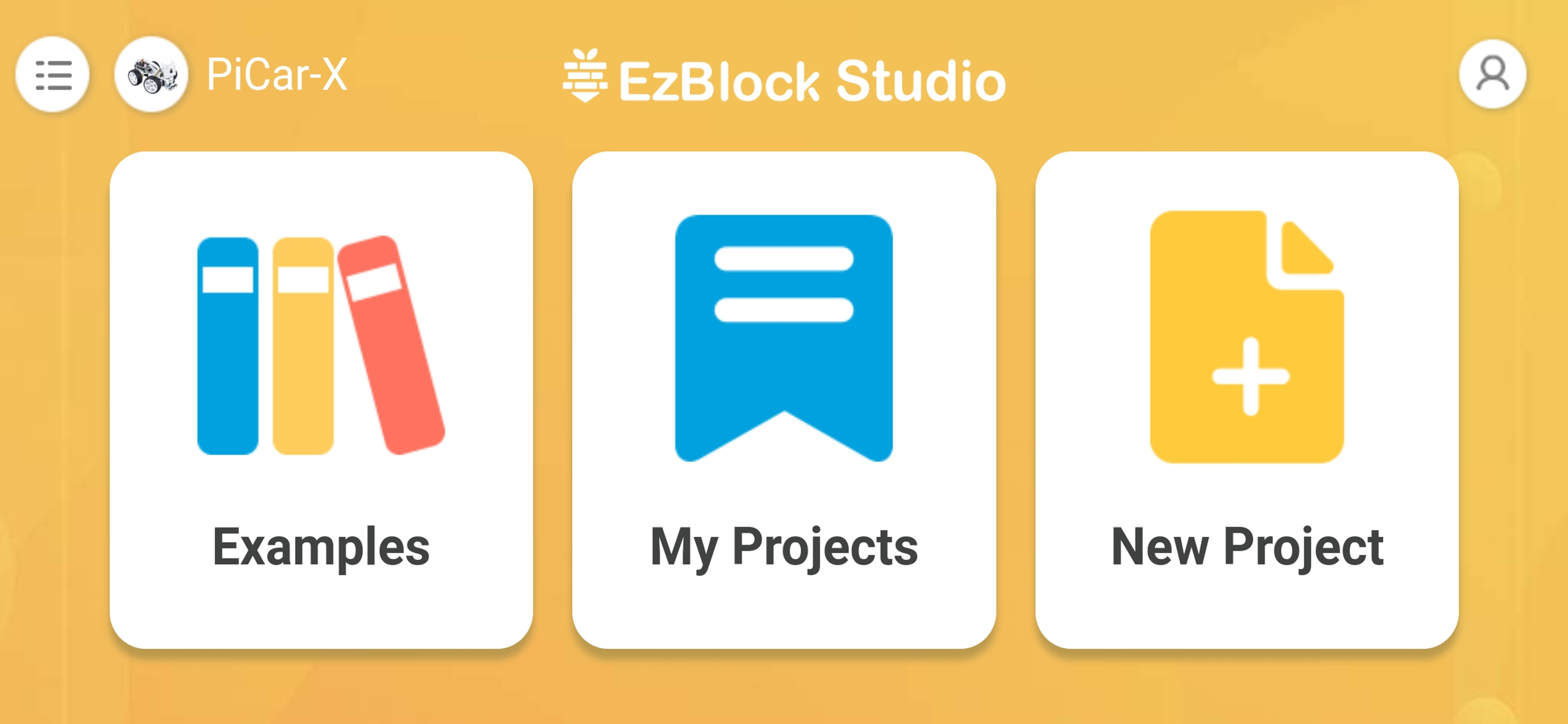
EzBlock Studio is an app for programming and controlling SunFounder Raspberry Pi robots, which allows beginners (students) to quickly get started with Raspberry Pi robot programming. It has built-in TTS, camera recognition, remote control, music/sound effects, and sensor control functions.
For more information, refer to: ezblock3.rtfd.io.
Features
1. Blockly & Python programming
2. Built-in TTS, camera recognition, remote control, music/sound effects, and sensor control functions.
3. Simply drag and drop and then check the effect immediately.
4. Support for SunFounder robots: PiCar-X, PiSloth, PiCrawler, PiArm, Pan-tilt HAT etc.
5. Ages: 7+
Required Devices
1. Raspberry Pi and Accessories
2. SunFounder Robot HAT or products with Robot HAT (Robot HAT online tutorials: robot-hat.rtfd.io)
Steps to use
1. Download the Raspberry Pi OS with EzBlock Pre-installed image file here: http://ezblock.cc/download/v31.html.
2. Insert the card and Robot HAT to the Raspberry Pi and start it.
3. Open the downloaded app and select the correct Bluetooth to connect.
4. Configure Wi-Fi.
5. Start to write programs for Raspberry Pi.
Tutorials & support
Online tutorials: ezblock3.rtfd.io.
Email: service@sunfounder.com
Store Rank
The Store Rank is based on multiple parameters set by Google and Apple.
All Categories in
United States--
Productivity in
United States--
Top Competitors & Alternative Apps
Apps with a high probability of being used by the same users, from the same store.

MyPi.

Remote Control Repetier Server

OMPHOBBY

Token2 Companion
 EzBlock Studio VS.
 January 27, 2026