

1月17日的CPFlash应用程序分析

CPFlash
- INNOVATRONIX INCORPORATED
- Apple 应用商店
- 免费
- 照片与视频
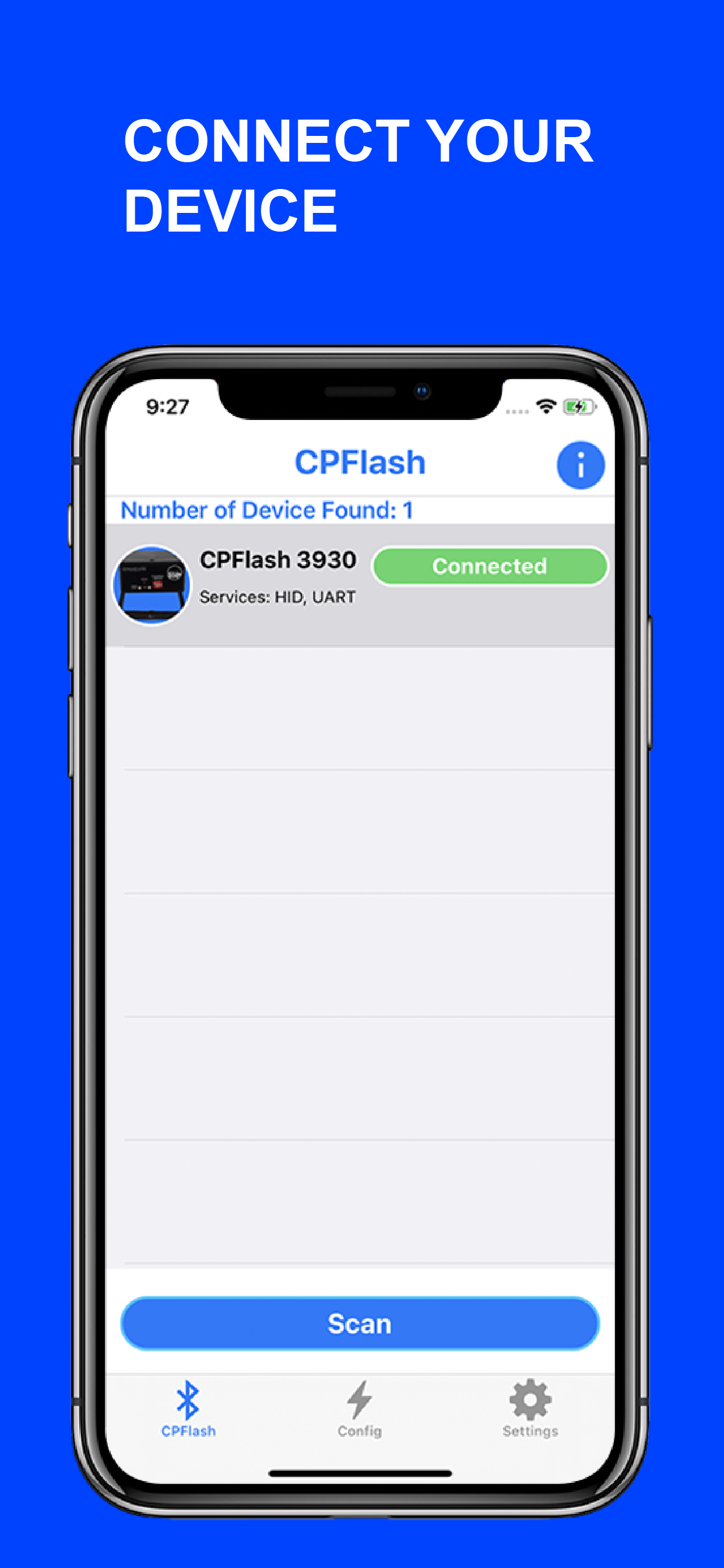
CONNECT YOUR INNOVATRONIX CPFLASH 550W DEVICE
Have full control of your Device by connecting it to the App through Bluetooth Pairing. The connected Device will be your Master Device and you can use up to 4 Slave/Channel. You can change the Address of your Slave/Channel from Slave 0 to 7 or make it Inactive.
ADJUST THE FLASH & FX POWER
Adjust the Flash Power Settings of your Master Device and Slaves separately. If the Video Light Fx is On, you can adjust the Fx Power Settings. The Power range is 0.5% to 100%.
FLASH DURATION & TEST FLASH
Set the Flash Duration of your Devices from 80 to 500 ms. Adjust it higher if the Flash and Camera is not in sync. You can also test your Devices individually or all at once.
VIDEO LIGHT FX
There are 8 different Effects to choose from (Continuous, Flickering, Lightning, TV, Paparazzi, Police, Strobe and Fire). You can set different effects for each Device. You can also Turn On or Off your Devices individually or all at once. If the Light Effect is On, you can change the Power of the Effect.
TRIGGER YOUR DEVICE
Trigger your Device using the App's Notification Actions. Make sure the Notification is Started. Once you minimize the App, Open the Camera App and wait for the Notification Informing you that your Device is Ready. Drag it down to see the Actions then click the Trigger button. You can also delay the Trigger by clicking the Self Timer button or Turn ON/OFF the Video Light Fx.
商店排名
商店排名基于 Google 和 Apple 设置的多个参数。
所有品类在
美国--
照片与视频在
美国--


 CPFlash VS.
 一月 17, 2026