

1月30日的Stream For OBS应用程序分析

Stream For OBS
- Denis Chepil
- Apple 应用商店
- 付费
- 照片与视频
This application works with OBS Studio via USB connection only.
You can use full matrix picture from iPhone device camera.
You can switch front/rear camera.
For hide/show switch button, tap once on the screen.
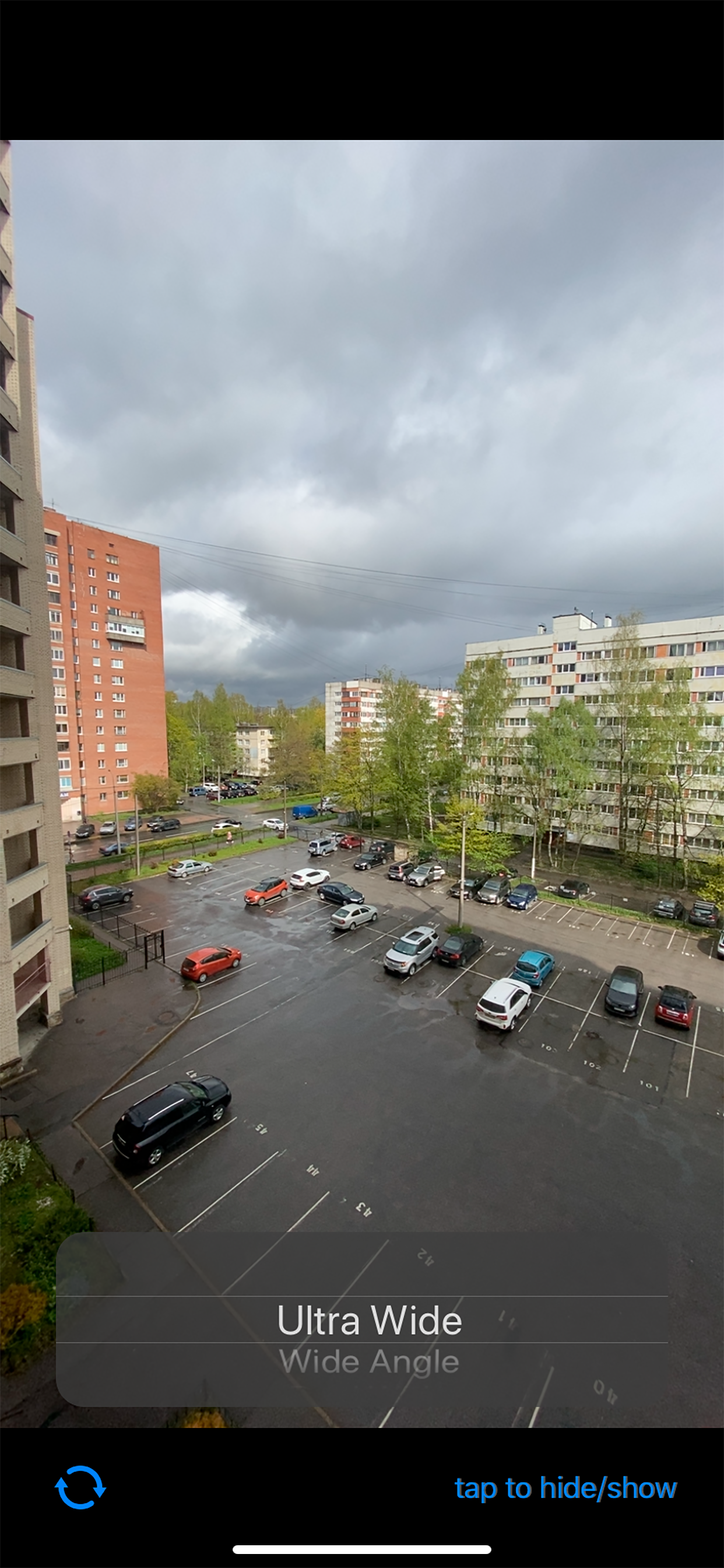
When you connect your iPhone to the OBS Studio application, you can see iPhone as external video camera. Just add video source to the scene and choose your iphone as source of video. Start StreamOBS application and you will see full screen video from the iPhone camera device.
In most of other cases, you need crop picture, cause capture cameras screen has a lot of info, such as "record button" / "flash button " / "switch camera button" / "tracking square for face" and other... As a fact, you need crop image to receive video inside OBS Studio. So, you will see only part of you video at last...
This application hides all unneeded elements from the screen, and you can capture video from the full whole matrix.
Stream you video to youtube, twitch and other platforms with OBS Studio and your iPhone as a main camera device.
User Agreement: https://serve.center/streamobs/agreement
Policy: https://serve.center/streamobs/policy
Sample use with OBS on MacOSX: https://youtu.be/5L1m5U4S894?t=104
Works with USB connection only on MacOSX
You can rotate screen from Portrait to Landscape mode uses transform function of OBS.
商店排名
商店排名基于 Google 和 Apple 设置的多个参数。
所有品类在
美国--
照片与视频在
美国--


 Stream For OBS VS.
 一月 30, 2026