

1月15日的Pass-Ni Smart Login应用程序分析

Pass-Ni Smart Login
- UbiNtisLab Co.,Ltd
- Apple 应用商店
- 免费
- 公共事业
What is Smart Login?
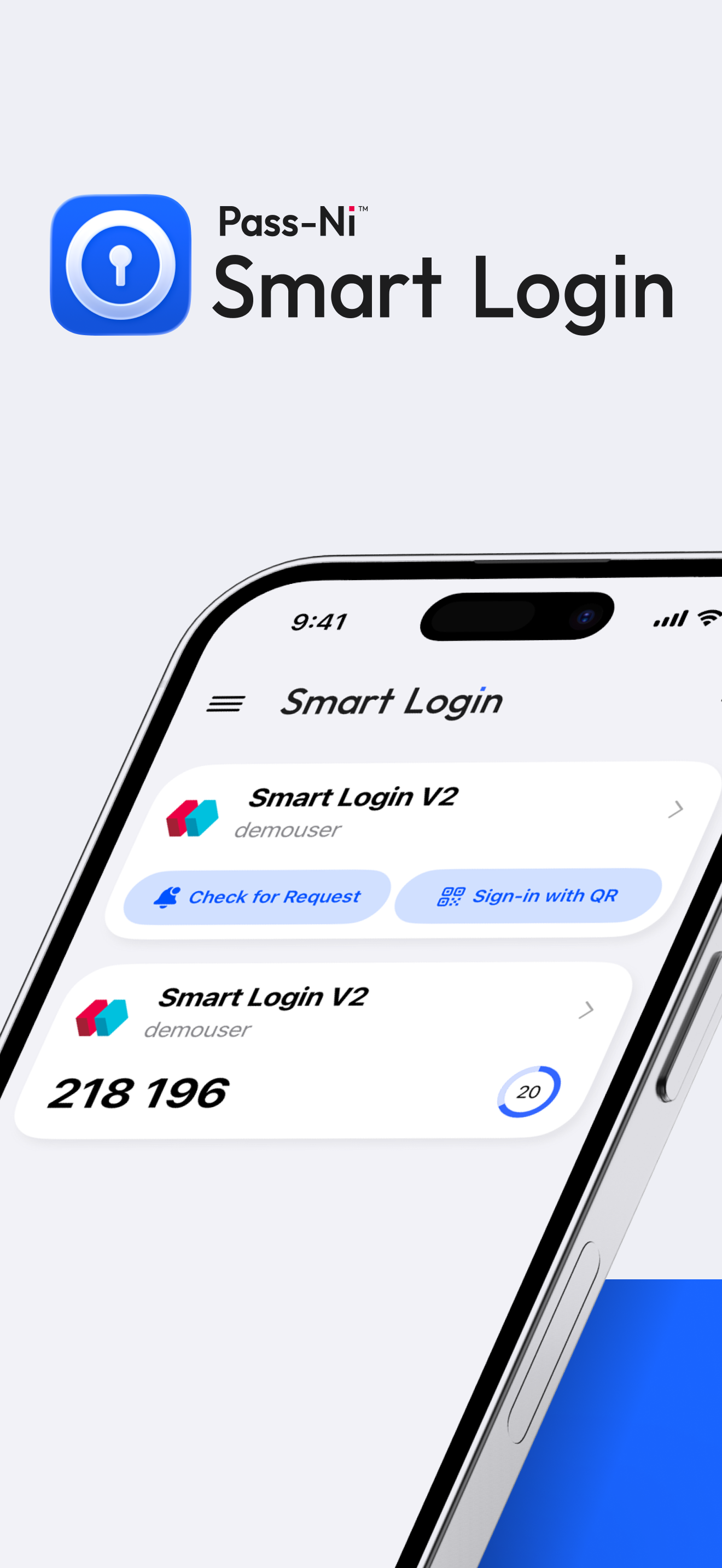
Pass-Ni Smart Login is a convenient authentication service that verifies users via biometric authentication or OTP number using a smartphone app.
How to Register for Easy Authentication
Follow the instructions on the website to apply for easy authentication registration (including identity verification and app installation).
Set up your PIN and decide whether to use biometric authentication during the initial app launch.
Scan the QR code displayed on the registration screen using the Smart Login app.
Verify the authentication request based on the authentication method:
(Smartphone) Approve the authentication request received in the app (PIN or biometric authentication).
(MOTP) Enter the OTP number displayed in the app on the website.
After completing the easy authentication registration, you can use the Smart Login app for a more secure login.
If an Error Occurs During Easy Authentication Registration
If the QR code on the website registration screen has expired, registration may fail due to a time discrepancy. Please refresh the QR code and try again. If the error persists, set your device's time automatically or connect to WIFI or mobile internet for time synchronization.
If You Do Not Receive the Authentication Request Message
If you do not receive the authentication request notification message, press the refresh button of the registered service provider.
Precautions
If you enter the password incorrectly five times, the Smart Login app will be restricted for 2 minutes. If you delete the app, all registered authentication information will be deleted, so please deregister following the website instructions before deleting the app.
Required Permissions
Camera, Push Notifications
商店排名
商店排名基于 Google 和 Apple 设置的多个参数。
所有品类在
美国--
公共事业在
美国--


 Pass-Ni Smart Login VS.
 一月 15, 2026