

1月18日的TQ E-Bike应用程序分析

TQ E-Bike
- TQ-Systems GmbH
- Apple 应用商店
- 免费
- 体育
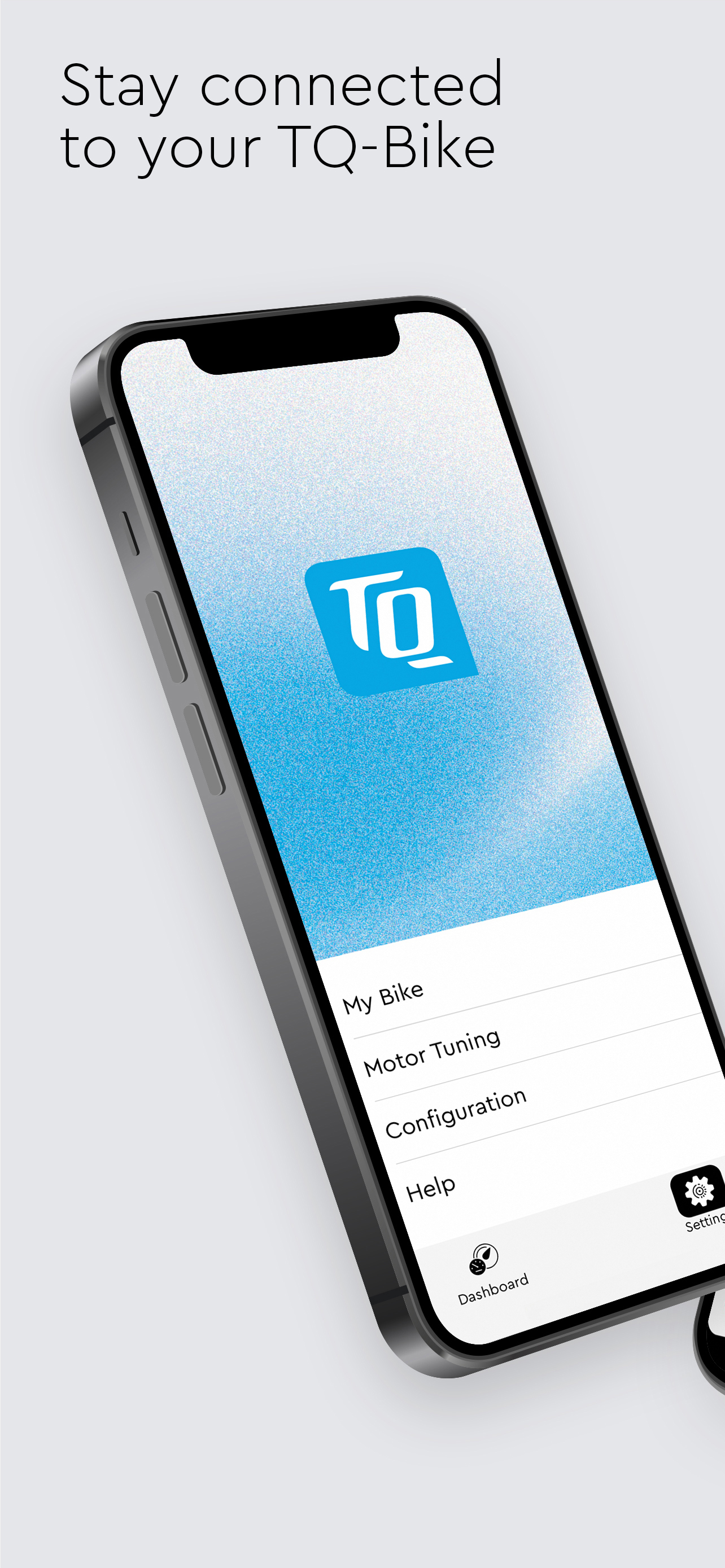
With the TQ E-Bike App, you can connect your TQ-powered e-bike to your smartphone without any fuss, allowing you to customize and control it.
Connecting your bike to the app:
Download the app and open it. Register and make sure the Bluetooth® on your phone is on. Turn on your e-bike and tap the connect button on the start screen of the app.
Dashboard Status:
The dashboard only displays the most important information, such as battery status and odometer. A swipe to the left takes you to the Rider Screen. With a long press on the display values, you can configure them freely according to your preferences and keep an eye on the most important information during the ride.
Settings:
- With the Motor Tuning setting, you can fully customize the motor to your needs in any riding mode. You want maximum pedal feedback in mid mode or 200% support in high mode? No problem. Customize your own riding style with the TQ E-Bike app!
- Adjust the maximum support speed in the "Motor Tuning" to adapt the system even better to your needs and your training.
- You can switch through your riding modes via an ANT+ connected device (like a bike computer).
- In the "My Bike" - "Bike Information" section, the current software version of your bike is displayed, allowing you to easily check if you need to visit a dealer for an update.
- Adjust the display to your needs. Customize the sound, the displays and the order of the screens of your e-bike.
- Use the app in multiple languages
- In the support section, you will find quick help for urgent questions
Additional information:
The app cannot be connected to bikes with TQ-HPR120S e-bike system.
商店排名
商店排名基于 Google 和 Apple 设置的多个参数。
所有品类在
美国--
体育在
美国--




 TQ E-Bike VS.
 一月 18, 2026