

1月28日的Images Classifier应用程序分析

Images Classifier
- Heng Jia Liang
- Apple 应用商店
- 付费
- 照片与视频
Images Classifier enables you to identify and group images using your iPhone or iPad with custom-trained machine learning models.
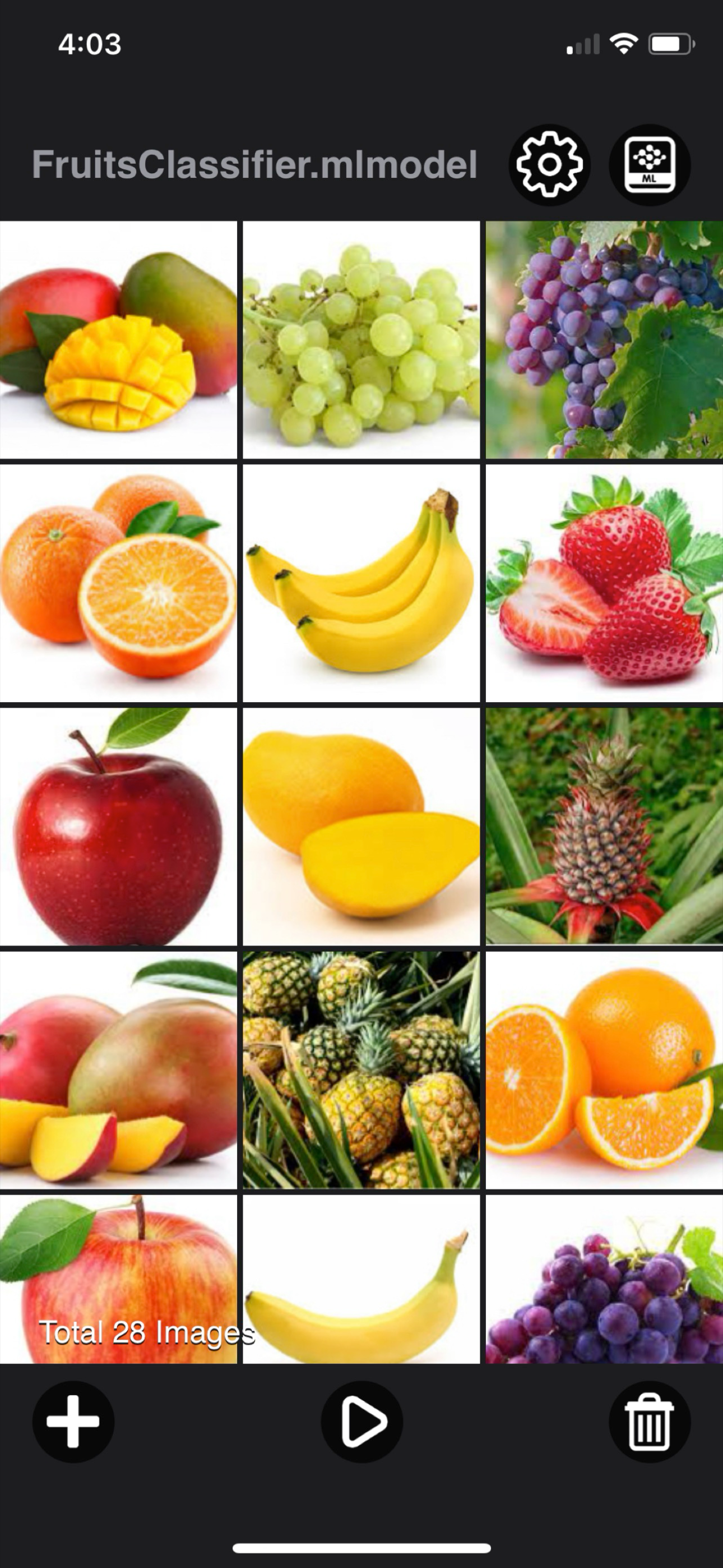
The app includes a built-in model, FruitsClassifier.mlmodel, which detects 8 different types of fruits using a neural network.
Features:
• Automatically group images into category folders, accessible via the Files app
• Preview grouped images within the app
• Set a classification confidence threshold - images below this value are grouped under "Other"
• Load and run custom machine learning models from your library
• Rename or delete models directly from the library
Grouped images are saved in the Files app under:
[Images Classifier / Images]
To Add a Custom Model:
Download a pre-trained .mlmodel file and place it in:
[Images Classifier / MLModel] via AirDrop
You can also train your own model using tools like CreateML or TensorFlow (models must be converted to .mlmodel format)
Custom Model Tips:
For example, if your model classifies 5 dog breeds - Husky, Bulldog, Golden Retriever, German Shepherd, and Beagle—it will perform accurately for those. However, classifying an unfamiliar breed like Boxer may result in incorrect predictions (e.g., classified as Bulldog).
To improve results, include as many relevant classes as possible when training your model.
Usage Examples:
• Group plant species images in the jungle using a custom-trained model
• Identify and sort dog breeds with a trained model
• Classify and group wildlife or insect species
• Detect and categorize defective products
• And many more use cases - limited only by your creativity
Quick Start Guide:
1. AirDrop your .mlmodel file (e.g., DogBreedsModel.mlmodel) into:
[Images Classifier / MLModel] via the Files app
2. Launch the Images Classifier app
3. Open the Library tab and select your model (e.g., DogBreedsModel.mlmodel)
4. Load images from your Camera Roll
5. Tap Run and wait for processing to complete
6. Tap Result to view categorized images
7. Access all grouped images in the Files app under:
[Images Classifier / Images]
[*] Make sure your model is specifically trained for image classification (not object detection or other ML types).
What is Image Classification?
Image classification is the process of identifying and labeling groups of pixels or vectors within an image using predefined rules.
It's a supervised learning task where a model is trained to recognize specific target classes using labeled sample images.
Early computer vision models used raw pixel data as input, and this foundation still powers many modern classification techniques.
Thanks for your support and do visit nitrio.com for more apps for your iOS devices.
商店排名
商店排名基于 Google 和 Apple 设置的多个参数。
所有品类在
美国--
照片与视频在
美国--


 Images Classifier VS.
 一月 28, 2026