

1月16日的Lock Launcher Widgets LockFlow应用程序分析

Lock Launcher Widgets LockFlow
- Andres Piza Buckmann
- Apple 应用商店
- 免费
- 图形与设计
Your shortcuts on your Lock Screen.
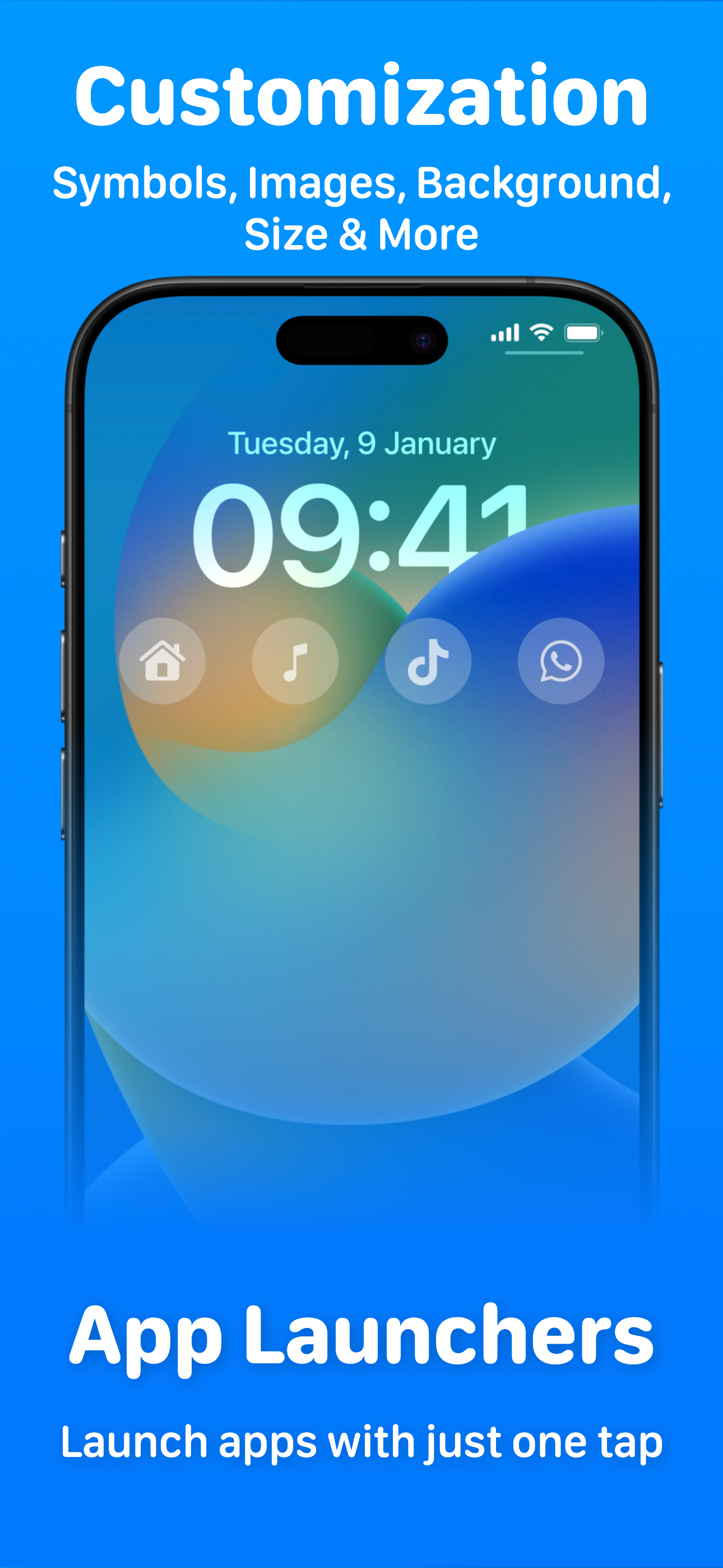
LockFlow is an app that allows you to set quick actions always available with one tap from your Lock Screen. You can execute shortcuts from the Shortcuts app, open apps with App Launchers, open custom URL Schemes or create folders. You can have up to 8 widgets in the Lock Screen thanks to interactive widgets.
Run any Siri Shortcuts you created in the Shortcuts app.
Being able to set shortcuts on your Lock Screen is super useful:
⁃ Run home automations with one tap
⁃ Open an alternative camera app
⁃ Get directions to a specific place
⁃ Send a message to someone you frequently text
⁃ Start playing your latest favorite podcast
⁃ Leverage all your existing shortcuts by making them easily accessible
- Support for the Action Button on iPhone 15 models
- Control widgets work in Control Center and on the Lock Screen
Configuring LockFlow is a super simple 3 step process.
1. Just set the exact name of the shortcut you want to run.
2. Add a symbol that will be visible on the Lock Screen
3. Add that widget in the Lock Screen
Do it from the Lock Screen, Do it with LockFlow
FOCUS WIDGETS
Focus Widgets allows you to have more than four widgets in the Lock Screen. By using Focus Modes you can change the widgets of your Lock Screen automatically when you set a Focus Mode or when you don't have one active.
Note: The app is free to download and use, but some features may require premium access.
Terms and Conditions: https://www.andrespiza.com/apps/lockflow/terms-of-use/
Privacy Policy: https://www.andrespiza.com/apps/lockflow/privacy-policy/
商店排名
商店排名基于 Google 和 Apple 设置的多个参数。
所有品类在
美国--
图形与设计在
美国--


 Lock Launcher Widgets LockFlow VS.
 一月 16, 2026