

12月25日的PDF Scanner - Scan & Edit Docs应用程序分析

PDF Scanner - Scan & Edit Docs
- Webron Software LTD
- Apple 应用商店
- 免费
- 生产力
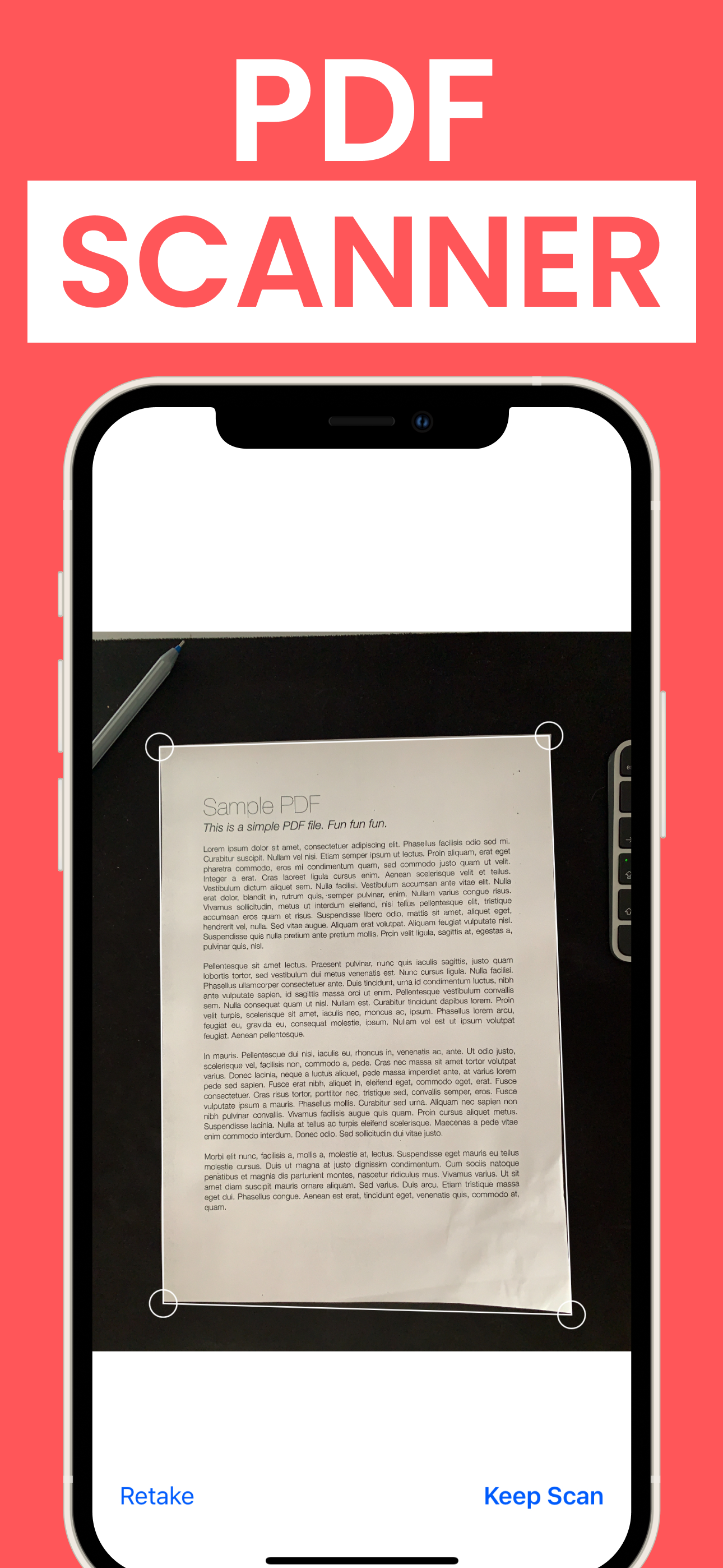
PDF scanner allows you to scan physical documents, receipts, or notes using your smartphone camera and convert them into a digital PDF or any other file format you need! Here are some key points that describe the features of our PDF scanner app:
1. Scan Documents: Capture clear, high-quality images of documents with your smartphone camera. Auto-crop and edge detection features help to remove any unwanted borders or shadows.
2. PDF Editor: After scanning the document, the app converts the image into a PDF format that is easy to store, share, and edit. You can also adjust the resolution, color, and orientation of the PDF.
3. Document Management: The app includes tools to organize and manage the scanned documents. You can rename, delete, or move files to different folders within the app. The app also includes options to create tags or labels to help users easily find specific documents.
4. OCR (Optical Character Recognition): PDF Scanner includes OCR technology that allows users to extract text from scanned documents. This means that you can easily search for keywords within the document, copy and paste text, or even translate the text into different languages.
5. Change app format: You can easily change the PDF file into a different file type, such as Word, Excel, or JPG just in a few clicks.
6. Security: To protect sensitive information, the app also includes options to add a password or PIN code to access the app.
Important:
Subscription is required to use all app features
Let us try to help at info@webronsofrware.co.uk and we will do our best to help in any way!
If you choose to purchase one of subscriptions, payment will be charged to your iTunes account, and your account will be charged for renewal within 24-hours prior to the end of the current period. Auto-renewal may be turned off at any time by going to your settings in the iTunes Store after purchase. Prices are in US dollars, may vary in countries other than the US, and are subject to change without notice. Subscriptions may be managed by the user and auto-renewal may be turned off by going to the user’s Account Settings after purchase;
Privacy Policy: https://www.webronsoftware.co.uk/privacy-policy
Terms of Use: https://www.webronsoftware.co.uk/terms-of-service
商店排名
商店排名基于 Google 和 Apple 设置的多个参数。
所有品类在
美国--
生产力在
美国--




 PDF Scanner - Scan & Edit Docs VS.
 十二月 25, 2025