

1月26日的FFT应用程序分析

FFT
- Andrew Smith
- Apple 应用商店
- 付费
- 音乐
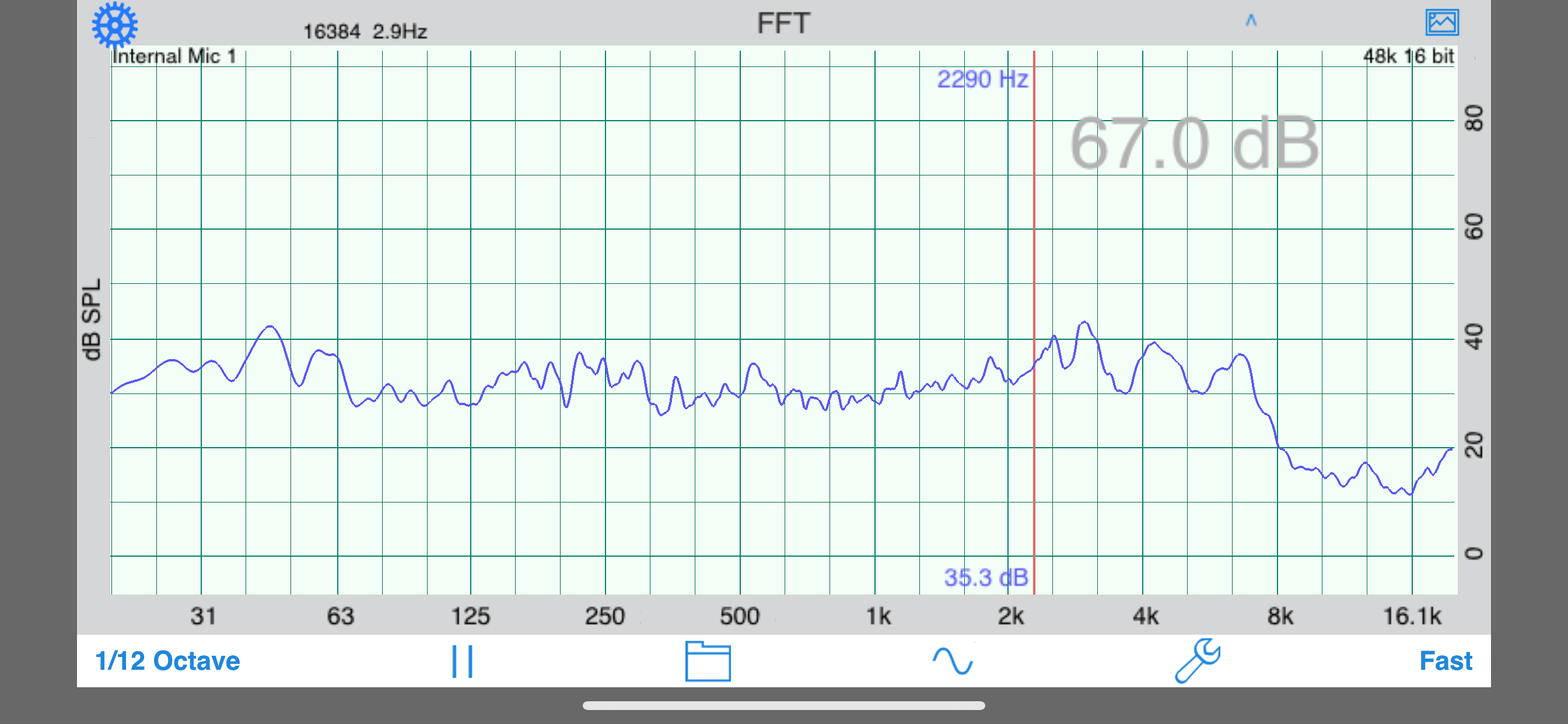
FFT is a high-resolution audio analysis tool for the iPhone and iPod touch. It uses the Fast Fourier Transform to analyze incoming audio, and displays a very detailed graph of amplitude vs. frequency.
Use this app with the built-in iOS device microphone, or upgrade to our iAudioInterface2 or iTestMic for a complete professional solution.
*** Designed for Acoustical Analysis
This application has been designed for acoustics work, and so the bins have been normalized to octaves, to get a display that will show a flat line for pink noise. You can control both the level of graph smoothing and decay time, to get as much or as little detail as you require.
You can also control the dB resolution of the graph, as well as the frequency range that is displayed.
*** Includes Signal Generator
Included in this app is the engine from our Generator app, which is a low-distortion, artifact-free signal generator. The signal generator appears as a heads-up display when you tap the icon, so you can see the graph while you adjust the generator. Generate sine waves, square waves (within limits), white noise, and pink noise, optionally in psuedo-balanced mode. All waveforms are generated in real time using high-precision algorithms.
*** Cursor Readout
Move your finger across the screen to get a cursor to read out exact dB levels and frequencies.
*** Touch-GUI Controls
Use a vertical pinch-open gesture to expand the dB scale.
Use a horizontal pinch-open gesture to expand the frequency scale.
*** Graph Smoothing
Smooth the graph by octave, 1/3, 1/6, 1/12, or 1/24 octave. Adjust the decay time from 0.5 seconds, for a very fast fluid display, to 8 seconds, or use Peak Hold or Average mode. Average mode is a true equal-weighted average, which can run continuously.
*** Peak Tracking
Turn on Peak Tracking to have FFT automatically find a label the frequency of the highest peak on your graph.
*** Tune the Parameters
Set the FFT size from 4096 to 32k points (depending on iOS device) , or select Equal Points Per Octave mode, for high-resolution analysis, even at low frequencies.
*** Calibration
FFT comes calibrated for the typical iPad, iPod touch, or iPhone microphone, and you can adjust the calibration. Microphone compensation files tailored to each iOS device are automatically applied.
*** Save and Recall
When your analysis is complete, you can save the graph image to your photo roll to include in a report, or export the data in an XLS file.
*** Display Multiple Graphs
Show a recalled graph on the screen in a different color.
*** Difference Mode
Use a stored graph as a baseline that is subtracted from the current graph in real time.
*** RTA or FFT?
If you are wondering if you should download this app or our FFT app, check out our website, we have a page devoted to this topic.
*** Other Audio Apps
Also, check out our other great audio and acoustics apps: AudioTools, our premier suite of audio and acoustics analysis apps, SPL, SPL Graph, for recording SPL over time, RTA, RT60, Generator, and Speaker Pop.
商店排名
商店排名基于 Google 和 Apple 设置的多个参数。
所有品类在
美国--
音乐在
美国--


 FFT VS.
 一月 26, 2026