

2月14日的iBunkoS应用程序分析

iBunkoS
- Dwango Co., Ltd.
- Apple 应用商店
- 付费
- 图书
iBunkoS provides you the best way to read novels, documents and comic books on iPhone.
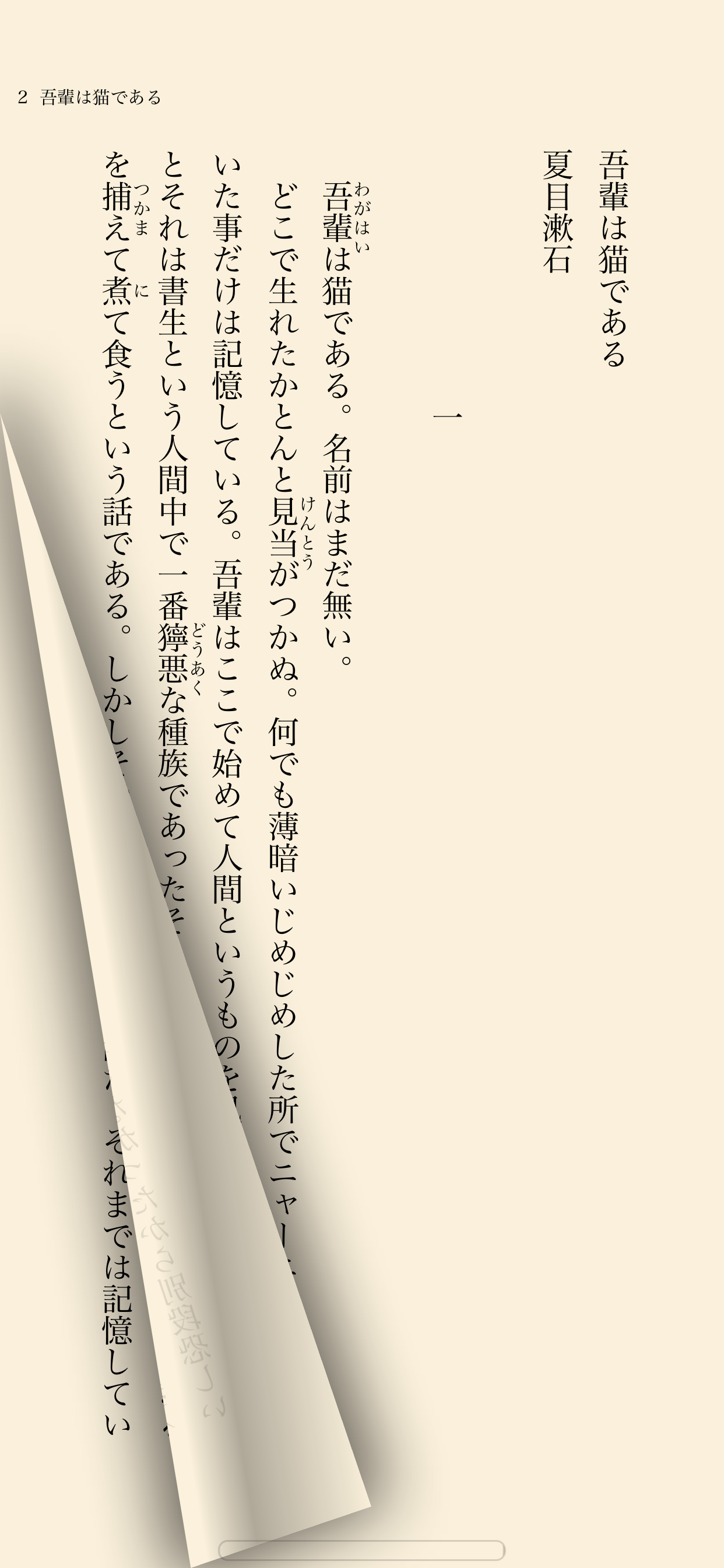
Thanks to a realistic interface, you can enjoy reading as you would with a real paper book. Reading on your iPhone is now easier than ever!
This is a great iPhone app for all the book lovers!
Read books and comics in vertical setting with comfort
・Support both horizontal (left open) and vertical (right open) writings.
・The app automatically detects the binding direction of a PDF document.
Double page spread and page effect
・When viewed landscape mode, the pages switch to the double page spread. The pages containing landscape format images are automatically treated as a double page spread.
・You can "flip" pages just like reading a real paper book.
Feature about 230 built-in books and "Aozora Bunko"
・ You can download a book with simple controls from "Aozora Bunko", the Japanese digital library that provides copyright-free Japanese literary works.
・ The app comes with the well-known books from "Aozora Bunko".
"Bookshelf" function
・Create a bookshelf as you need.
・You can easily choose a book you'd like to read by browsing the book covers displayed on the shelf.
"Bookmark" function
・You can place as many bookmarks as you want and add notes on it.
・Select text as a bookmark in order to highlight the sentence.
Supported file formats.
iBunkoS supports the following file formats as books:
- .txt, .pdf
- .zip, .rar (containing .txt or .jpg/.png files)
- .cbz, .cbr
Transfer files
・Transfer the files using iTunes 'File Sharing' via the USB cable as well as via Dropbox, SkyDrive, pogoplug, Box, SugarSync. The app also supports both the WebDAV and the FTP servers.
Utilize data from PDF
・Support the table of contents or hyperlinks on the file.
・Select and search words (when the data contains text).
・Using our own processing technology, app can select a Japanese words smoothly.
Smart screen design removing the white space
・Eliminate unnecessary white space for better readability on the screen.
Thumbnails of pages show quick reference for where you'd like to read
・List the page thumbnails at the bottom of the screen or in the full screen.
・The page with bookmarks will be attached a mark. You can also display only the page thumbnails which contain bookmarks.
History back pages
・Viewed pages are saved in history so you can easily go back to the previous page.
Look up words in the dictionary
・You can use the iPhone's built-in dictionary as well as other dictionary apps that support custom URL schemes.
・Just select text and tap the button to look up the word.
Passcode lock
・You can set passcode lock on specific bookshelves or the "folder" screen that stored transferred files.
Various page settings
・Available various settings such as enable/disable the flipping effect or change the position of the tap control.
・Customize your iBunkoS to suit your own preferences!
You will find many more convenient functions and settings.
商店排名
商店排名基于 Google 和 Apple 设置的多个参数。
所有品类在
美国--
图书在
美国#174


 iBunkoS VS.
 二月 14, 2026