

1月14日的FlashBuddy: Flashcards应用程序分析

FlashBuddy: Flashcards
- Oleg Mueller
- Apple 应用商店
- 免费
- 教育
FlashBuddy assists you creating flashcards to learn vocabulary or other stuff. You can edit flashcards with the rich text editor in FlashBuddy. It does also support as many images as you want.
If you want to learn vocabulary you can use the easy to use dict.cc import. Simply type you search string and pick the answers you want.
For an easy import of new flashcards you can use your Mac or Pc and create CSV or Markdown files and import them via iTunes File Sharing, iCloud or Dropbox and other providers on your iOS device. See the short format description for both in FlashBuddy.
FlashBuddy supports subjects, topics and tags for your flashcards. A flashcard is in one subject or topic and can be in many tags. A topic is in a subject or topic.
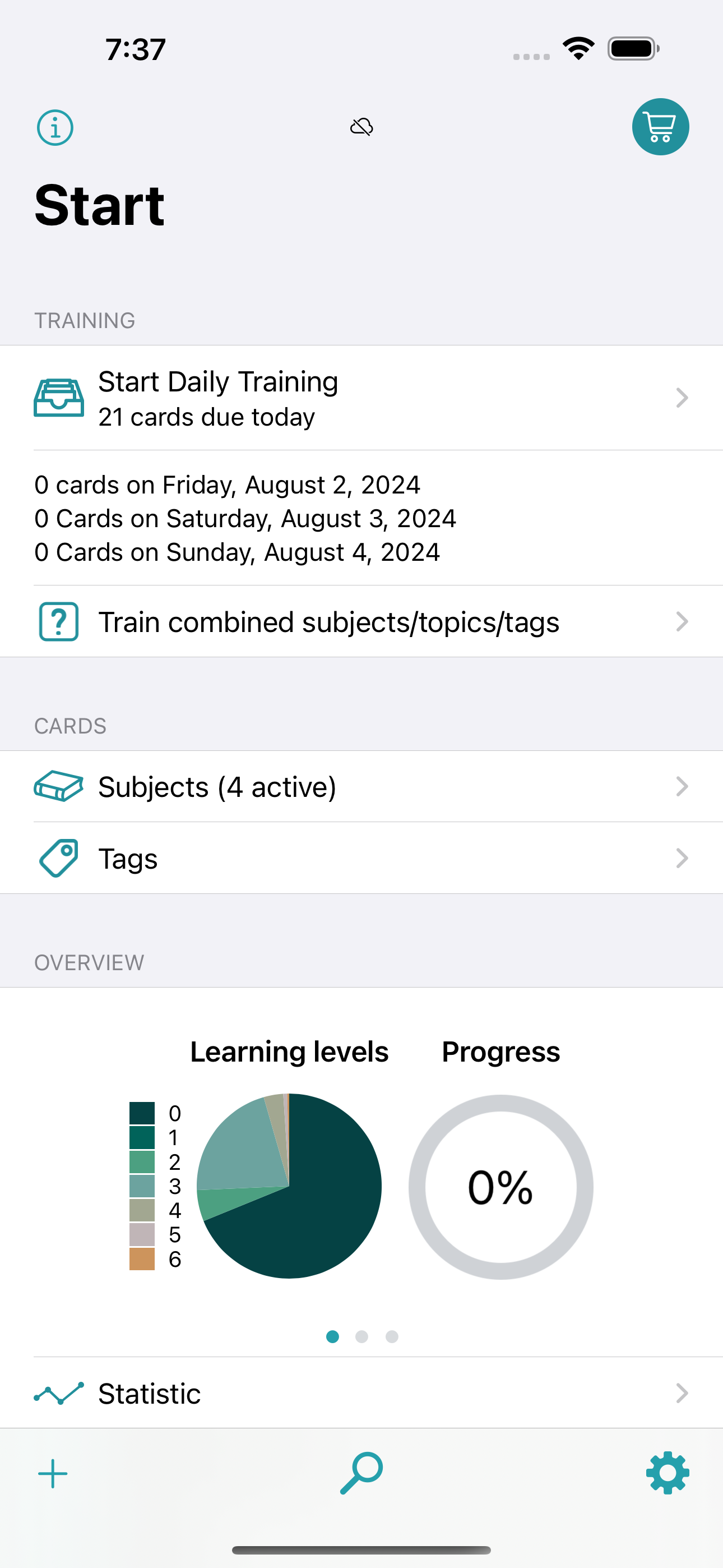
FlashBuddy uses a spaced repetition system. When you add a flashcard it is in level 0, this is your stash. The first time you learn you flashcard in your daily training it is in level 1 (card for today), when you know the correct answer it is moved to the next level 2 (due in 3 days) and so forth, until the flashcard is in level 6 the last one. All flashcards in this level are considered to be learned.
If you want, you can adjust the durations and level count per subject.
You can also learn certain flashcards by subject, topics or tags without changing or even considering the level they are in.
Support for:
- Apple Pencil
- Dynamic Type
- Split Screen
- Quick Actions to quickly create new cards or search for cards
- Drag & Drop (on iPad)
- support for keyboard shortcuts in text editor and training
Features:
- overview for your learning progress, flashcards in which levels, when you learned how long and how successful you are
- overview for every flashcard, how often asked, correct/wrong answered, etc.
- global search over all flashcards, search in subjects and search in tags
- you can add a deadline to subjects, topics and tags, so FlashBuddy can show you how many days you have left to learn your cards
- different query modes: for question, for answer or random
- add vacation days if you want to pause your daily training, or remove days if you want to learn cards sooner
- move wrong answered flashcards in level 1 or decrease one level
- today due flashcards count as badge on the app icon
- daily training reminder notification with custom time
- CSV export for all subjects and per subject
- export your cards including layout and images
- backup function
- read out vocabulary
- import of CSV- and Markdown-files over iCloud, Dropbox, etc. (Markdown including layout)
- CSV- and Markdown-importer recognizes already existing flashcards
- dict.cc importer
- Wikipedia importer
I am happy to hear from you if you have problems or ideas for FlashBuddy.
The content for the falashcards in the screenshots is from Wikipedia.
商店排名
商店排名基于 Google 和 Apple 设置的多个参数。
所有品类在
美国--
教育在
美国--


 FlashBuddy: Flashcards VS.
 一月 14, 2026