

1月28日的KPRA Attendance应用程序分析

KPRA Attendance
- Kamal Kumar
- Apple 应用商店
- 免费
- 教育
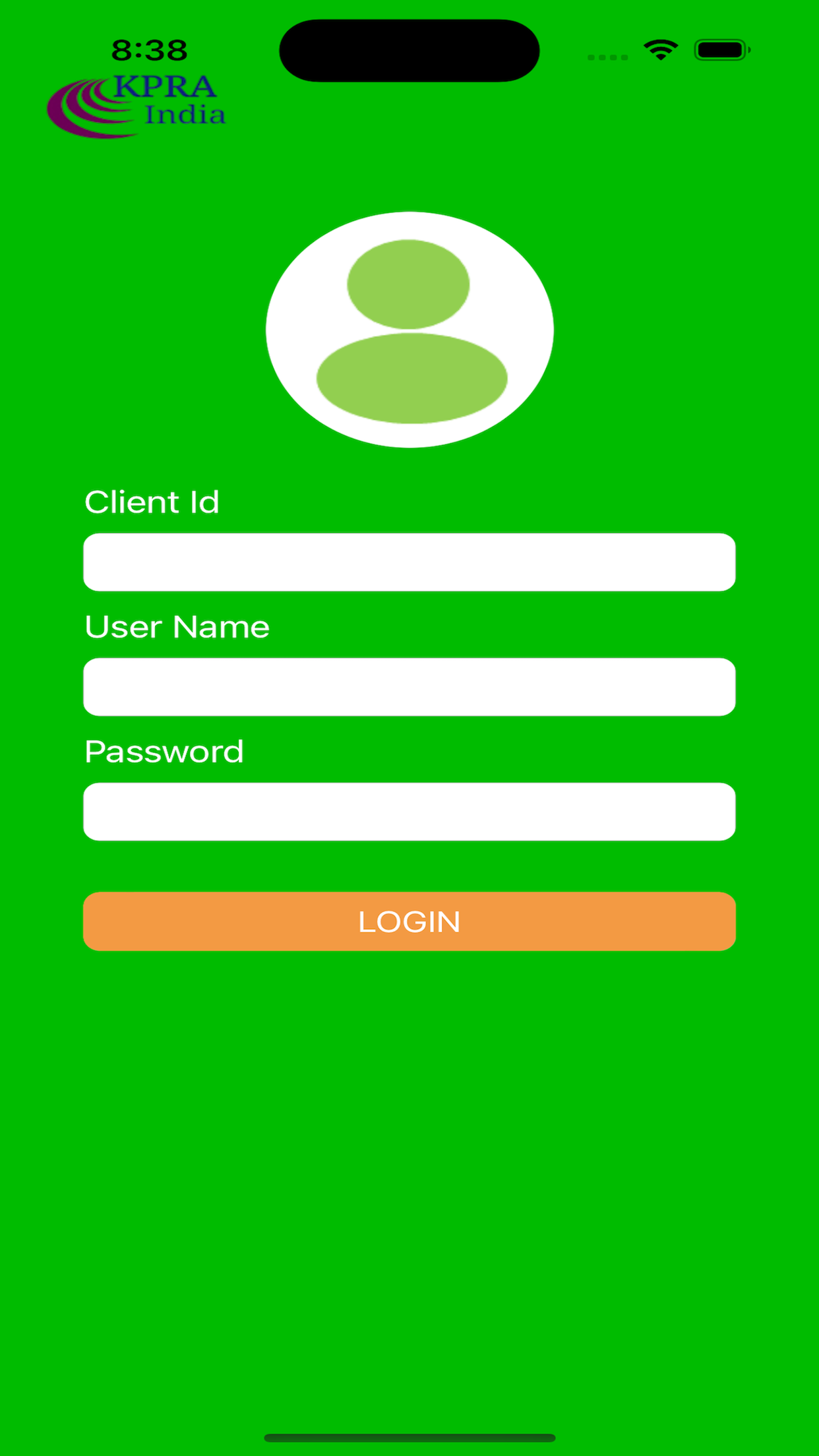
Step 1:
Client Id: 3
UserName: 2
Password: 32
Click on the Login Button
Step 2:-
Now you are landing on the Home Screen
Here you are able to view the 4 options:
1. PUNCH IN/OUT
2. WORK PUNCH
3. ATTENDANCE
4. PUNCH LOG
A)-Click on PunchIn/Out (for office or retail shop employee) –
System is asking for Location. allow for location
* Select “Allow”
* Click on Update punch
Punch In time: - First “Update Punch” will be considered as “Punch In time” for the day.
Punch Out time: - Last “Update Punch” will be considered as “Punch Out time” for the day.
B)-For Office/Retail Shop Visits or Sales employee:-If an employee is visiting location other than his/her base location then he/she has to:-
* Click on Work Punch
* Mention work Location
* Update Punch
* Note:-If an employee will bevisiting multiple location then he/she has to update location every time to have a track of work log.
* Punch Log:-Employee can see their work log details under Punch Log.
* Attendance:-Employee can check their monthly/daily attendance by selecting start date and end date.
Here is option for
Logout
Contact Us
About Us
On the Dashboard screen on the right top showing a three dots button.
Click on it and you are able to view the
Logout
Contact Us
About Us
On click you can check the functionality
商店排名
商店排名基于 Google 和 Apple 设置的多个参数。
所有品类在
美国--
教育在
美国--
KPRA Attendance一月 28, 2026