

1月12日的GRESCharge应用程序分析

GRESCharge
- Gresgying Digital Technology Co., Ltd.
- Apple 应用商店
- 免费
- 开发者工具
The main functions of the product are as follows:
1) Modify the default login password of the charging pile.
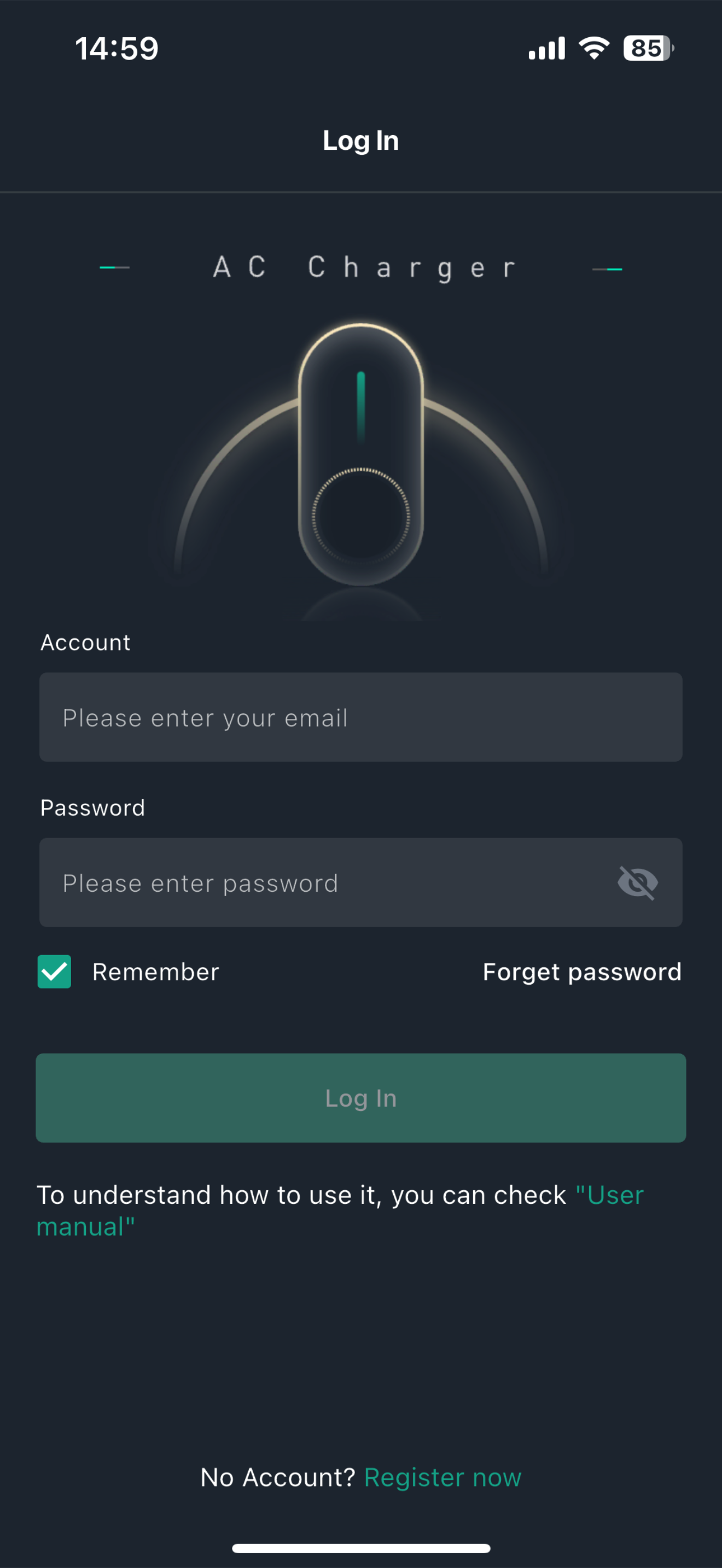
After clicking on the Bluetooth name of the charging pile in the App, it will jump to the login page. After successful login, if it is the default password, you can choose to modify the password or continue to use the default password;
2) Set the time of the charging pile.
Synchronize and set the time of the charging pile with the phone time.
3) Connect the charging pile to WiFi.
Click on the WiFi list to connect to the available WiFi and enter the password to send down the connection.
4) Add RFID card.
Scan or enter the card number of the charging card for binding operation;
Click on "Add Card Through Pile" to send down the command and add the card by swiping at the charging pile side.
5) Configure OCPP server.
Input or select OCPP server parameters and perform sending down configuration operation.
6) Configure APN.
Input or select APN server parameters and perform sending down configuration operation.
7) About charging pile.
You can view product model, serial number, manufacturer, rated power, rated current and phase number.
8) Firmware upgrade.
Perform control board and power board upgrades.
9) Factory reset.
Perform factory reset operation.
10)Local DLM parameters
Set load balancing related parameters.
11)show Charger Status
12)static IP set
13)orderly charging params set
商店排名
商店排名基于 Google 和 Apple 设置的多个参数。
所有品类在
美国--
开发者工具在
美国--


 GRESCharge VS.
 一月 12, 2026