

12月27日的ScanGo - PDF Document Scanner应用程序分析

ScanGo - PDF Document Scanner
- Hangzhou Beesoft Information Technology Co., Ltd.
- Apple 应用商店
- 免费
- 商业
WHAT IS ScanGo?
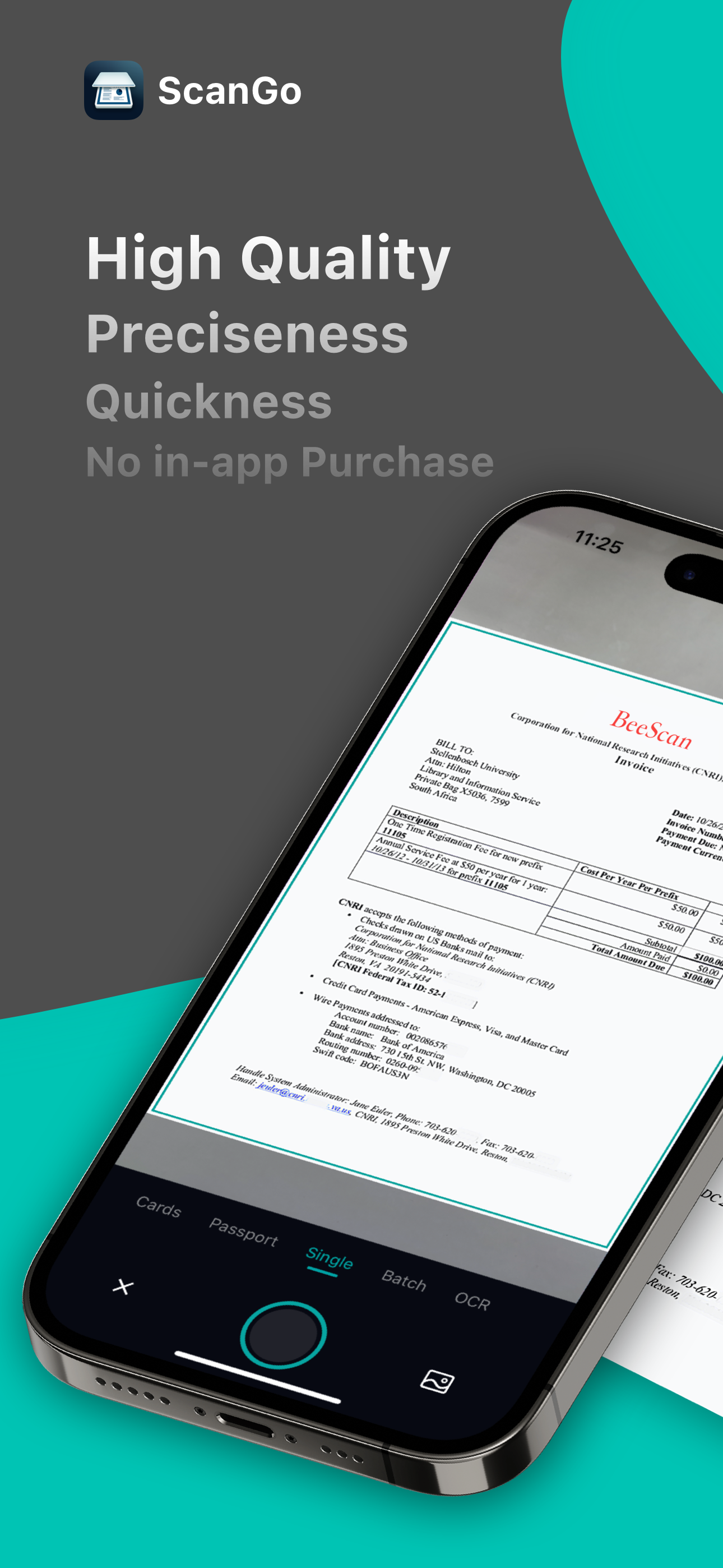
ScanGo is a little, simple, flexible, easy-to-use app with kinds of features satisfying different situations in your iPhone. It allows you to scan documents, certificates, credit cards, invoices, receipts, tickets and any paper with high quality image & PDF output. Also, you can extract text by OCR function from any scans just by one tap.
It is also a camera scanner with concise, efficient user interface whose main tone is black & white with teal & chrome yellow embellished throughout the app.
HOW TO SCAN DOCS?
- Scan everything by one click, of course you can choose to scan from Photos or Camera.
- Edit docs after scanning immediately, including add, rotate, adjust, reorder and delete pages.
- Rotate, Crop and Adjust filter to get high quality scans.
- Provided five filter modes to enhance your scans - Original, B&W 1, B&W 2, Color, Grayscale. What’s more, each filter can be adjusted for its own Brightness, Contrast, Saturation and Sharpness.
HOW TO MANAGE DOCS?
- The Recents module on home page shows your recently added docs, which helps to find them faster.
- Add folders and sub-folders to manage scanned docs.
- Rename folders and documents to make them more distinguishable.
- Important and urgent documents can be Starred for faster access.
- Search function helps to find the doc you need from a dizzying array.
- Every folder, doc and page can be shared with email, Dropbox, Google Drive, Evernote etc. or Wifi directly.
- Save scans as JPEG to Photos.
- Move/Copy/Delete docs and pages.
- Print scans directly within app once you connect to a Printer.
- Fax scans directly if you have Fax Pro app installed.
AFRAID OF DATA LOSS?
ScanGo supports syncing data with iCloud.
MAKE THE APP MORE EFFICIENT
CONVENIENT - Turn on the camera immediately whenever you open the app.
HANDY - Save scans to Photos automatically.
EASY - Auto edge detection and enhancement.
SIMPLE - Share docs and folders in default PDF size.
SECURE - Protect your documents with passcode.
MORE QUESTIONS?
If you have any problems with ScanGo, please email us at scango@beesoft.io, we’ll help to figure it out asap.
商店排名
商店排名基于 Google 和 Apple 设置的多个参数。
所有品类在
美国--
商业在
美国--


 ScanGo - PDF Document Scanner VS.
 十二月 27, 2025