

1月29日的WT Scan for Web - Dual Account应用程序分析

WT Scan for Web - Dual Account
- Jayshri Pipaliya
- Apple 应用商店
- 免费
- 社交网络
What Scan for Web - Dual WA
Dual Messenger for WhatsApp – Use Two Accounts on One Device!
What Scan for Web is a powerful utility app that lets you manage two WhatsApp accounts on a single iPhone or iPad. Whether you're using it for personal or business use, this app gives you full control with features like Status Saver, Chat Backup & Restore, Direct Message, and QR Tools – all in one clean, easy-to-use interface.
WhatsApp Web / WA Web
Access your second WhatsApp account right from your device! Just scan the QR code from your primary WA account and manage chats, media, and more on your iPhone or iPad – no need to switch devices.
Direct Message
Send WhatsApp messages directly to any phone number without saving it to your contacts. Perfect for quick chats, leads, or temporary communication.
Status Saver for WhatsApp
Easily download and save WhatsApp status images and videos from your contacts. Repost, share, or keep them forever – no screenshot or screen recording needed!
Chat Backup & Restore
Backup your WhatsApp chats, media, and documents securely and restore them when needed. Never lose your important conversations again.
QR Code Scanner, Reader & Generator
Scan QR codes, generate new ones, and share links, contacts, and information effortlessly. Useful for sharing your WA contact, business links, and more.
Repeat Text Tool
Create and send repeated messages in seconds. Great for marketing messages, invitations, or fun text patterns. Save time and avoid typing the same text again and again.
Message Reminder
Set reminders for important messages you need to send later. Perfect for business follow-ups, birthday wishes, or important updates.
How to Use Dual WA Web:
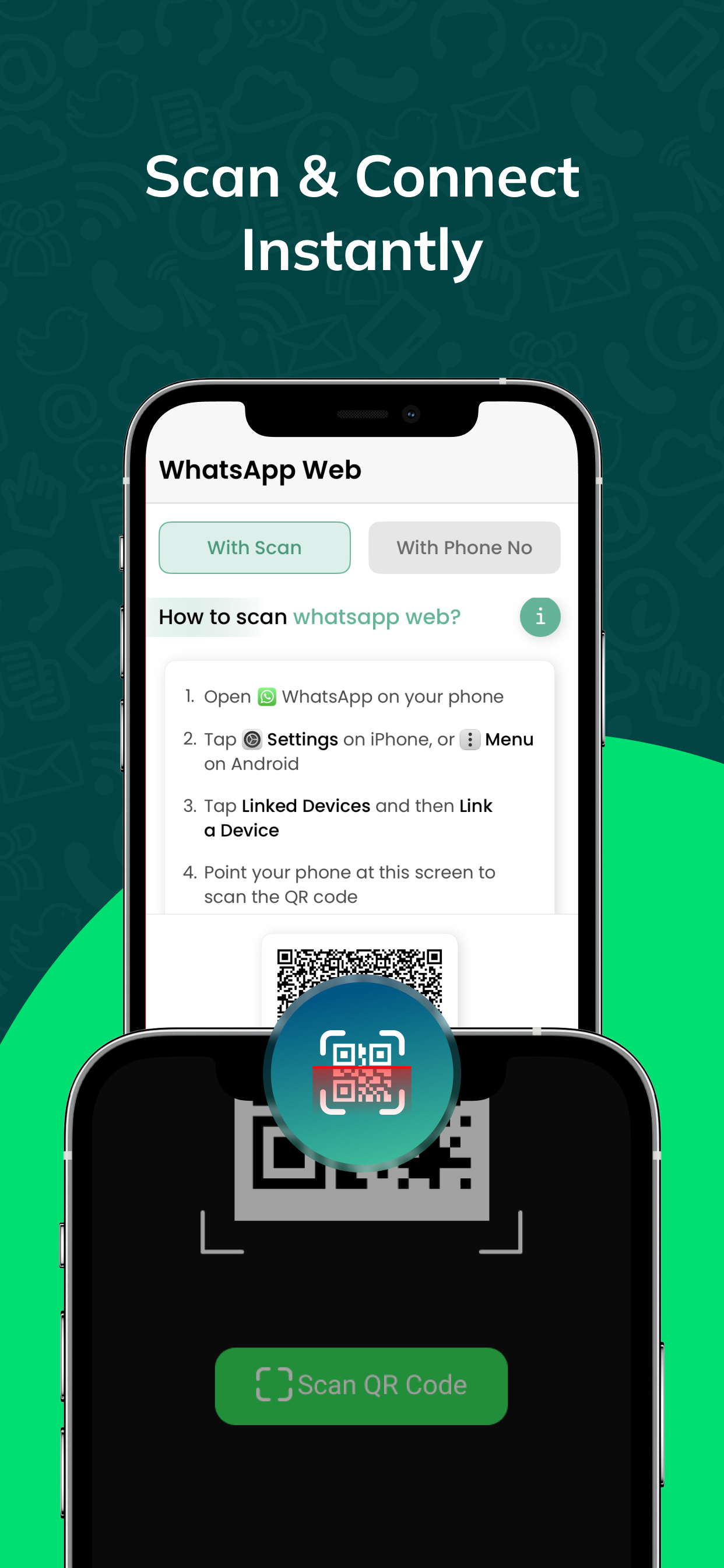
1. Open the app and tap on WA Web Scan to display your QR code.
2. On your second device, open WhatsApp → Menu → Linked Devices → Scan QR.
3. That’s it! You can now use two WhatsApp accounts on a single device.
This is the ultimate WA toolkit for those who want productivity, privacy, and flexibility – all in one place.
Privacy Policy:
https://privacypolicy.kriadl.com/jayshri-pipaliya/privacy-policy
Terms of Use:
https://privacypolicy.kriadl.com/jayshri-pipaliya/terms-of-service
Need help or want to share feedback?
jayshrikanani014@gmail.com
商店排名
商店排名基于 Google 和 Apple 设置的多个参数。
所有品类在
美国--
社交网络在
美国--



 WT Scan for Web - Dual Account VS.
 一月 29, 2026