

1月31日的Baro Recorder应用程序分析

Baro Recorder
- GEONJU CHOI
- Apple 应用商店
- 付费
- 商业
Even in emergency situations, you can start recording immediately and use it in various ways, such as at work and in daily life.
I don't want to show the recording screen!
To protect the exposure of the recording progress, you can choose from various options for the main screen settings.
[App > Settings > Screen Configuration]
Start recording as soon as the app launches!
When you need to record with your Apple Watch, just opening the app will start recording without any additional actions!
Of course, you can also set it to start only by delaying the recording or pressing a button.
[App > Settings > Recording Method Settings]
Recording management is most secure locally!
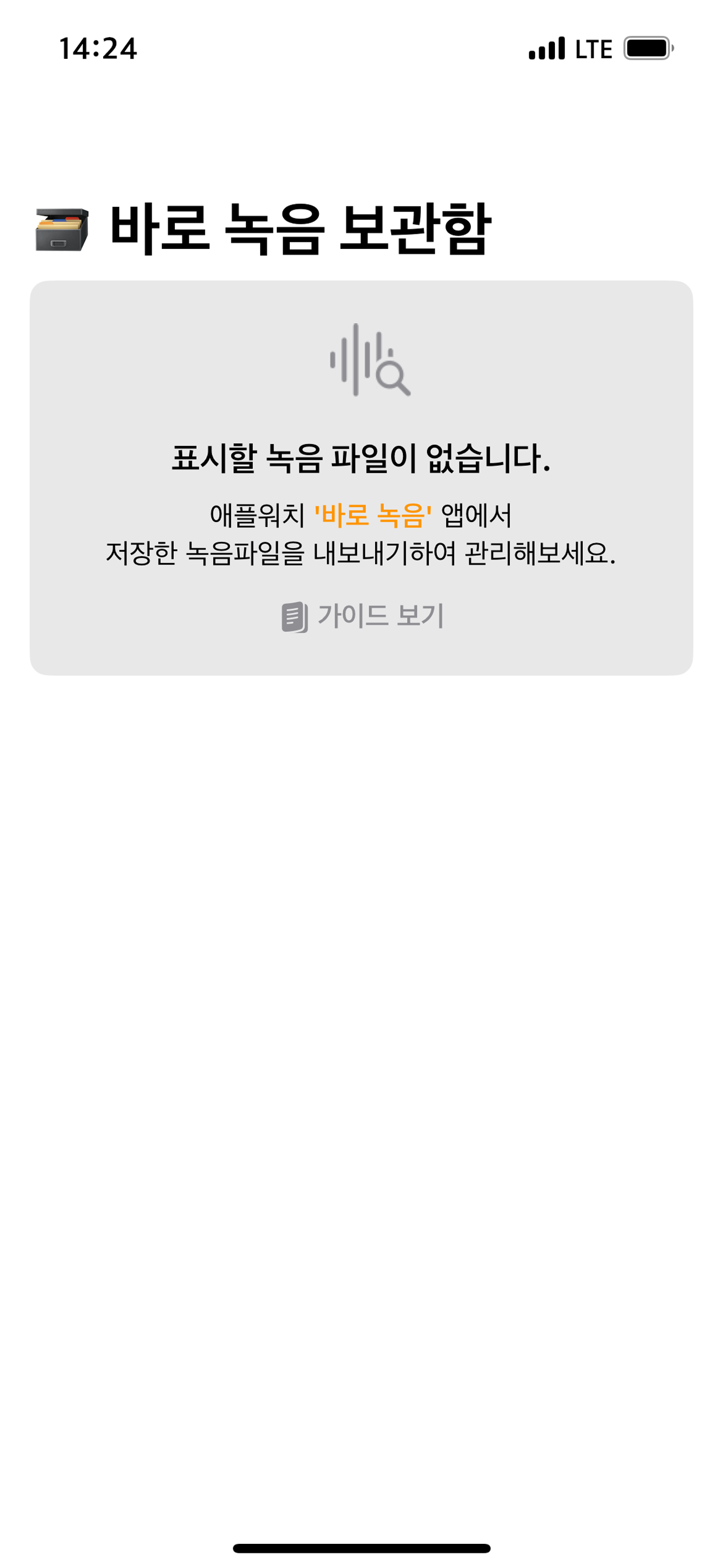
The recording files that need to be securely managed can be transferred to [Apple Watch > iPhone]
and are designed to be managed only on your own local device.
[App > Recorded Files > Export]
Take advantage of the Apple Watch's features!
Since you can't always look at the screen while operating, turn the digital crown to start and stop recording!
[App > Settings > Stop Recording > Crown]
Support for various user options!
Everyone is different.
Main screen, hide scrollbar, hide tab page,
Various options, such as setting the recording method and stopping the recording, can be customized as desired by the user!
[App > Settings]
Reset to Default
When organizing recording files or resetting settings, do it all at once!
Apple Watch and iPhone have separate storage, capacity management,
Resetting the settings to their default values, and preventing the loss of recorded files!
[App > Settings > Reset to Default]
商店排名
商店排名基于 Google 和 Apple 设置的多个参数。
所有品类在
美国--
商业在
美国--


 Baro Recorder VS.
 一月 31, 2026