

You’ve hit your search limit
Start your free trial to keep exploring full traffic and performance insights.
Get StartedCal Countdown app analytics for July 14

Cal Countdown
- Franck Reyherme
- Apple App Store
- Free
- Productivity
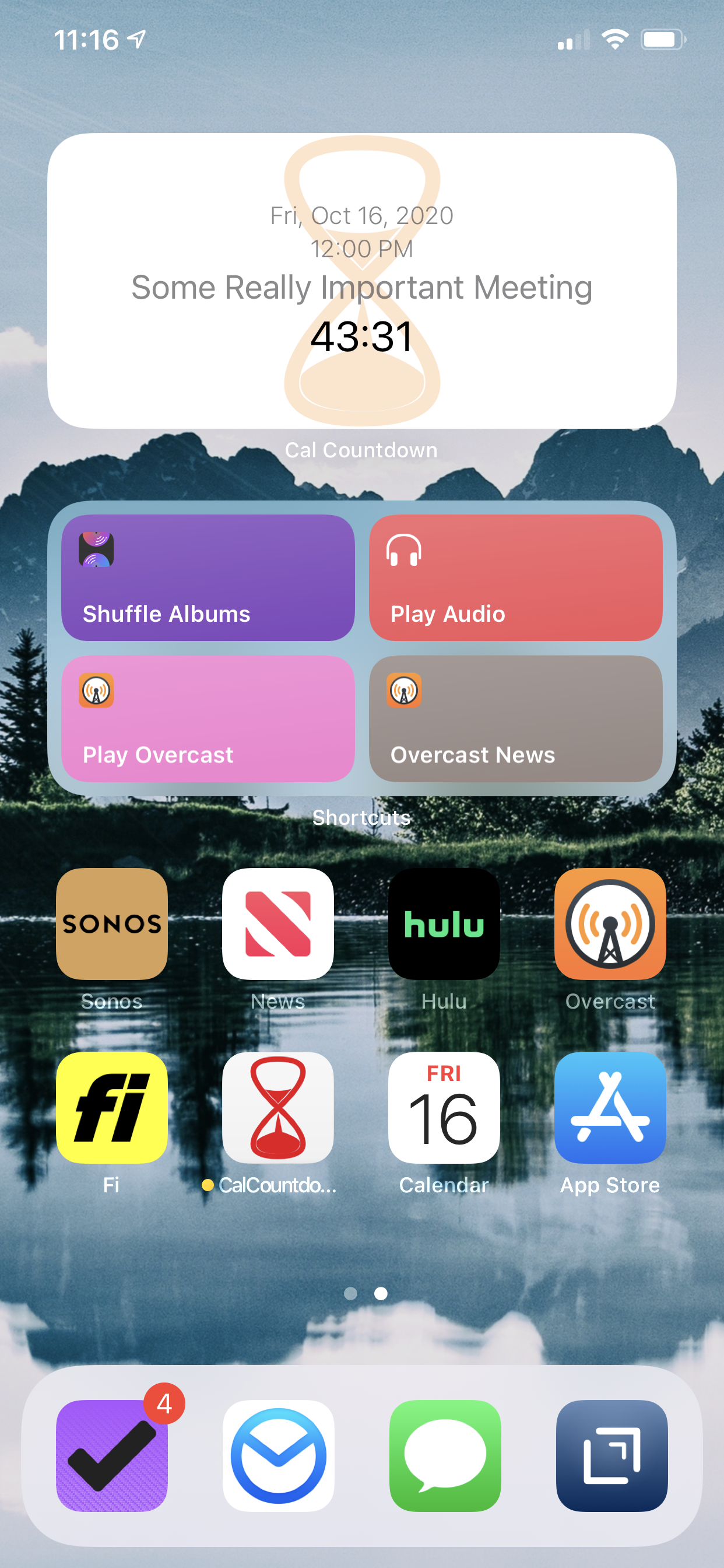
"Cal Countdown" is a free, simple iOS & Apple Watch app that automatically creates a color-coded countdown to the next event on your calendar and displays it on your Apple Watch face and/or your "Today" screen. The app is primarily intended to be used as a complication on your Apple Watch or as a widget.
If your days are anything like ours, packed with various meetings scattered throughout the day, every time you check your calendar, you're trying to figure out one thing: How much time do I have until my next appointment?
So, you glance at your watch, note the start time of your next appointment, and calculate the difference between the current time and your next event. We got tired of doing this mental calculation many times a day, but much to our surprise, we could not find an existing iOS application that would do this chore for us. So we decided to build it ourselves.
Now, every time we glance at our watch, it immediately tells us what we want to know: How much time do I have until my next appointment? The app's color changes from blue to green to yellow to orange to red as you approach the start of your next event. (6+ hours = Blue, 2-6 hours = Green, 1-2 = Yellow, 30-60 mins = Orange, 0-30 mins = Red)
Cal Countdown supports all the different Apple Watch complications. All Apple Watch complications that support multi-color will be color-coded (but not all watch complications support multiple colors.)
Using "Cal Countdown" is as easy as it gets. It uses the calendar data already on your phone; no signing in; no entering any usernames or passwords. The app lets you select the calendars you want to include or not in your calendar countdowns.
Don't have an Apple Watch? You can still use Cal Countdown on your phone as an iPhone/iPad app with a "Today" widget.
Cal Countdown does not require an account. It does not even require an internet connection. The app uses the calendar data already on your iPhone. It's completely secure. Your calendar data remains completely private, and never leaves your phone.
Cal Countdown also has the ability to ignore or skip certain events on your calendar. This feature is especially useful if you have shared calendars with your family, friends, or colleagues. We often have events on our calendars that we need to know about, but may not be attending ourselves. If you want Cal Countdown to ignore or skip these events and start counting down to the following event on your calendar, just tap the "Ignore" button, and Cal Countdown will immediately start a countdown to the following event.
Store Rank
The Store Rank is based on multiple parameters set by Google and Apple.
All Categories in
United States--
Productivity in
United States--
Top Competitors & Alternative Apps
Apps with a high probability of being used by the same users, from the same store.

Coming Next

ADHD Organizer: Llama Life

Ellie - Daily Planner

Amie - Todos, calendar
 Cal Countdown VS.
 July 14, 2026