

You’ve hit your search limit
Start your free trial to keep exploring full traffic and performance insights.
Get StartedPDF Scanner: Read, Edit, Sign app analytics for November 23

PDF Scanner: Read, Edit, Sign
- Yevheniia Kyian
- Apple App Store
- Free
- Business
PDF Scanner turns paper into clean PDFs and opens the PDFs you get by email or keep in Files. Read them, mark them up, fill them in and sign them without a printer.
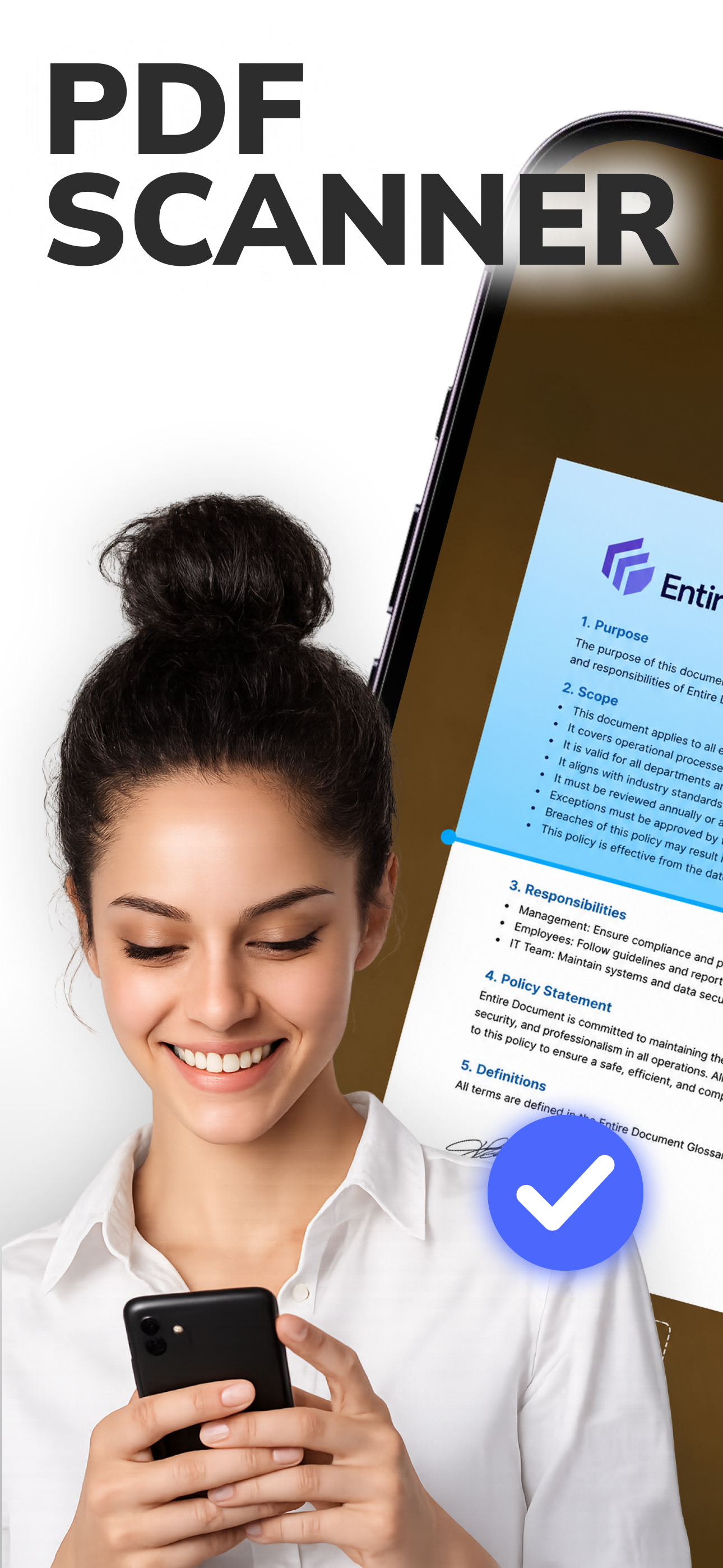
SCAN PAPER TO PDF
The camera detects the page edges and corrects the perspective automatically. Scan several pages in one session, then adjust any of them with crop and filters. ID cards, passports and business cards each have their own mode, and the ID card mode puts the front and back on one page. You can also make a PDF from photos in your library.
READ AND ANNOTATE
Open a PDF from Mail or Files through the Share menu. Search the document, and in long files use the table of contents and bookmarks to jump to the right page. Mark text with a highlighter or an underline and add notes to the page. Switch to a sepia or dark theme for reading at night.
EDITING TOOLS
Draw your signature or import it from a photo. It's saved for the next document. Fill in forms with text and dates, mark checkboxes, or write on the page with a pen. Drag pages to reorder them. Any page can be extracted into a separate file.
PDF to Text recognizes the text in scans and photos so you can copy it or save it as a TXT file. Compress makes a smaller copy of a large PDF and keeps the original. Lock a file with a password. When a document is ready, export it as PDF or JPG, share it to Mail, Messages or any other app, and keep everything sorted in folders.
PDF Scanner Pro adds multi-page export, unlimited photo import, signatures, text recognition with TXT export, compression, password protection and folders. Payment is charged to your Apple Account when you confirm the purchase. If you start a free trial, you're charged when the trial ends unless you cancel at least 24 hours before then. The subscription renews automatically unless you cancel at least 24 hours before the end of the current period. You can manage or cancel it anytime in your Apple Account settings.
Privacy Policy: https://camscan.site/privacy.html
Terms of Use: https://camscan.site/terms.html
Support: info@camscan.site
Store Rank
The Store Rank is based on multiple parameters set by Google and Apple.
All Categories in
United States--
Business in
United States--
Top Competitors & Alternative Apps
Apps with a high probability of being used by the same users, from the same store.

Shield Secret Box

Filescan Cyber Check

Flux Cleaner-Space Optimize

TidyPop
 PDF Scanner: Read, Edit, Sign VS.
November 23, 2026