

Sie haben Ihr Suchlimit erreicht
Starten Sie Ihren kostenlosen Testzugang, um weiterhin alle Traffic- und Performance-Insights zu erkunden.
Los geht'sPDF Scanner:Scan Documents OCR App-Analysen für 28. Juli

PDF Scanner:Scan Documents OCR
- WANHUHOU TECHNOLOGIES LIMITED
- Apple App Store
- Kostenlos
- Versorgungseinrichtungen
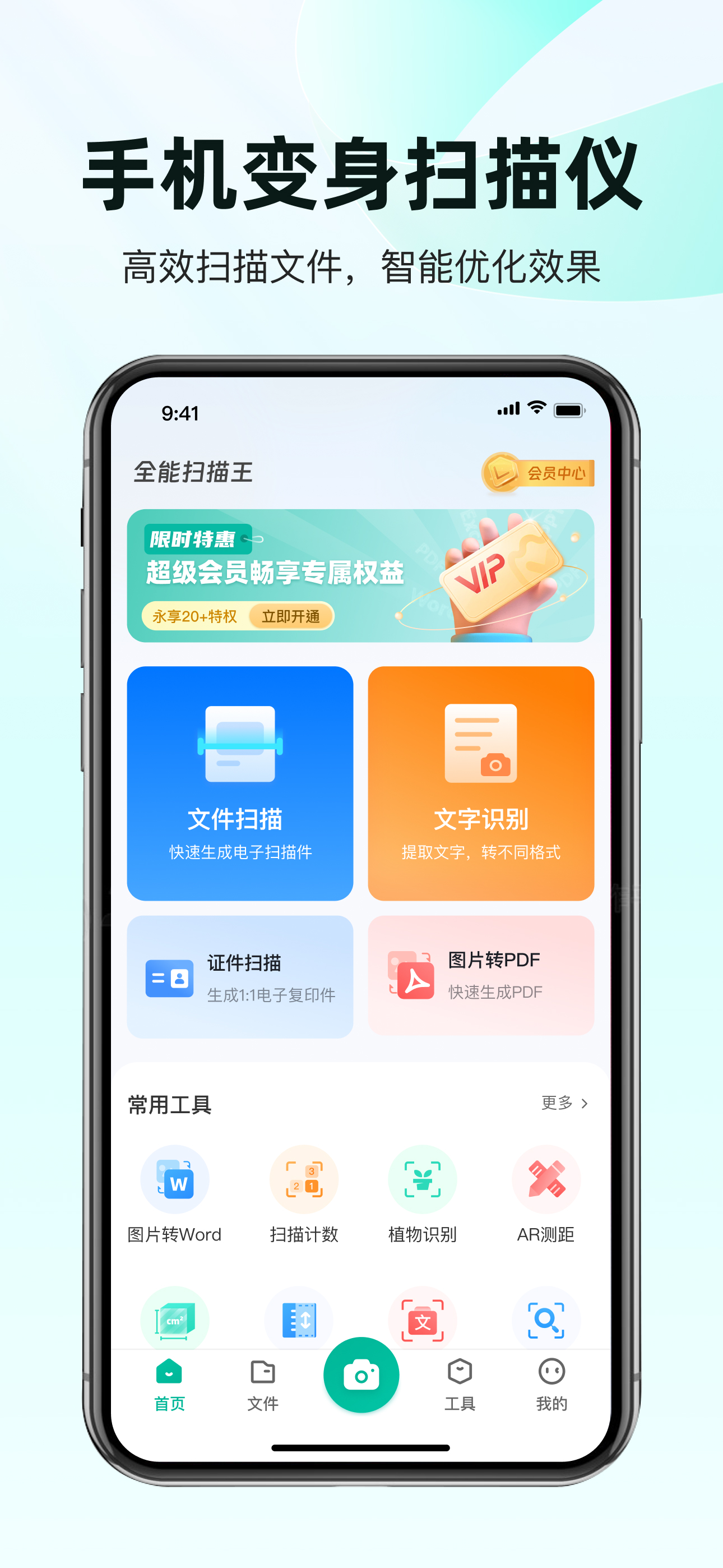
"PDF Scanner easily turns your phone into a smart scanning app. It allows you to edit documents immediately after scanning, such as cropping, rotating, highlighting, or applying filters. It is a powerful tool for white-collar workers, business people, accountants and students. In addition to scanning, it can also take ID photos, extract text using OCR, restore old photos, erase handwriting, read images, and perform AI counting.
Document Scanner
- Capture photos to convert ID cards, passports, receipts, newspapers, music scores, menus, screens, certificates, rental agreements, bills, blackboard notes, PowerPoint slides, printed documents, and licenses into PDF format
- Easily convert between various formats according to your needs. For instance, scan documents and convert them to Word, PDF, TXT, PPT, or JPG effortlessly
- With OCR Text Recognition, accurately extract text from photos. This enables you to edit, adjust, copy, export, or share the recognized text with ease
- With the Paper Eraser function, you can scan test papers and instantly remove handwritten text
- Take a photo of your documents and remove any wrinkles or stains
- Special scanning features include distortion correction, orientation adjustment, re-cropping, defect cleanup, shadow removal and more
- The Book Mode scan feature allows you to capture two pages simultaneously. For instance, you can scan multiple pages of a comic book into a single document and save it on your device
- Edit your contracts using PDF Scanner, and share them with your customers along with notes
Photo Restoration
- Repair damaged old photos
- Add filters to repaired old photos
- Take your ID photos using the ID PHOTO MAKER
Free Scanner App with AI Tools
- Automatically count similar objects after capturing the items you want to tally
- Use your camera to measure the width, height, or length of any objects
- Export the results as PDF or JPEG
- Manually adjust the results if necessary
About Subscrittion
- Subscribe to get access to all features of PDF Scanner. You will be charged after the purchase confirmation
- Subscriptions auto-renew 24 hours before the expiration date. You can manage your subscriptions in account Settings on the App Store
- Subscriptions may be managed by the user and auto-renewal may be turned off by going to the user's Account Settings after purchase
- User Agreement: https://scan.juzan.info/index.php/useragreement?channel=apple
- Privacy Agreement: https://scan.juzan.info/index.php/privacystatement?channel=apple
- Member Service Terms of Use: https://scan.juzan.info/index.php/subscribeagreement?channel=apple
- For any issues, please contact us by: hhh_tianyu@yeah.net
Rang speichern
Der Store-Rang basiert auf mehreren Parametern, die von Google und Apple festgelegt wurden.
Alle Kategorien in
Vereinigte Staaten--
Versorgungseinrichtungen in
Vereinigte Staaten--
Top-Wettbewerber und alternative Apps
Apps mit hoher Wahrscheinlichkeit, von denselben Benutzer:innen aus demselben Store verwendet zu werden.

PTU2买家

Sixfast-留学生华人玩游戏看剧听歌

微信输入法

百度极速版
 PDF Scanner:Scan Documents OCR VS.
 Juli 28, 2026