

You’ve hit your search limit
Start your free trial to keep exploring full traffic and performance insights.
Get StartedSTL & 3D Model Viewer - Mes3D app analytics for October 9

STL & 3D Model Viewer - Mes3D
- ONNEX YAZILIM ANONIM SIRKETI
- Apple App Store
- Free
- Developer Tools
View and inspect 3D models directly on your device with Mes3D.
Mes3D is a fast, lightweight 3D model viewer for opening and exploring common 3D file formats. Rotate, zoom, measure, analyze, and review your models with simple touch controls.
Key Features
Import 3D Files
Open models from Files, cloud storage, or other apps. Mes3D supports STL, STEP, STP, OBJ, glTF, GLB, USDZ, 3MF, AMF, PLY, OFF, 3DS, ZIP, and more. No conversion required.
Easy 3D Navigation
Rotate, pan, and zoom smoothly to inspect your model from every angle. Quickly switch between front, side, top, and perspective views.
View Original Colors and Textures
Models with embedded colors or textures can be displayed as intended. Customize the viewer with wireframe, background, and color settings.
Measure and Analyze
Measure distances between two points and view bounding dimensions, volume, surface area, and estimated print weight. Printability checks can identify open edges, non-manifold geometry, flipped normals, and degenerate triangles. Choose between millimeters, centimeters, and inches.
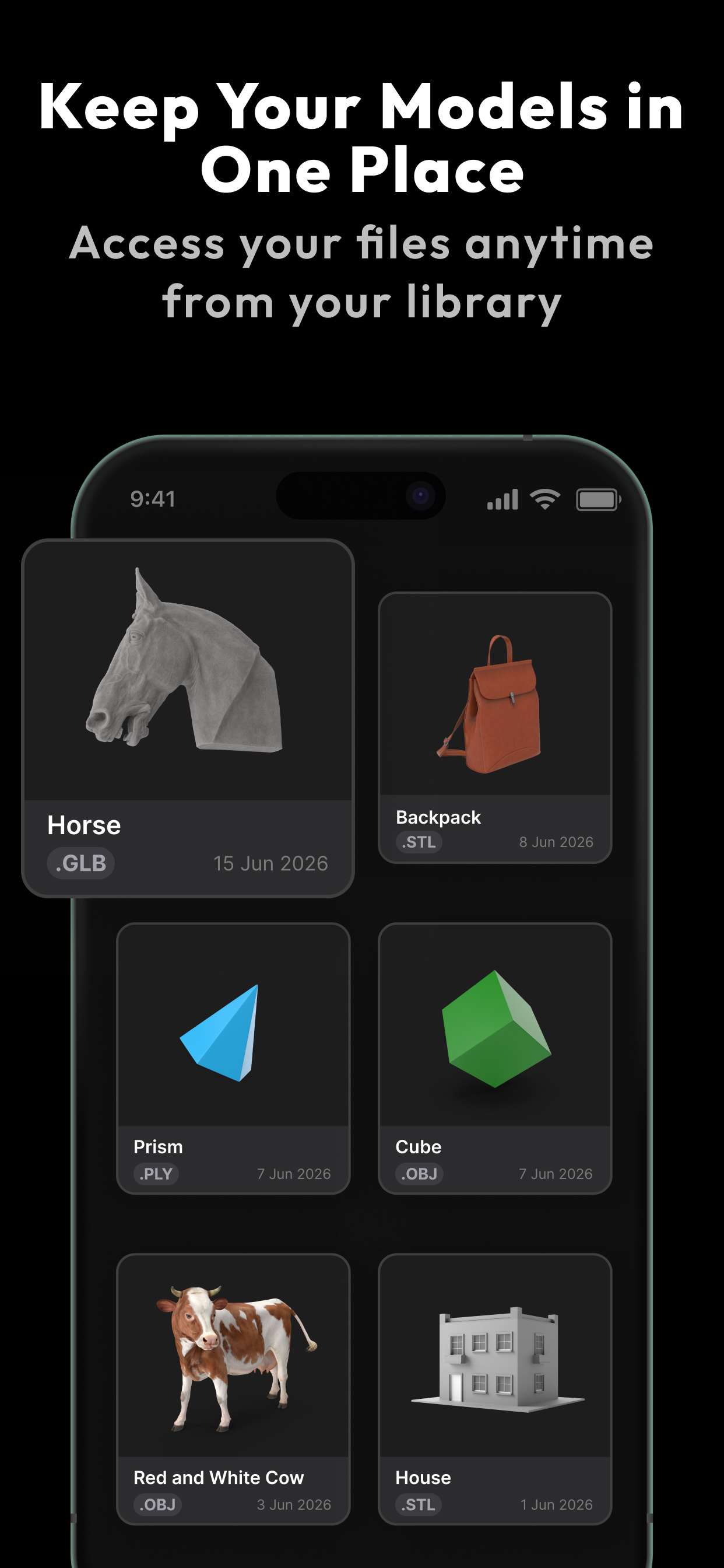
Keep Your Models Organized
Save imported files on your device, group them into collections, and reopen them whenever you need.
Export Snapshots
Capture and share images of your models for documentation, feedback, or quick previews.
View in AR
Place compatible models in your surroundings with AR Quick Look on supported devices.
Made for 3D Files
Mes3D is useful for 3D printing, CAD and CAM previews, design, engineering, education, and anyone who needs to inspect a 3D model on the go.
Technical Note
Mes3D is designed for mesh-based model rendering. Support for animations, advanced materials, and complex scene hierarchies may vary by file format.
Privacy
Your files are processed locally on your device. Nothing is uploaded or shared externally.
Mes3D Pro unlocks features including measurement, analysis, AR viewing, unlimited library saves, and full viewer customization.
Simple, fast 3D model viewing.
Terms of Use: https://www.notion.so/Mes3d-Terms-of-Use-33f686c61ac4802e8635e101e12ef136
Privacy Policy: https://www.notion.so/Mes3d-Privacy-Policy-33f686c61ac480a4ac4edf69c42488d9
Store Rank
The Store Rank is based on multiple parameters set by Google and Apple.
All Categories in
United States--
Developer Tools in
United States#114
Top Competitors & Alternative Apps
Apps with a high probability of being used by the same users, from the same store.

STL File Viewer Pro

STEP File Viewer

3D Converter and Viewer

Models Zoo
 STL & 3D Model Viewer - Mes3D VS.
 October 9, 2026