

You’ve hit your search limit
Start your free trial to keep exploring full traffic and performance insights.
Get StartedAnálisis de la app Firestick Remote & Cast FireTV para 16 de enero
Firestick Remote & Cast FireTV
- AirBeamTV BV
- App Store de Apple
- Gratis
- Foto y vídeo
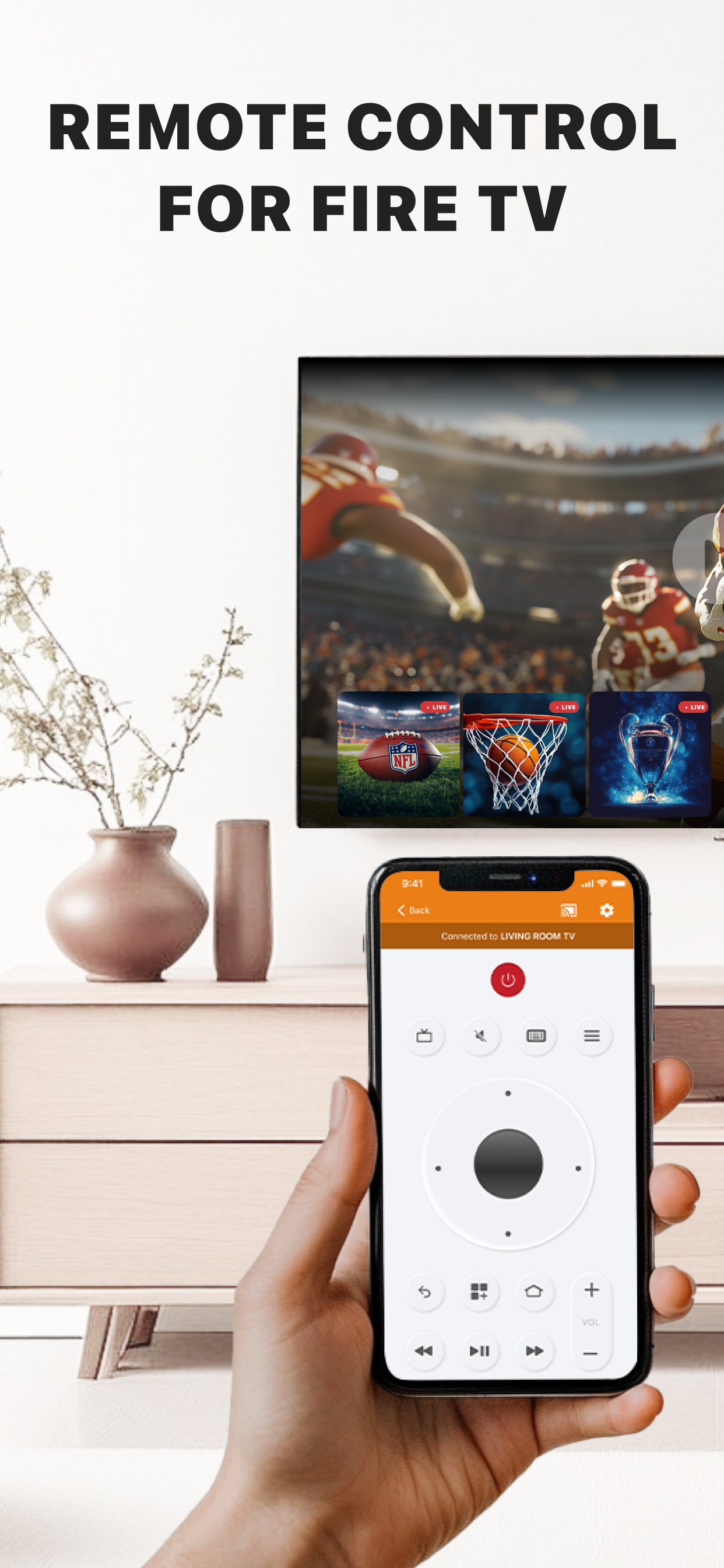
Get the #1 app for Fire TV and improve your home-entertainment experience today.
Stop staring at a small screen. Prevent eyestrain and avoid high costs for expensive hardware. With this app you can make your life even more comfortable! Watch all the content from your iPhone and iPad on your Amazon Fire TV. Enjoy firestick remote & videos, series, news, photos, sport and documentaries on your television and stream them effortlessly from your iOS device.
Get the most out of your Fire TV and improve your home-entertainment experience with just a few simple clicks.
Before using this revolutionary screen mirroring app, visit the Amazon website and install the (free) Mirror Receiver for Fire TV: http://bit.ly/am-firetv
When using the app there is a small delay of a few 1 to 2 seconds. This mirroring app is therefore not suitable for gaming.
How the app works:
1. Make sure your iPhone or iPad is connected to the same local network as your Amazon Fire TV. Do not use multiple VLANs or subnets.
2. Launch the app. It will search for your Amazon Fire TV(s) on your local network. Select the TV as soon as it is found.
3. Enable notifications for this app. We use this to let you know if your TV is working correctly or not.
4. Click 'Start Mirroring' and start mirroring on the Fire TV. After that, you can just go to another app on your iPhone or iPad and the mirroring will continue as usual.
5. To stop mirroring, there are two options:
A) Click on the red top bar you see on your iOS device.
B) Go to the Mirror for Fire TV app and click on 'Stop Mirroring'.
Limitations and potential issues:
DRM;
Some apps block screen mirroring. This means that application developers can choose whether to block screen mirroring. Netflix, HBO, Disney and Apple TV+ have decided to block this. Unfortunately, we cannot change this.
There is a simple test to see if the app you want to mirror has blocked Screen Mirroring:
1) Open that particular app and slide up the Control Center on your iPhone/iPad.
2) Then click on 'Screen recording' and start recording the screen on your camera roll.
3) View the app you want to mirror and stop the screen recording at some point.
4) Then go to your Photos app and watch the video that was recorded.
If the recorded video shows the app you want to mirror, it will work fine. If the video is blank, the app you want to mirror won't allow screen mirroring.
You can purchase the Fire TV Remote Pro version through an in-app purchase.
The Pro version has the following benefits:
1. Add audio to screen mirroring.
2. Free lifetime updates.
3. Higher screen resolutions, such as 720p and 1080p.
Payment:
* Payment will be charged to iTunes account at confirmation of purchase.
* Subscription automatically renews unless auto-renew is turned off at least 24 hours before the end of the current period.
* Account will be charged for renewal within 24 hours prior to the end of the current period and identify the cost of the renewal.
* Subscriptions may be managed by the user and auto-renewal may be turned off by going to the user's Account Settings after purchase.
* Any unused portion of a free trial, if offered, will be forfeited when the user purchases a subscription to that publication, if applicable.
Our Terms of Use: http://bit.ly/ABTV-TOU21
Our privacy policy: https://www.airbeam.tv/privacy-policy/
About screen recording and privacy:
Even though there are screen recording notifications, we don't record your screen. And, we don't send content to any server. We only temporarily store data in memory before streaming it to the TV. Streaming deletes the content from memory.
Support:
If you have any questions or want to provide feedback, please email us or chat with us on our Facebook page.
Feedback: support@airbeam.tv
Amazon, Fire TV, and all related marks are trademarks of Amazon.com, Inc. or its affiliates.
Clasificación de tiendas
El Store Rank se basa en múltiples parámetros establecidos por Google y Apple.
Todas las categorías en
Estados Unidos--
Foto y vídeo en
Estados Unidos--
Principales competidores & aplicaciones alternativas
Aplicaciones con una alta probabilidad de ser utilizadas por los mismos usuarios, desde la misma tienda.

Screen Mirroring for Fire TV

TV Cast for Fire TV®
MirrorMeister Screen Mirroring

AirScreen Cast
 Firestick Remote & Cast FireTV VS.
 enero 16, 2026