

You’ve hit your search limit
Start your free trial to keep exploring full traffic and performance insights.
Get StartedAnálisis de la app Company Seals para 15 de febrero

Company Seals
- Kandasamy Kaleeswaran
- App Store de Apple
- Pagado
- Negocios
This app creates digital Company Seals.
The user can stamp the company seal on pdf and save it.
The user can export the company seal as a png image(1024 pt x 1024 pt) for other uses.
Create A New Seal:-
Hit + Button and
1)Select a seal Template,
2)Edit Text,
3)Leave blank for no text,
4)Select icon image if required by the template,
5)Select Other Properties of the seal
6)Preview and
7)Save the seal.
Note:- Company Icon Images needs to be 1024 pt x 1024 pt image with/without transparent background.Lower resolution icons may give poor quality seal images.Icon Image can be imported from iCloud Drive or “On My iPhone/iPad”, locations.
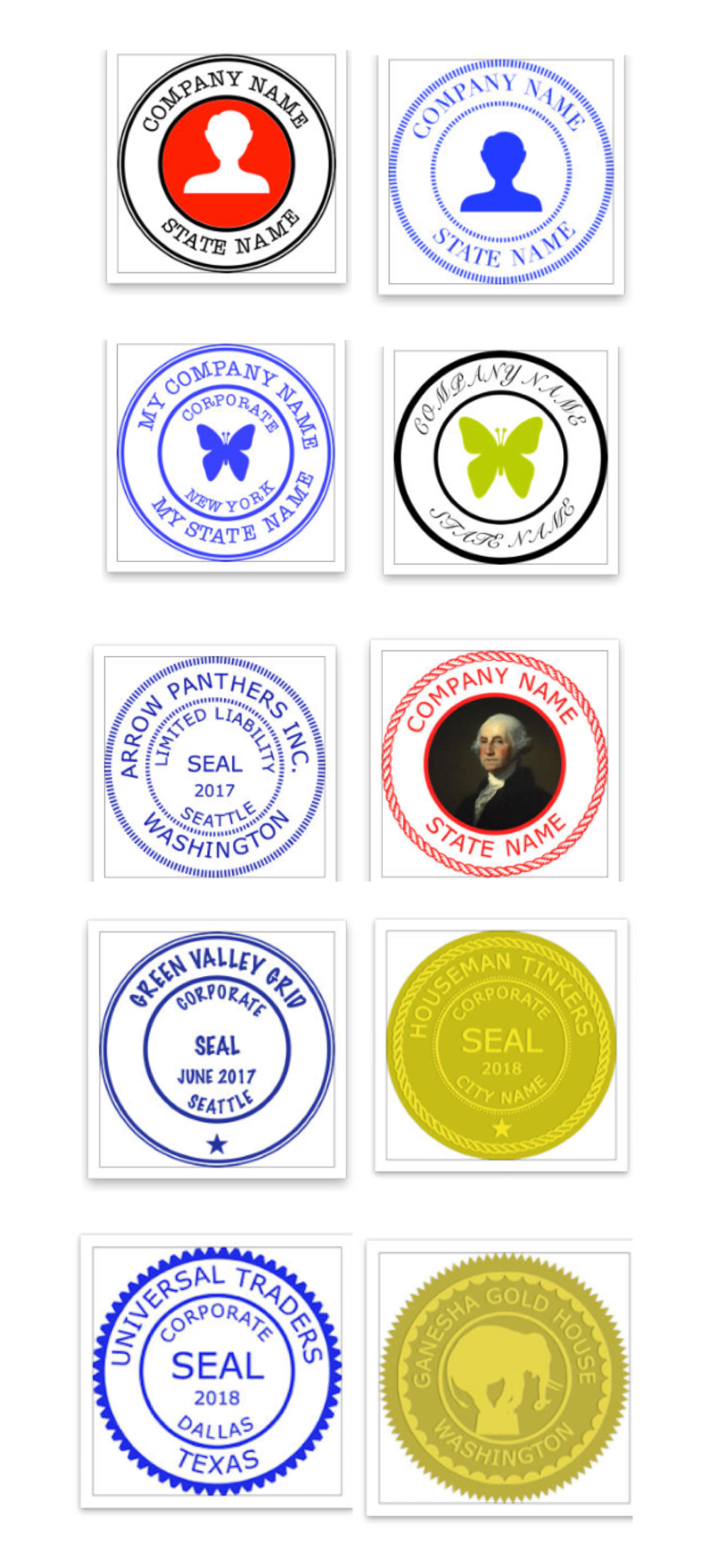
Eight seal templates are provided.
The following can be chosen by the user:-
1)Seal colour
2)Seal Type
3)Border Type
4)Inner Border Type
5)Font Size
6)Font Name
7)Icon type(Round or Square)
8)Icon colour (seal colour mask or original).
9) Rotation 0-30 deg left/right.
10)Yin or Yang Seal(for normal type seals).
Yang seal - Transparent background with Letters in Seal colour.
Yin Seal - Background in seal colour and Letters are transparent.
Select an Available Seal for stamping:-
1)Select a seal
2)Hit Pick seal
Export an Available Seal:-
1)Select a seal
2)Hit Export Seal
3)Save the seal image to your location
Delete an Available Seal:-
1)Select a seal
2)Hit Delete Seal
Stamping On Pdf:-
Hit Import Pdf & Choose a Pdf Document.
1)Go to the page where you want to stamp.
2)Move to the required location on the page.
3)Tap to stamp.
Reset Selected page:-
1)Select the page
2) Hit Undo
Original pdf documents are not changed.
But,Seal impressions are permanent on saved Pdf Documents.Seal impressions are not pdf annotations.
Company Seals has the following Sizes:-
1 1/4 inches, 1 1/2 inches, 1 3/4 inches, 1 9/16 inches, 1 5/8 inches, 1 3/4 inches, 1 7/8 inches, 2 inches
Other seal images can be imported to this app.
You need to import a 1024 pt x 1024 pt png/tiff image.The seal image background needs to be transparent.
Note:- Avoid very Dark Colours for Emboss or Wax Seal types.
www.appskou.com for support
Clasificación de tiendas
El Store Rank se basa en múltiples parámetros establecidos por Google y Apple.
Todas las categorías en
Estados Unidos--
Negocios en
Estados Unidos--
Principales competidores & aplicaciones alternativas
Aplicaciones con una alta probabilidad de ser utilizadas por los mismos usuarios, desde la misma tienda.

eTrapp Pro

CHDMCE Complaints

CFR AI - Title 19

Rafi Community
 Company Seals VS.
 febrero 15, 2026