

You’ve hit your search limit
Start your free trial to keep exploring full traffic and performance insights.
Get StartedAnálisis de la app Record3D — 3D Videos para 22 de enero

Record3D — 3D Videos
- Marek Simonik
- App Store de Apple
- Gratis
- Foto y vídeo
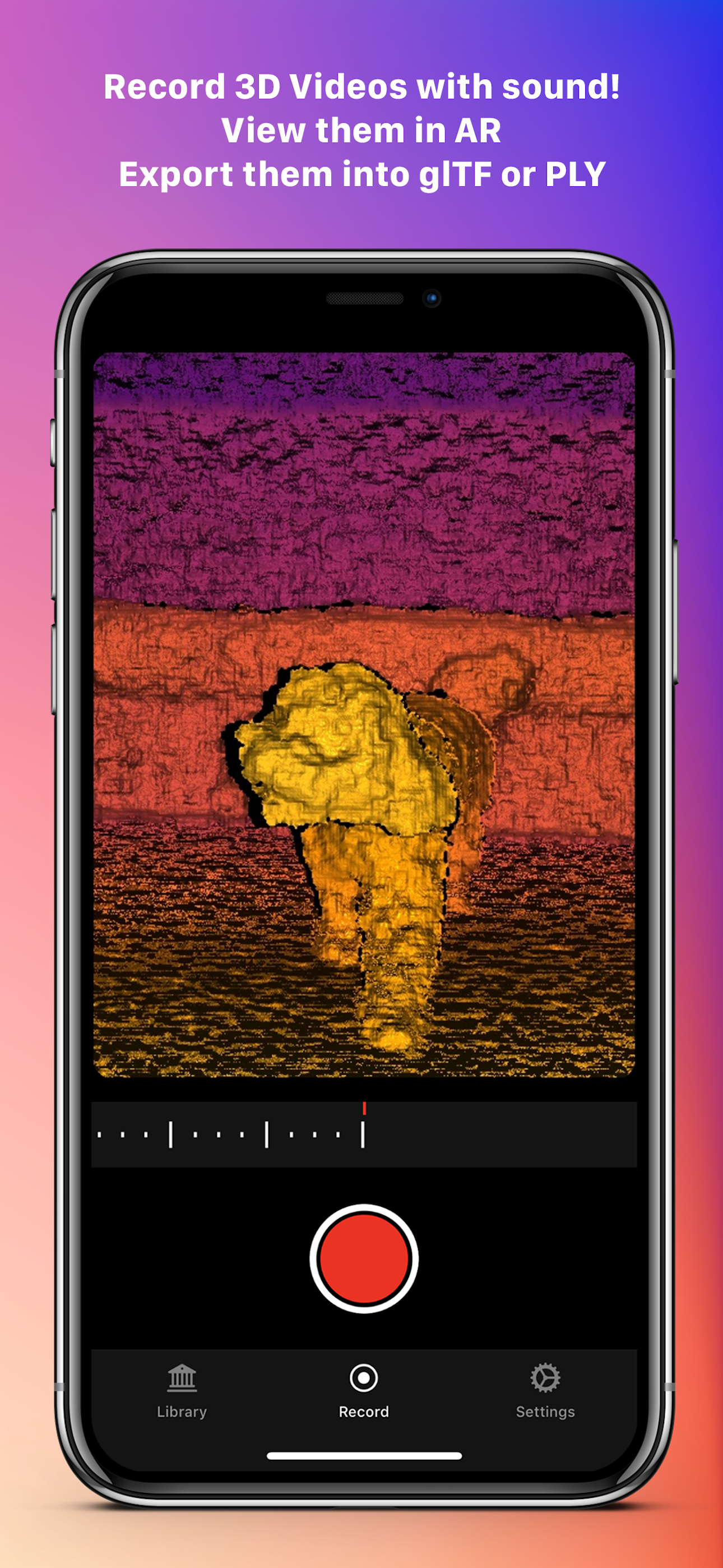
Record your very own 3D Videos using the selfie *FaceID* camera or the *LiDAR* sensor! Export them into FBX, glTF, sequence of PLY files, OBJ or Alembic. Use WebRTC Wi-Fi Streaming, export into RGBD mp4 videos.
Export 3D videos into the Spatial Video format (only on iOS 17 or newer) or into SBS (Side-by-Side) stereo videos.
Show your Volumetric Videos in AR and experience the **True3D effect**: turn your iPhone or iPad into a window through which you can see into the world behind your screen, where your 3D Videos live! True3D is activated by pressing the "3D" button in the vertical toolbar. Be sure to be in portrait orientation to activate True3D.
Are you a Digital Artist or a Developer? Then there is something for you too. You can stream RGBD video from your device into your computer via USB cable. Just install C++ or Python library and you are good to go. The C++ and Python libraries are open source — therefore there is no need to be worried about privacy (as you can easily verify for yourself).
You can also buy the Wi-Fi Streaming & RGBD Video export Extension Pack and stream 3D Videos (with color-coded depth data) via Wi-Fi using WebRTC — that means you can stream 3D Videos even into a web browser! Note that Wi-Fi Streaming works ONLY over your local network (LAN), NOT over the Internet. Wi-Fi Streaming delivers lower quality depth data compared to USB streaming, because it leverages lossy compression. For more details about Wi-Fi Streaming, visit https://record3d.app
Note that the Unity USB Streaming demo is currently not compatible with the Wi-Fi Streaming feature. Wi-Fi Streaming uses a completely different technology, so you will need to rewrite the Unity demo to work with Wi-Fi Streaming.
With that same Extension Pack, you can encode (export) 3D Videos into RGBD mp4 videos, which can be used for example for viewing your 3D Videos in a Looking Glass holographic display. If you are an artist or a developer, you can use the mp4 RGBD videos for offline 3D Video visualisation.
Speaking of privacy, Record3D does not track you, does not contain any analytics, ads nor any other invasive things. Everything you do in the app stays on the device, is completely yours and not shared with any third parties. The Wi-Fi Streaming feature works only on your local network (LAN), it does NOT work over the Internet.
The app offers you 3 free 3D Videos so that you can evaluate some of its functionality before purchasing.
Visit https://record3d.app/ for more details, tutorials and demos.
You can contact me at support@record3d.app if needed.
Clasificación de tiendas
El Store Rank se basa en múltiples parámetros establecidos por Google y Apple.
Todas las categorías en
Estados Unidos--
Foto y vídeo en
Estados Unidos--
Principales competidores & aplicaciones alternativas
Aplicaciones con una alta probabilidad de ser utilizadas por los mismos usuarios, desde la misma tienda.

Modelar - 3D LiDAR scanner

Omniscient - Blender CGI Lidar

Dot3D - LiDAR 3D Scanning

Abound - 3D Scanner
 Record3D — 3D Videos VS.
 enero 22, 2026