

You’ve hit your search limit
Start your free trial to keep exploring full traffic and performance insights.
Get StartedAnálisis de la app Spreadsheet data entry para 15 de enero

Spreadsheet data entry
- Ruslan Musagitov
- App Store de Apple
- Gratis
- Servicios públicos
Effortlessly send data from your phone directly to your Google Sheets or CSV file. Perfect for on-the-go data saving and management.
This powerful tool is your ultimate companion for accounting, expense tracking as a smart spending tracker, warehouse inventory, and much more. Streamline your workflow by capturing information instantly—whether it's scanning a barcode, saving a location, or creating a new entry in your list maker.
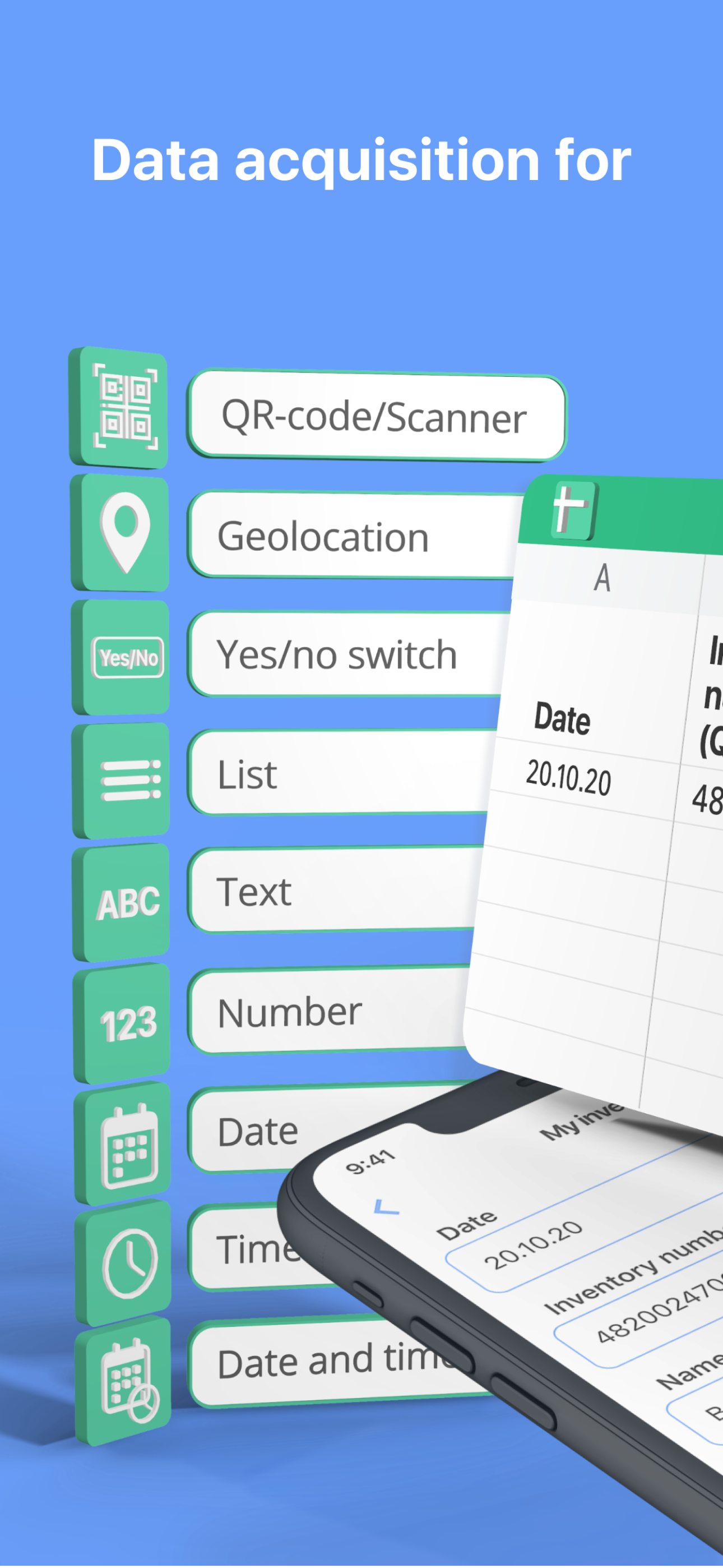
Capture & Save Various Data Types:
- Scan it: QR and Barcode data directly to your spreadsheet.
- Geolocation: Save your current coordinates or pick a point on the map.
- Text and Numbers for detailed notes.
- Dates & Timestamps: Automatic or custom entries.
- Predefined Lists: Select values from a custom list.
- Yes/No selectors for quick checks.
Seamless Integration with Google Suite
The app works flawlessly with Google Sheets, can replace Google Forms, allowing you to convert csv to Excel spreadsheet compatible files with ease. The revolutionary Scan to Sheets technology means data from codes appears in your rows and columns instantly, eliminating manual transcription.
How It Works:
- Select a form.
- Input data (scan, type, or select).
- Tap "Send".
- Watch as the information appears live in your spreadsheet on Google Drive.
Connect Your Google Sheet in Minutes:
- Authorize your Google account.
- Configure your target spreadsheet URL.
What is a Form?
A Form defines the structure of your data entry, linking input fields to specific columns in your target spreadsheet. Create them manually for full control or choose a ready-made template from our library.
Create a Form Manually:
- Create a spreadsheet in your Google Drive.
- In the app, create a new form:
- Paste the spreadsheet URL and sheet name.
- Configure each field: name, data type, and target column.
- Save.
Use a Predefined Template:
- Browse the form library.
- Tap "Add to my forms" – a copy of the spreadsheet template is saved to your Drive.
Automate your data logging, enhance productivity, and ensure accurate data saving for any project. Download now to transform your phone into a powerful data hub.
Terms of Service and Privacy Policy:
https://bytepace.com/spreadsheet-data-entry/tos-and-privacy-policy
Clasificación de tiendas
El Store Rank se basa en múltiples parámetros establecidos por Google y Apple.
Todas las categorías en
Estados Unidos--
Servicios públicos en
Estados Unidos--
Principales competidores & aplicaciones alternativas
Aplicaciones con una alta probabilidad de ser utilizadas por los mismos usuarios, desde la misma tienda.

Handy Spreadsheet

QR Sidekick (Scan to Sheets)

# Simple Table - Note as table

Customer Database
 Spreadsheet data entry VS.
 enero 15, 2026